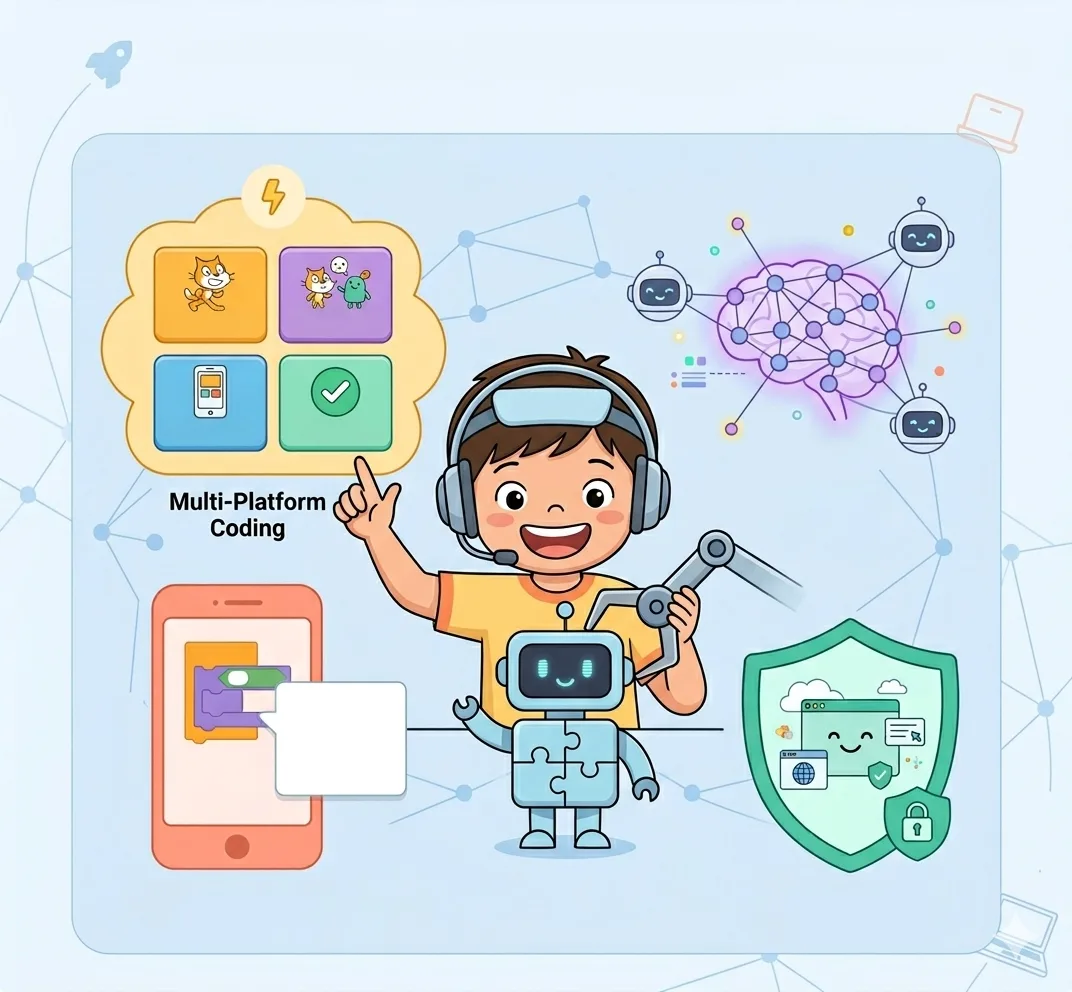
Cadet Track
Introduction to coding & digital citizenship
Curriculum Details
Introduction to visual coding through playful, age-appropriate activities
- Introduction to Minecraft Education Edition interface
- Sequencing commands and basic movement
- Loops and repeat blocks
- Conditionals and event-driven actions
Becoming safe, responsible digital citizens
- Password security and online identity
- Recognizing safe vs. unsafe online behavior
- Cyberbullying awareness and response
- Digital footprint and privacy basics
Complete Sprite Lab mastery including advanced features
- Sprite creation and customization
- Movement patterns and behaviors
- Cloning and scoring systems
- Multi-level game design
- Animations and sound effects
Learning Outcomes
Understand sequencing and cause-effect relationships
Navigate digital spaces safely and responsibly
Create sprite-based games and animations
Develop problem-solving through code
Build confidence with technology tools
Projects You'll Build
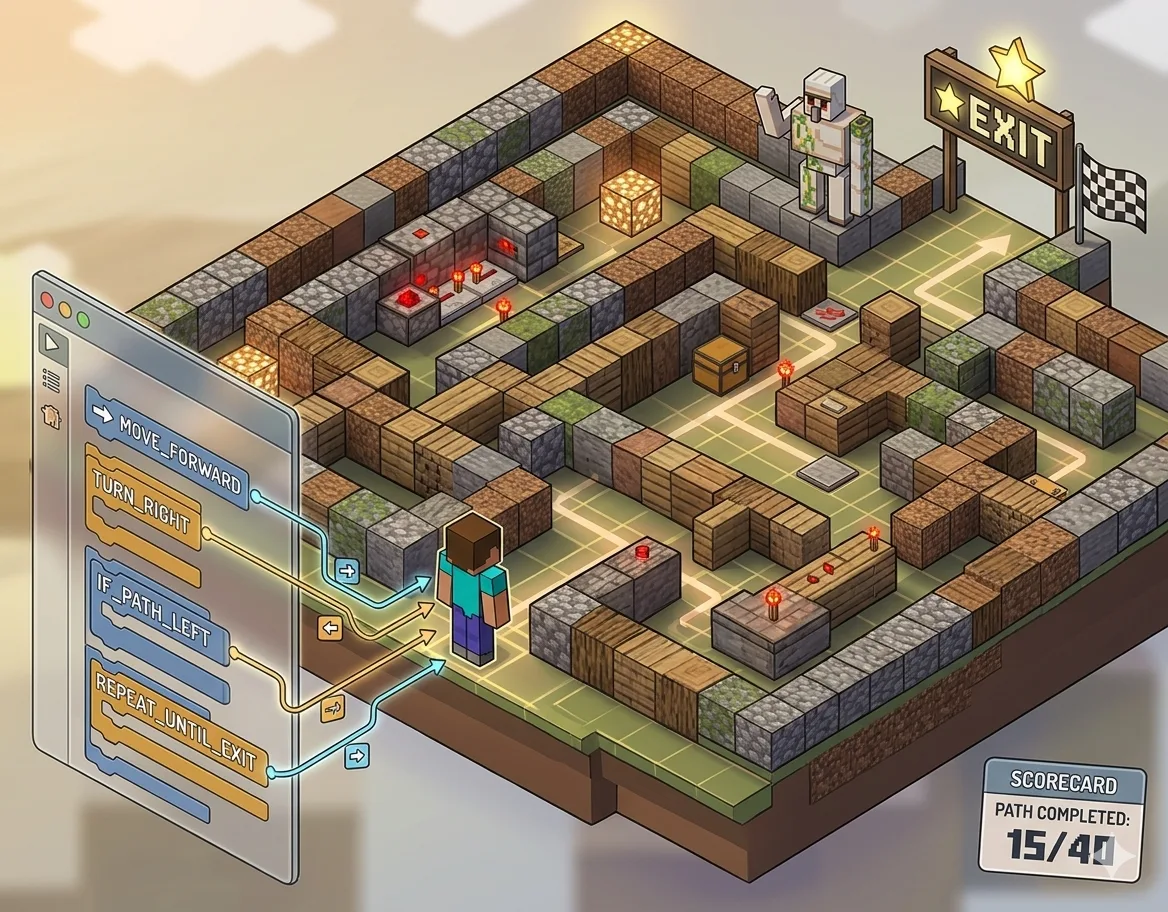
Minecraft Maze Challenge
Navigate a maze using coding commands
Digital Safety Poster
Create an interactive safety guide
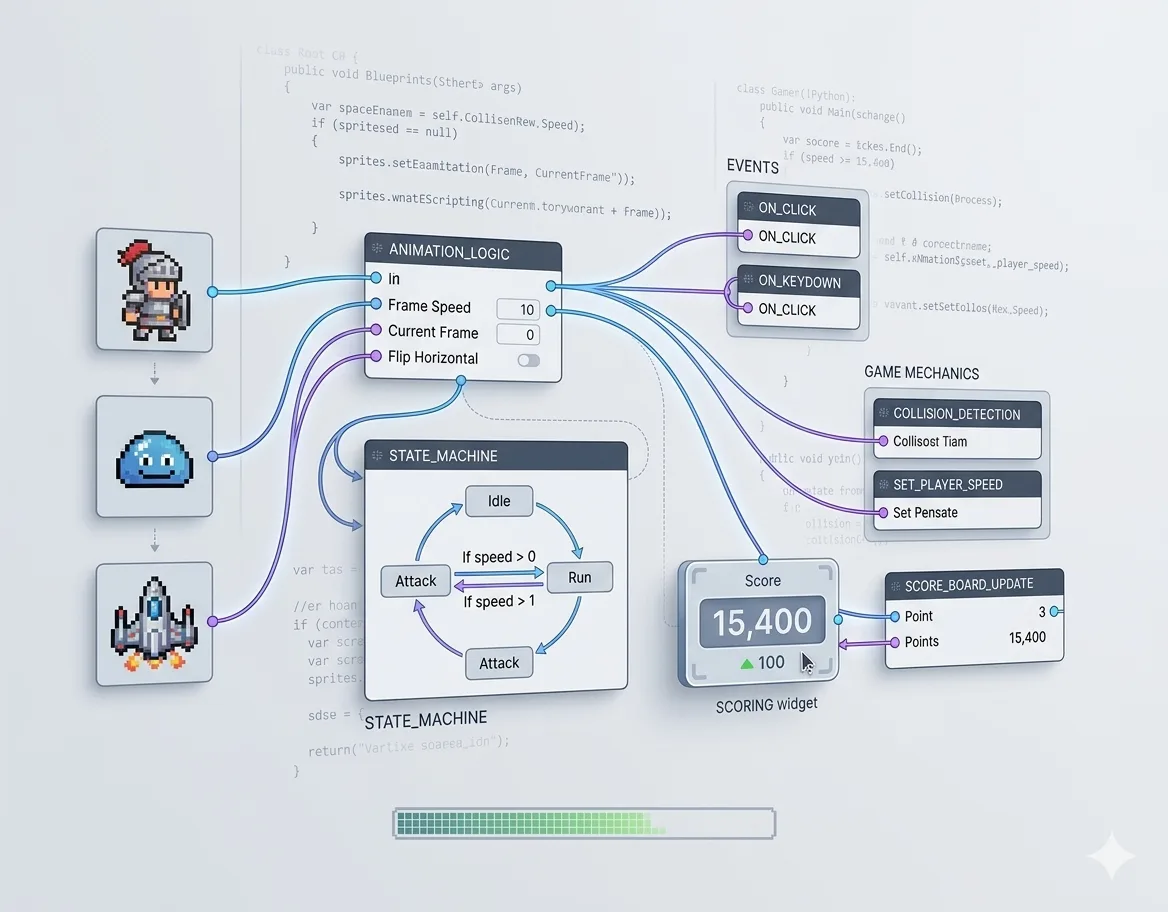
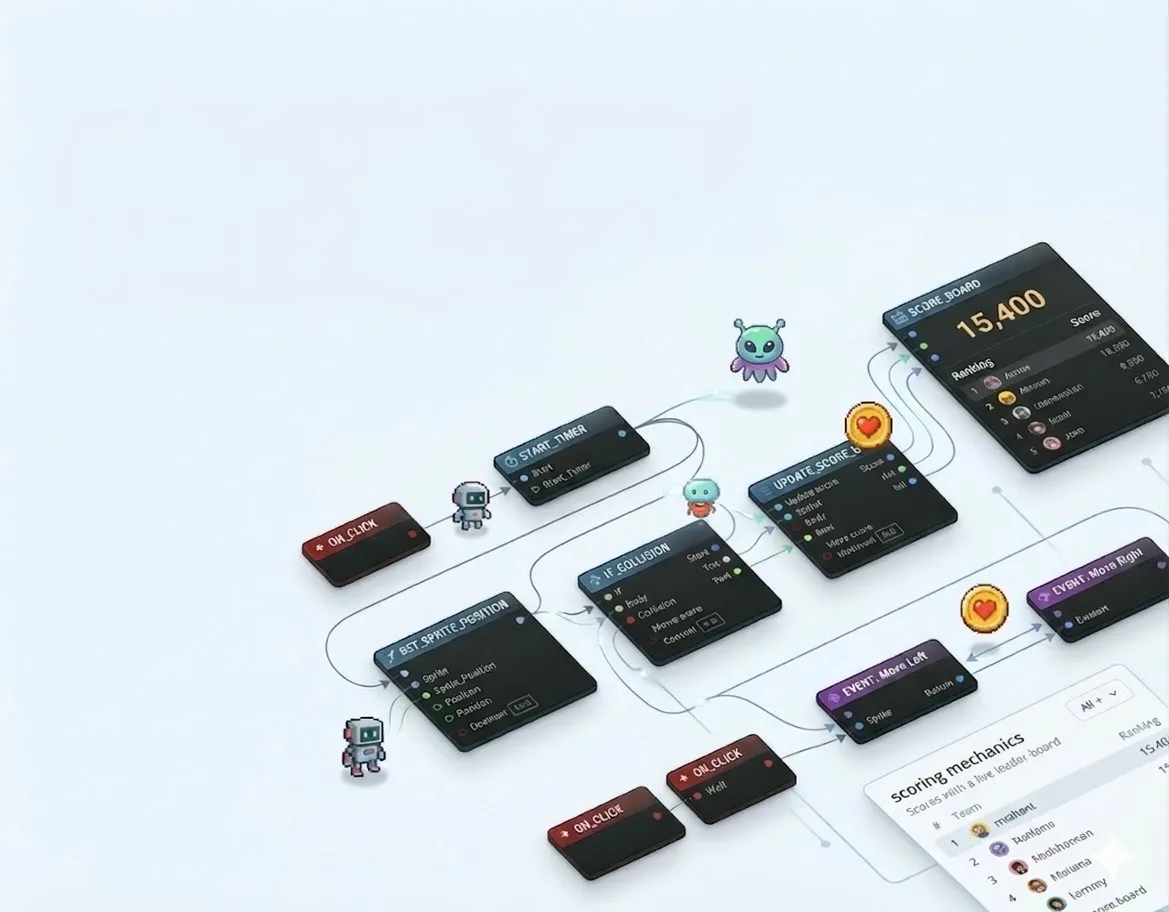
Sprite Animation Game
Build an animated sprite game
Capstone Project
Interactive Sprite Game
Build a complete game with sprites, events, and scoring mechanics
Assessment & Certification
Project-Based
Evaluation through creative projects, not tests or exams
Parent Updates
Regular progress reports and milestone celebrations
Captain Track
Complete game design & AI exposure
Curriculum Details
Introduction to block-based coding through Minecraft puzzle worlds
- Minecraft Education Edition mastery
- Sequencing, loops, and conditionals
- Event-driven programming
- Problem-solving challenges
Becoming safe, responsible digital citizens
- Password security and online identity
- Safe online behavior and cyberbullying
- Digital footprint and privacy
- Responsible technology use
Complete Sprite Lab mastery including advanced features
- Password security and online identity
- Safe online behavior and cyberbullying
- Digital footprint and privacy
- Responsible technology use
Scratch programming with AI integration
- Scratch interface and blocks
- Game logic and variables
- Broadcasts and messaging
- Introduction to AI concepts
- Speech recognition integration
Learning Outcomes
Master two major coding platforms
Design multi-level interactive games
Understand AI fundamentals and applications
Create games with scoring and progression
Apply computational thinking to complex problems
Projects You'll Build
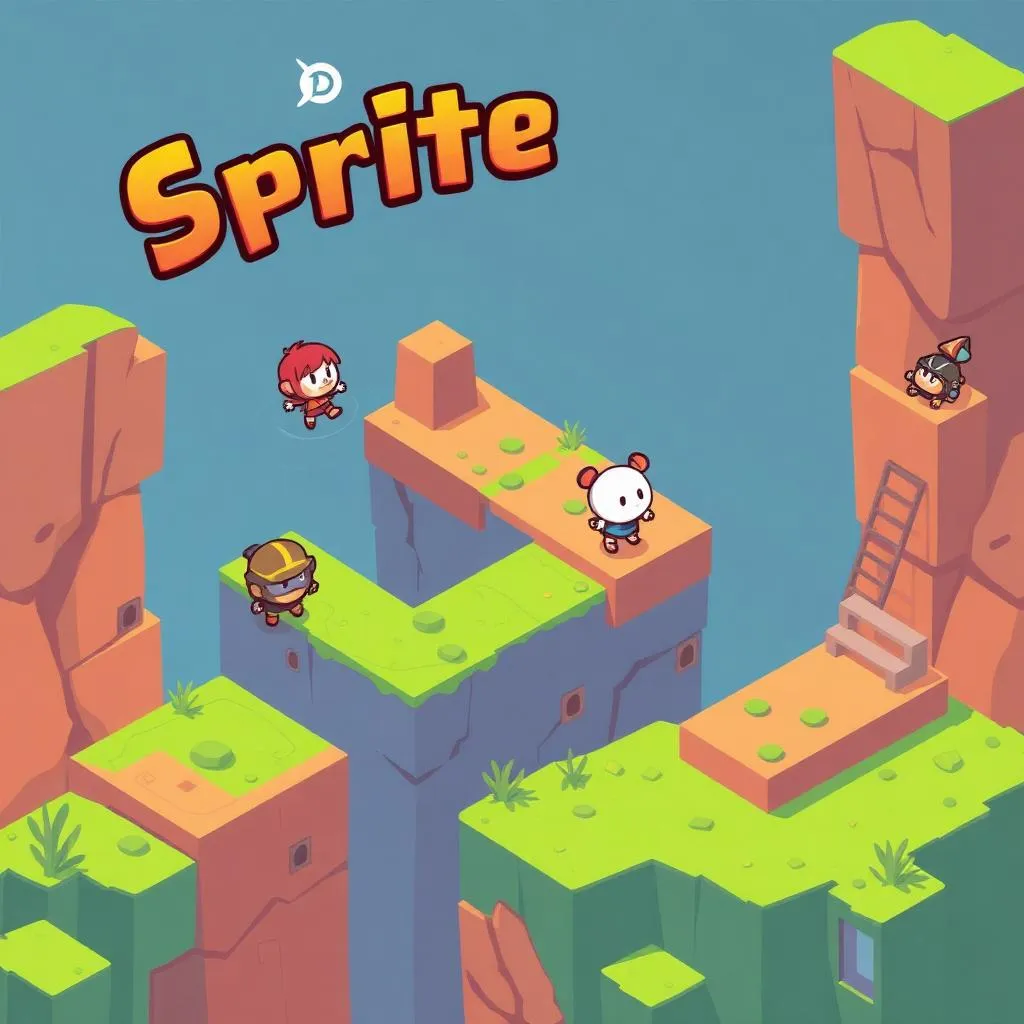
Sprite Lab Adventure
Multi-level adventure game
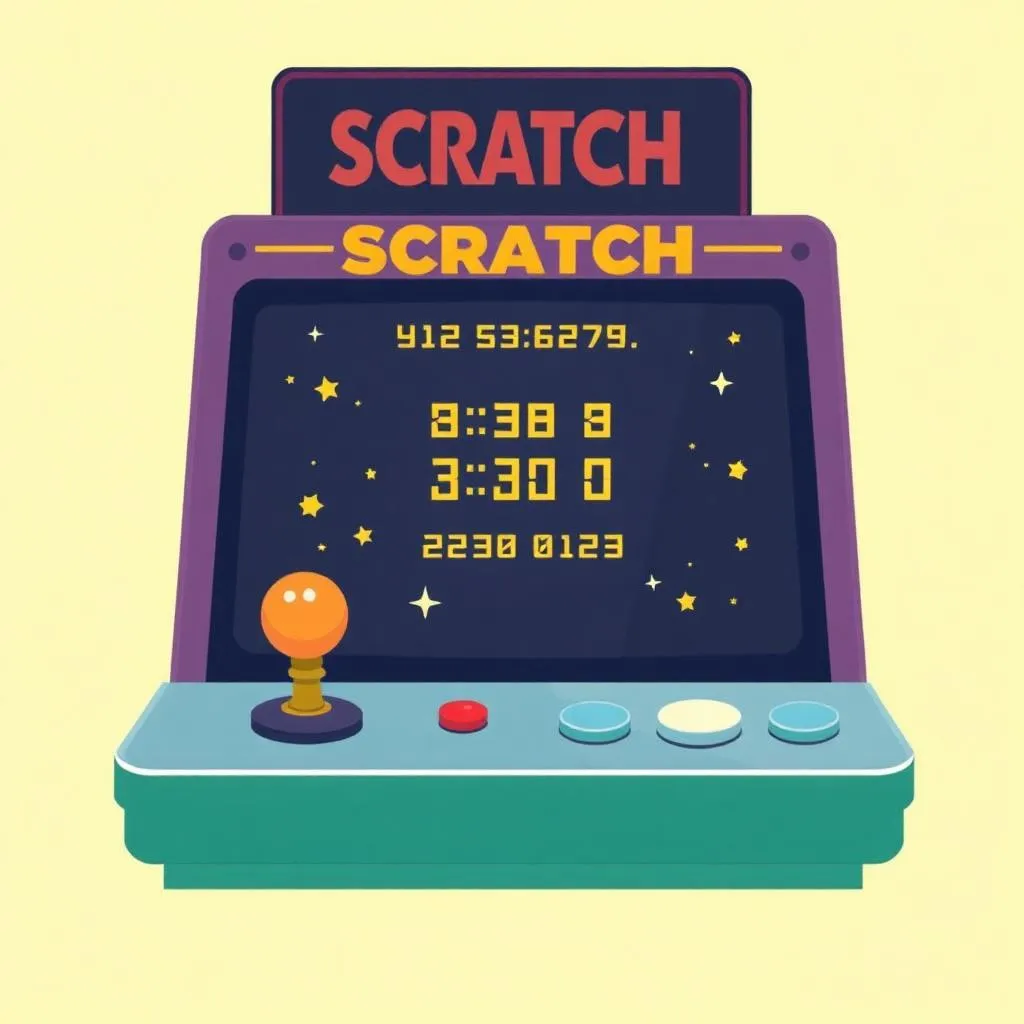
Scratch Arcade Game
Classic arcade-style game
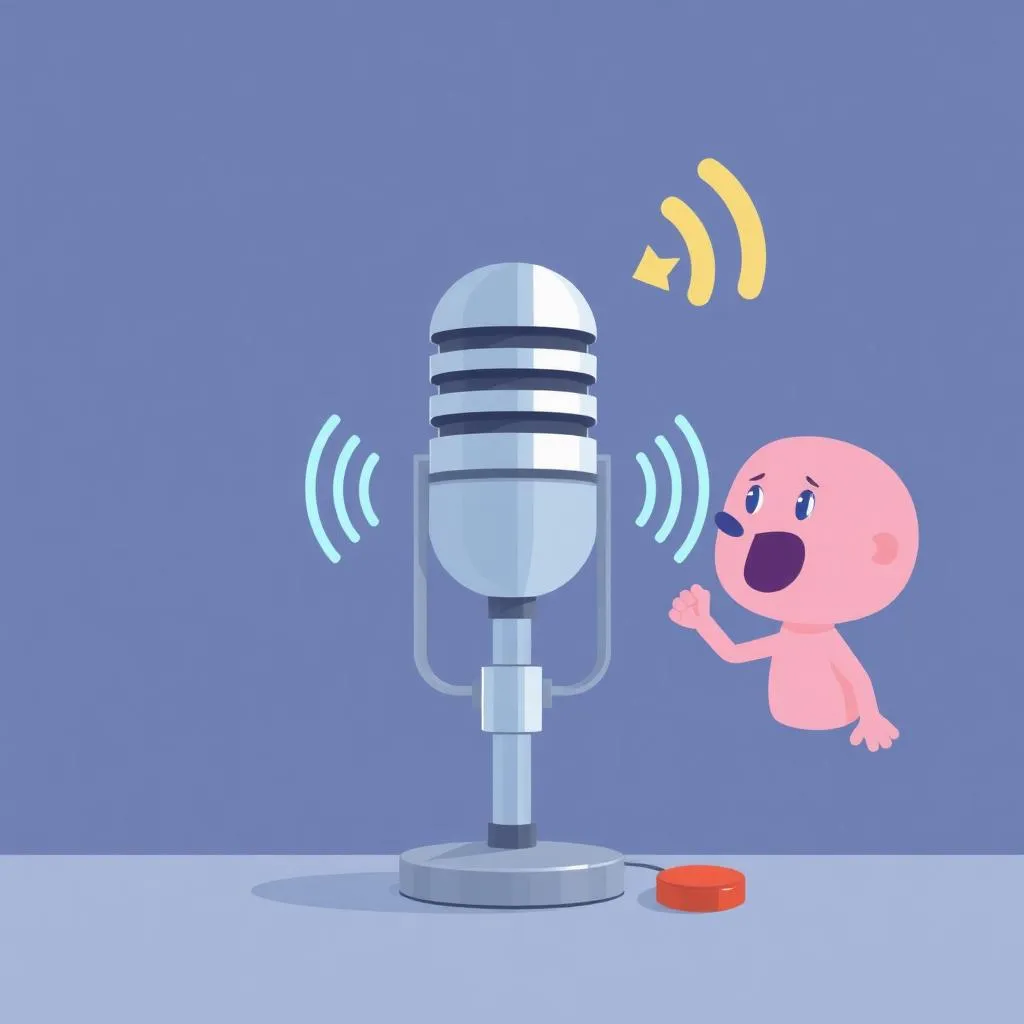
AI Voice Game
Voice-controlled game experience
Capstone Project
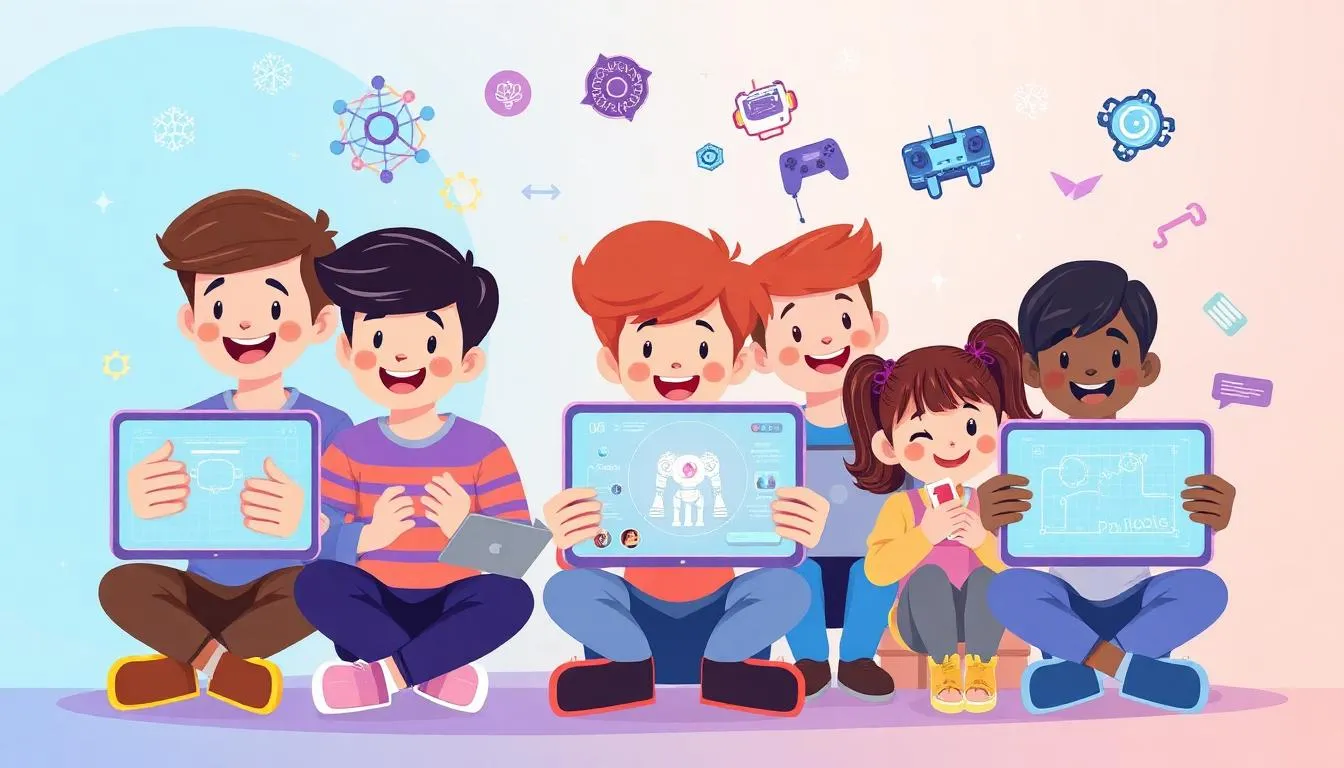
AI-Enhanced Game Showcase
A comprehensive game combining Scratch skills with AI features like speech recognition
Assessment & Certification
Project-Based
Evaluation through creative projects, not tests or exams
Parent Updates
Regular progress reports and milestone celebrations.
Colonel Track
Complete Grade 2-3 Developer Pathway
Curriculum Details
Block-based coding foundations through Minecraft
- Getting Started with Minecraft Coding
- Internet Safety & Digital Citizenship
- Game Design with Sprite Lab
- Basic Game Design & AI with Scratch
Teachable Machine and advanced AI projects
- Training custom machine learning models
- Image and sound recognition
- Face sensing and gesture controls
- AI-powered game experiences
Building real applications with Code.org App Lab
- User interface design principles
- Variables, functions, and data handling
- Event-driven app development
- Working with APIs and external data
Learning Outcomes
Master multiple coding platforms
Apply AI in practical projects
Build functional applications
Design complex game systems
Develop professional computational thinking
Projects You'll Build
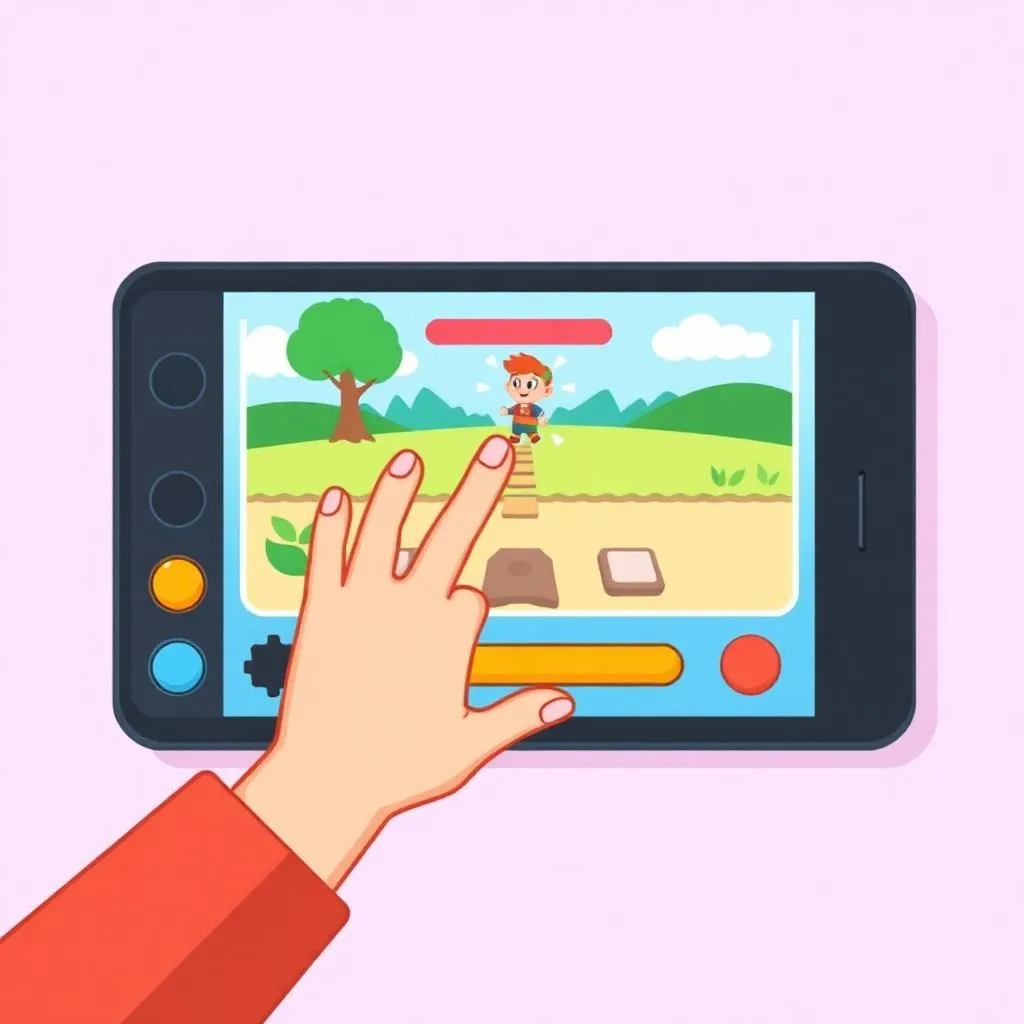
Gesture-Controlled Game
AI-powered game controls

Weather Dashboard App
Real data-driven application
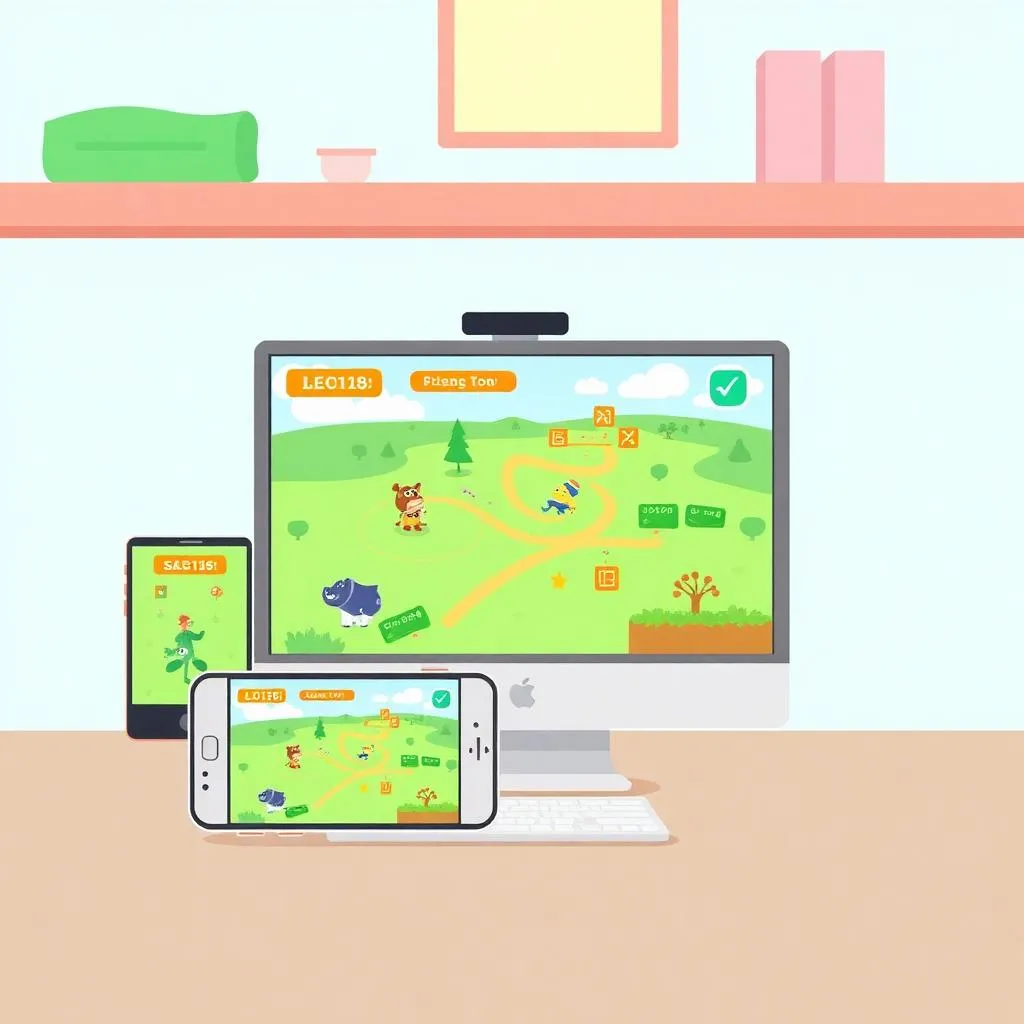
Multi-Platform Game
Cross-platform game design
Capstone Project
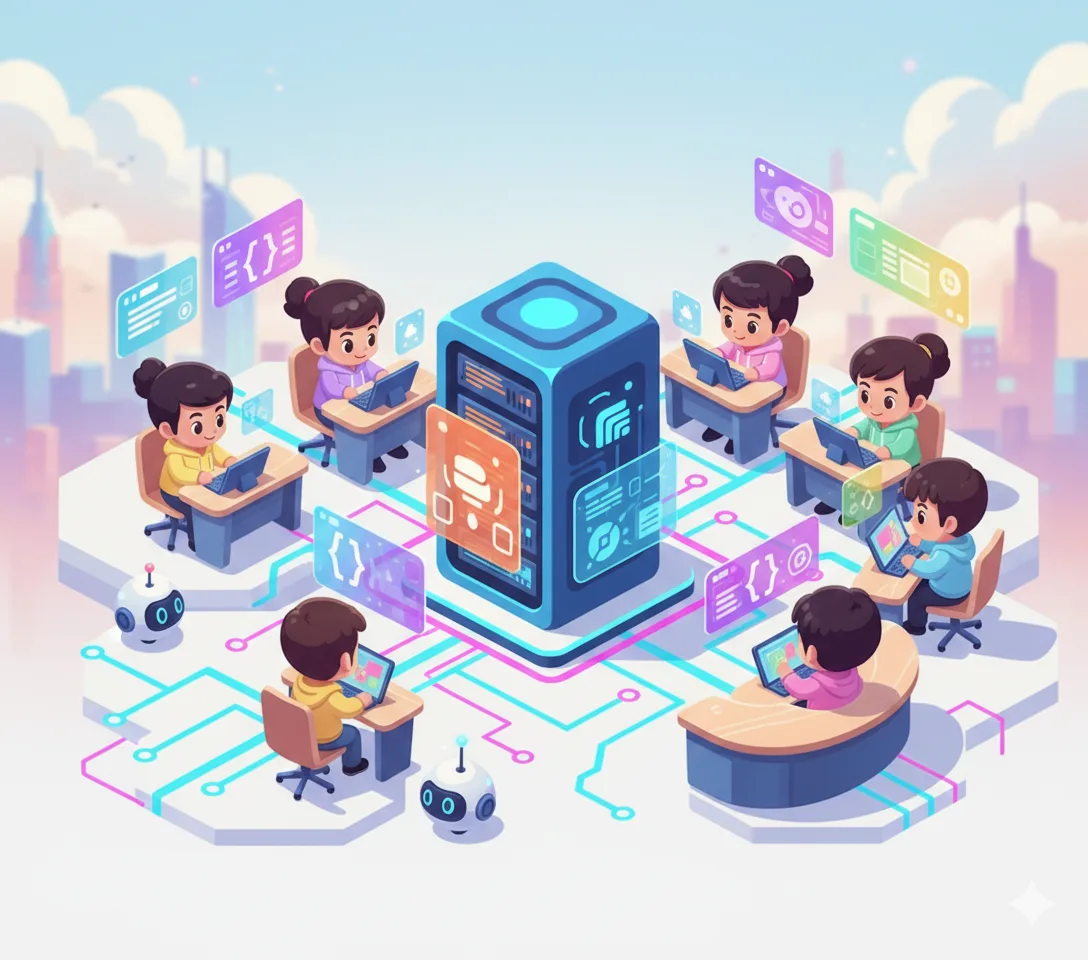
Junior Tech Showcase
A multi-format capstone presentation combining ScratchJr project, robot mission, and creative digital artefact
Assessment & Certification
Project-Based
Evaluation through real projects, not tests or exams.
Parent Updates
Regular progress reports and milestone celebrations.
General Track
Ultimate Junior Tech Developer Pathway
Curriculum Details
Complete Colonel curriculum covering all fundamentals
- Minecraft Coding (4 sessions)
- Digital Citizenship (6 sessions)
- Sprite Lab Game Design (24 sessions)
- Scratch + AI Fundamentals (24 sessions)
- Advanced AI with Teachable Machine (24 sessions)
- App Lab Development (24 sessions)
Mobile app development with AI integration
- App Inventor interface and components
- Building mobile user interfaces
- Working with device sensors
- Creating AI-powered chatbots
- AI image recognition features
- Publishing and sharing apps
Human-centered design and innovation skills
- Empathy mapping and problem framing
- Ideation and brainstorming techniques
- Prototyping and iteration
- Visual storytelling and branding
- Presenting ideas effectively
3D modeling and engineering basics
- Tinkercad interface and tools
- 3D shapes and modeling basics
- Measurements and assemblies
- Designing for 3D printing
- Engineering challenges and projects
Professional game development with Lua
- Roblox Studio interface and tools
- 3D world building and terrain
- Lua scripting fundamentals
- Game logic and mechanics
- UI design and scoring systems
AI-powered content creation and storytelling
- Introduction to AI text generation
- AI image creation with prompts
- Prompt engineering techniques
- AI-powered storytelling and storybooks
- No-code game creation with AI
Learning Outcomes
Complete mastery across all platforms
Build and publish mobile applications
Create AI-integrated systems
Design and model in 3D
Develop professional games with Lua
Apply generative AI creatively
Projects You'll Build
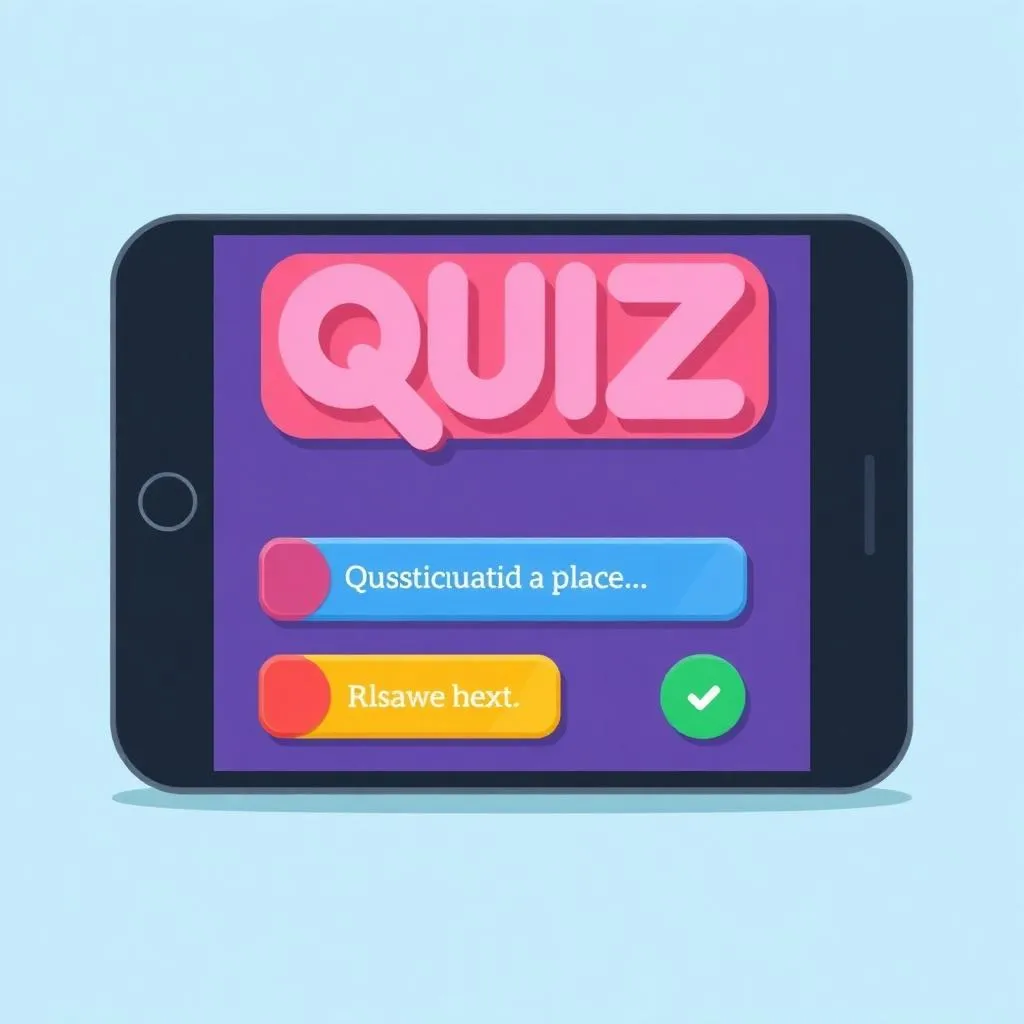
Mobile Quiz App
Interactive mobile quiz game
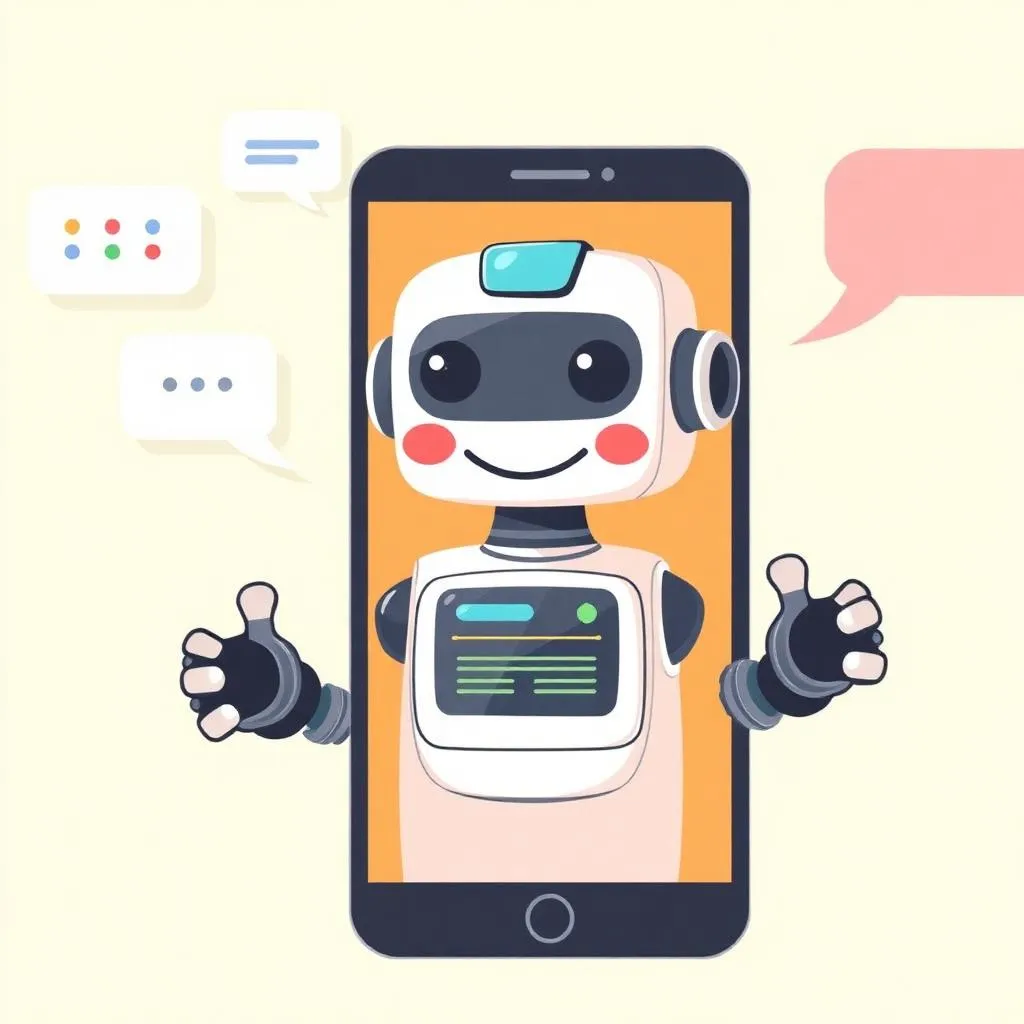
AI Chatbot Assistant
Conversational AI application
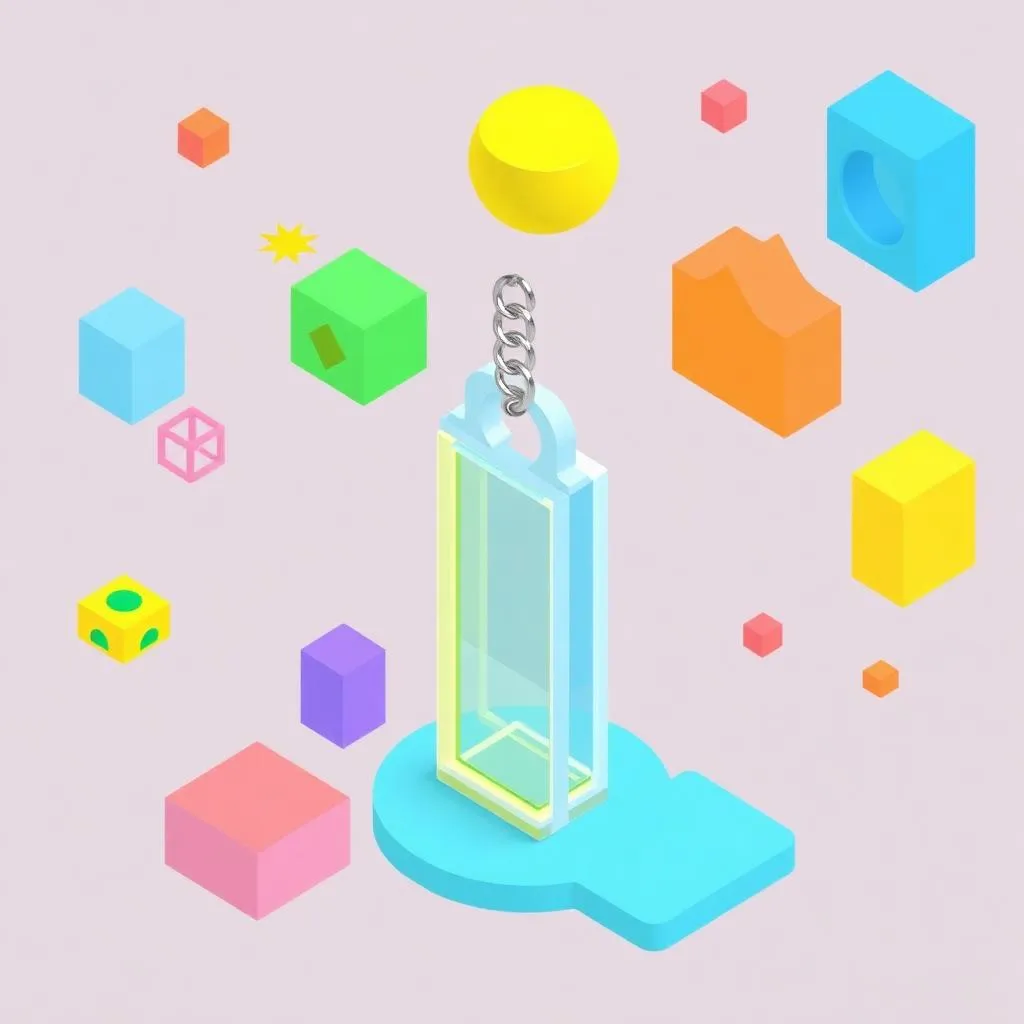
3D Keychain Design
Custom 3D printed creation
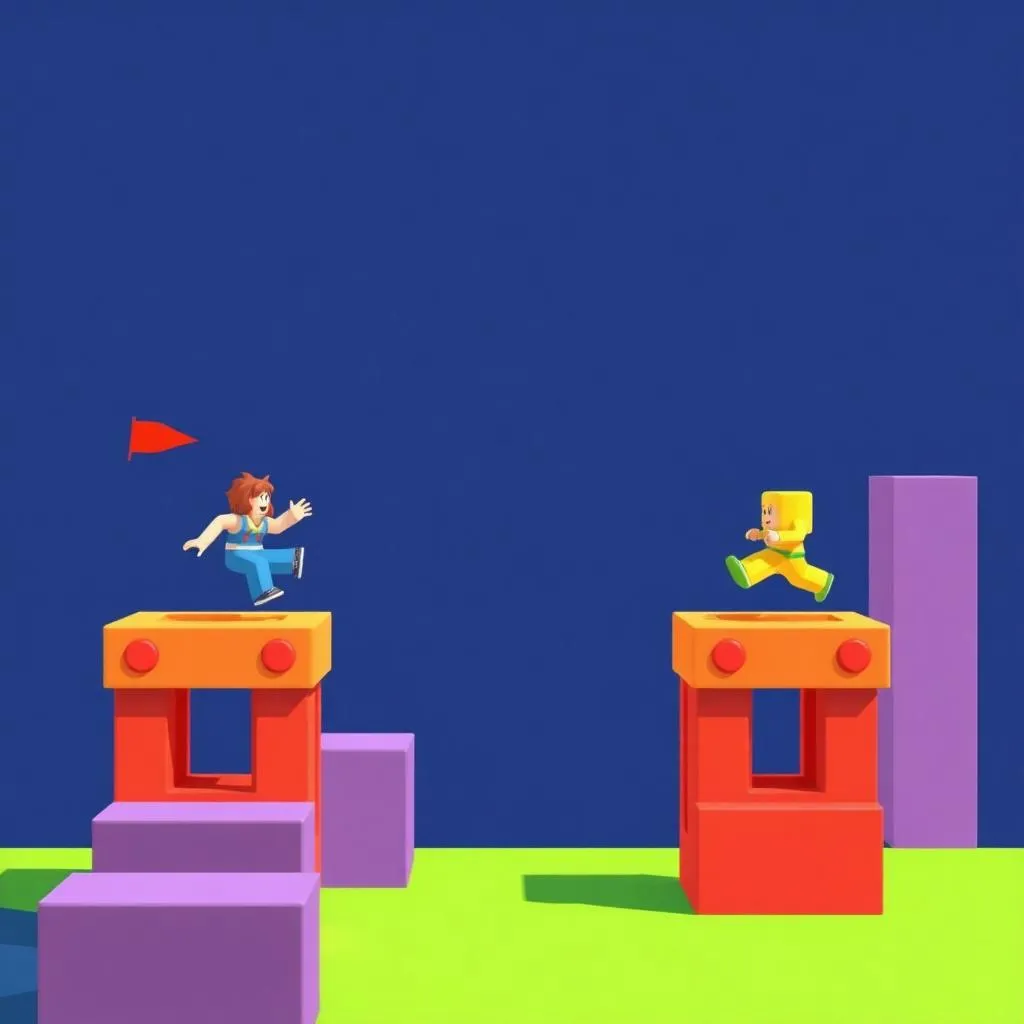
Roblox Obby Game
Obstacle course adventure
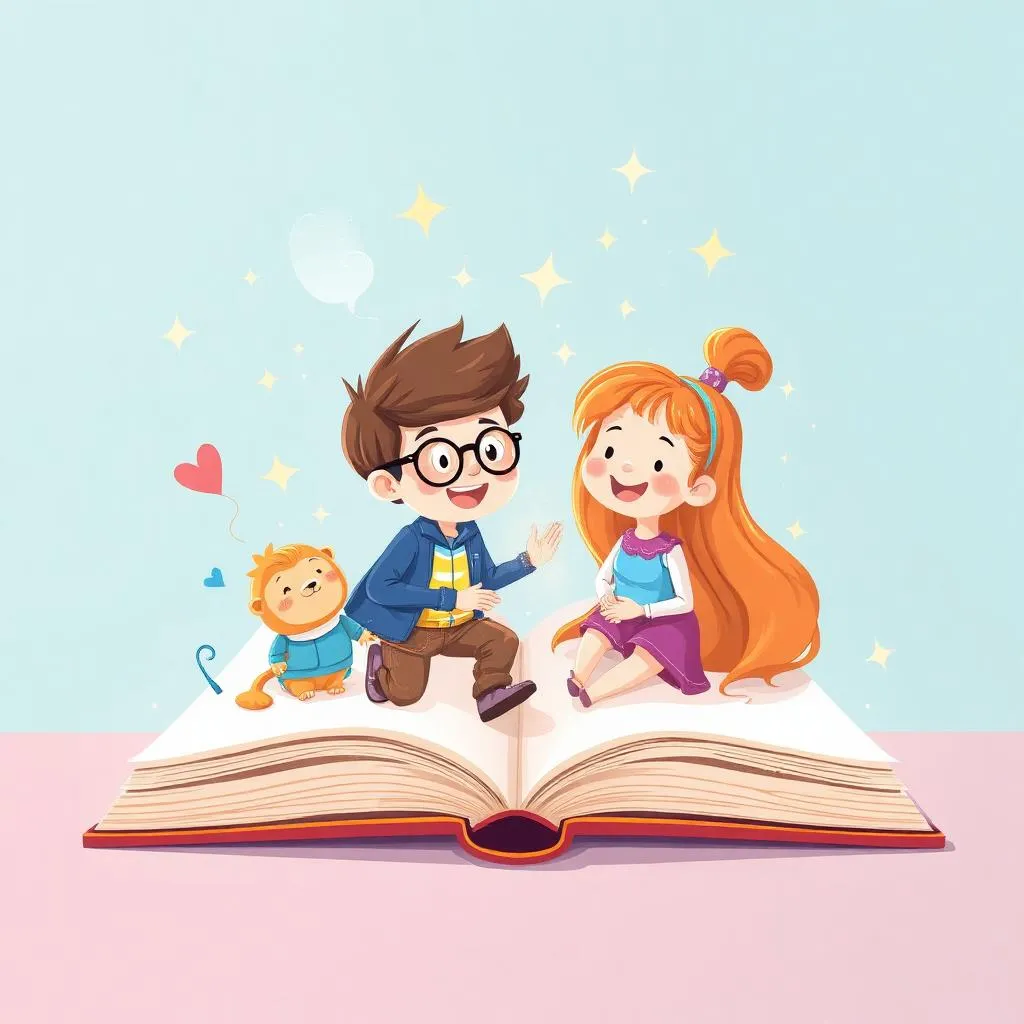
AI Storybook
AI-illustrated children's story
Capstone Project
Junior Tech Master Showcase
A comprehensive portfolio featuring mobile apps, 3D designs, Roblox games, and AI-powered creative projects
Assessment & Certification
Project-Based
Evaluation through real projects, not tests or exams.
Parent Updates
Regular progress reports and milestone celebrations.