Ages 10-18
35 Sessions
AI Integration

Roblox Game Development

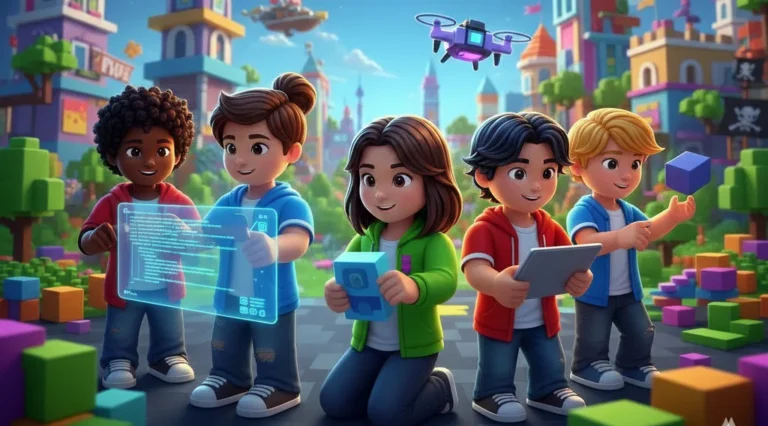
From absolute beginner to published game developer. Master Lua scripting, 3D design, multiplayer systems, and launch your own games on Roblox’s platform of 200M+ players.

35 Sessions
8+ Games
Live 1-on-1

This Course Includes

35 Live 1-on-1 Sessions
Expert Game Developer
50-Minute Classes
Certificate of completion
8+ Published Games
Lua Mastery
4.9/5

Parent Rating

500+

Happy Students

100%

Completion Rate

95%

Skill Improvement

25-Session Program

Course Curriculum

48 structured sessions across 4 levels, from Scratch basics to advanced AI integration

Level 1

Beginner: Foundations & Obby Games

Sessions 1-11
Master Roblox Studio basics, create your first 3D environments, and build a fully playable Obby (obstacle course) game. Learn foundational Lua scripting.
Sessions 1-5:

Studio Foundations

Object creation & manipulationBrickColor & materialsTerrain buildingPublishing to Roblox
Sessions 6-11:

Lua Scripting Intro

Variables & data typesFor loops & while loopsFunctionsFire & destruction effects

Projects Your Child Will Build
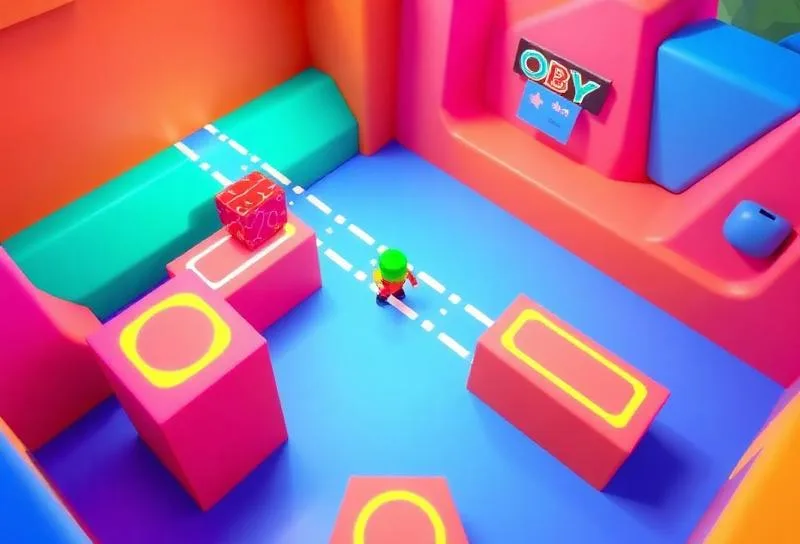
Playable Obby Game
Playable Obby Game

Build a challenging obstacle course with checkpoints and win conditions
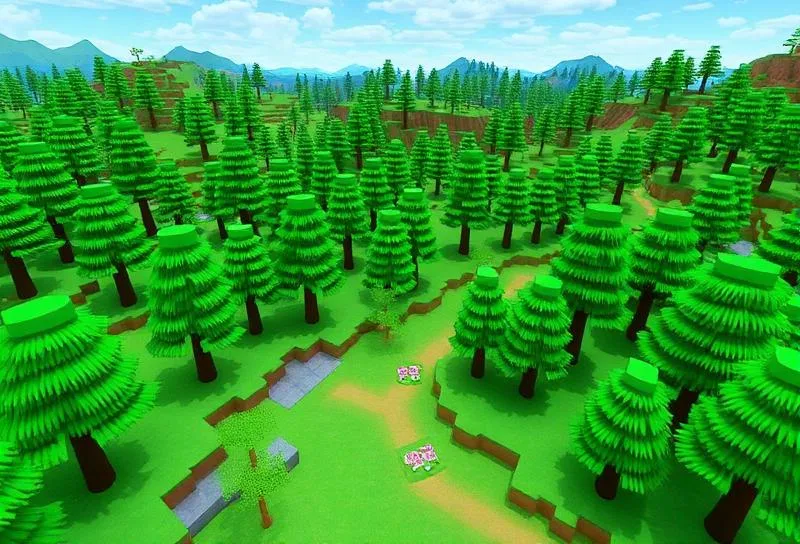
Forest World
Forest World

Design a 3D environment with custom terrain and scenery

Level 2

Elementary: Events & Game Logic

Sessions 12-19
Explore physics concepts, sound design, creative coding with pen tools, and introduction to AI with speech and image recognition.
Sessions 12-15:

Events & Interactions

Touched eventsPlayer interactionsPart destruction on contactTimer implementation
Sessions 16-19:

Game Mechanics

Score & leaderboardsArrays & data storageVanishing bridgesChallenge mechanics
Sessions 21-24:

Applied AI Projects

Image classificationNLP basicsChatbot logicAI extensions

Projects Your Child Will Build
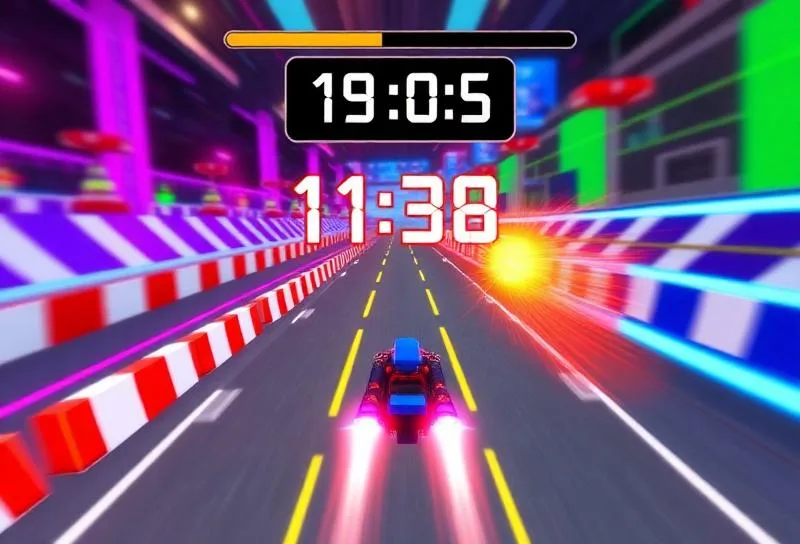
Timed Challenge Game

Create a race-against-the-clock game with obstacles

Vanishing Bridge Game

Build platforms that disappear, testing player timing

Level 3

Intermediate: Data & Monetization

Sessions 20-27
Master advanced data structures, modular code, and learn to create in-game shops and monetization systems.
Sessions 20-23:

Advanced Data Structures

DictionariesInventory systemsModule scriptsCode organization
Sessions 24-27:

Game Economy

In-game currencyShop systemsProduct purchasesGame passes basics
Sessions 35-39:

Racing & Multi-Level Games

Speed controlBackground scrollingRotationLevel transitionsDifficulty scaling

Projects Your Child Will Build
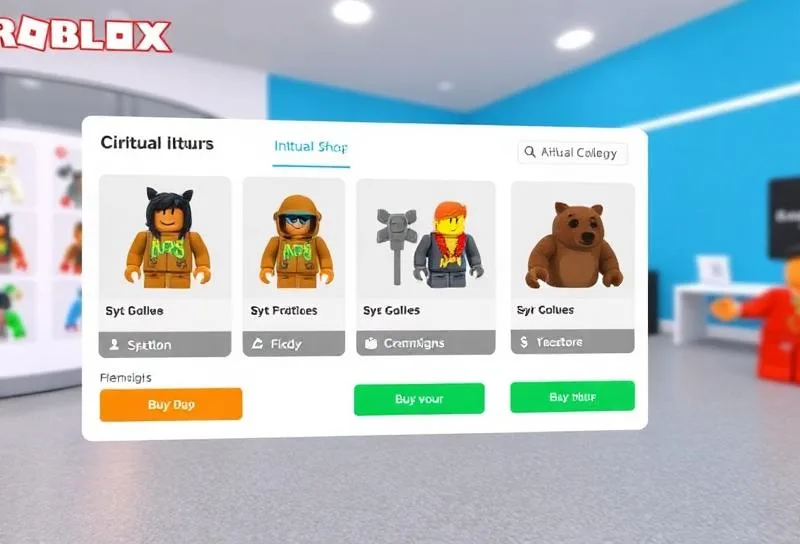
Adventure Quest Game

Build a story-driven game with inventory and progression

In-Game Shop
In-Game Shop

Create a functional shop with virtual currency

Level 4

Advanced: Multiplayer & Publishing

Sessions 28-35
Build multiplayer experiences, design professional GUIs, and publish a polished game ready for the Roblox community.
Sessions 28-31:

Multiplayer Systems

Remote eventsPlayer synchronizationTeams & roundsMatch logic
Sessions 32-35:

Polish & Launch

GUI designSound & effectsGame optimizationPublishing & promotion

Projects Your Child Will Build
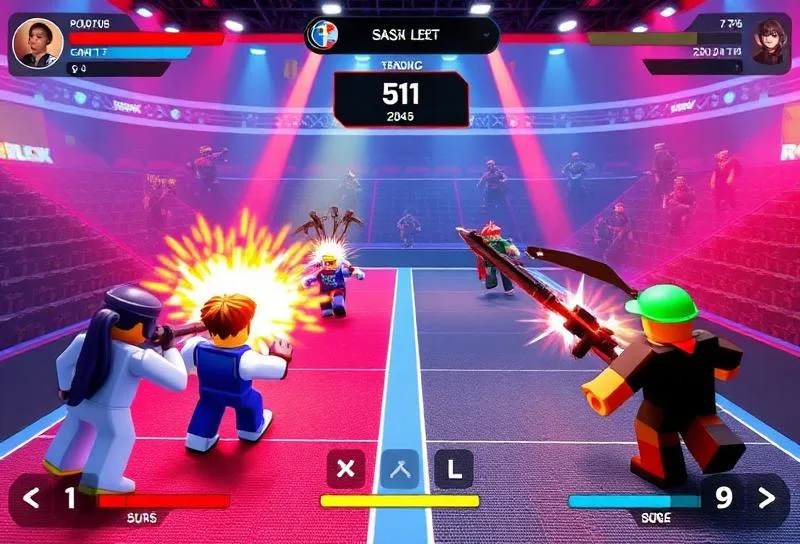
Multiplayer Arena
Multiplayer Arena

Create a team-based competitive game with rounds
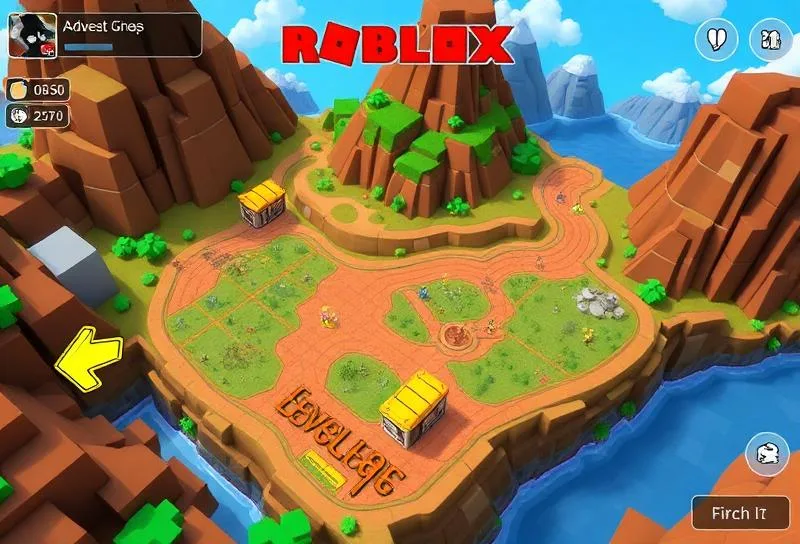
Published Portfolio Game

Polish and launch your own game on Roblox
What Your Child Will Learn

  • Build 3D games using Roblox Studio
  • Program in Lua scripting language
  • Design engaging game mechanics
  • Create multiplayer experiences
  • Implement in-game economies
  • Publish games to the Roblox platform
How it works

What Your Child Will Master

From booking to building projects — here’s what to expect

1

Book Free Trial

Schedule a no-obligation trial class at a time that works for your child

2

Get Matched

We pair your child with an instructor who matches their learning style

3

Start Learning

Live 45-minute classes via Zoom with real-time feedback and support

4

Build Projects

Create real projects, earn certificates, and track progress together

50 min

Class Duration

1-on-1

Private Sessions

24/7

Easy Rescheduling

Simple, Transparent Pricing

One complete program. Everything included. No hidden fees.


Complete Roblox Game Development Program

AED 935

/ 11 sessions

AED 85 per session

Duration

6 weeks

What's Included

Live 1-on-1 Sessions
Expert Instructor
45-Minute Classes
Flexible Scheduling
Certificate on Completion
Parent Progress Reports

Not sure yet? Try a FREE trial class first!

Money-back guarantee
Cancel anytime
Secure payment

What Parents Say

Join hundreds of happy parents who’ve seen their children thrive with iCodejr

“My daughter was shy about technology, but after just a few ScratchJr classes, she's now creating her own animated stories! The instructor was incredibly patient and made learning fun.”


“I was skeptical about online coding for such young children, but iCodejr proved me wrong. The structured curriculum and 1-on-1 attention keeps my son engaged throughout the class.”


“The progress reports are amazing — I can see exactly what my child is learning. She went from knowing nothing about coding to building her own games in just 3 months!”


“Both my twins take ScratchJr classes and they love showing off their projects to each other. The flexible scheduling makes it easy to fit into our busy family life.”


Earn Your ScratchJr Certificate

Celebrate your child’s achievement with an official iCodejr completion certificate a milestone they can proudly share with family and friends.

  • Personalized with your child’s name and photo
  • Lists all 36 skills and concepts mastered
  • Shareable digital certificate for portfolios
  • Pathway to Junior Tech Passport certification
  • Recognition of coding fundamentals achievement

Want a complete learning journey?

Continue Your Learning Journey

After completing Scratch Level 1, your child is ready for the next step in their coding journey


Ages 12-17
• 25 Sessions

Advanced Python for Kids

Master OOP, GUIs, APIs, and automation. Build real-world applications and games.


Roblox
Advanced Python
More Courses
Got Questions?

Frequently Asked Questions

Can my child actually publish their game?

Yes! Students can publish their games to Roblox where millions of players can discover and play them. We teach safe publishing practices and help students share their creations responsibly.

Lua is one of the most beginner-friendly programming languages. Combined with the visual feedback of Roblox Studio, it’s an excellent first text-based language. Our instructors break down concepts step by step.

Roblox Studio runs on most modern computers. A PC or Mac with at least 8GB RAM and a dedicated graphics card is recommended for the best experience. We’ll help you verify your setup before starting.

Successful Roblox developers can earn Robux through game monetization, which can be converted to real currency through the DevEx program. While most students focus on learning, some have monetized their creations!

Playing Roblox is consuming content others made. Roblox Studio is the professional development tool where your child becomes a creator, learning real programming and game design skills.

Students learn to build games where multiple players can interact in real-time. We cover remote events, player synchronization, and team-based gameplay — skills used in professional game development.

This course is designed for ages 10-18 (Grades 5-12). Younger students start with visual building, while older students dive deeper into Lua programming and advanced systems.

Students build 8+ complete games including Obby courses, timed challenges, adventure games, shops, and multiplayer arenas. Each project teaches new skills and can be shared on Roblox.