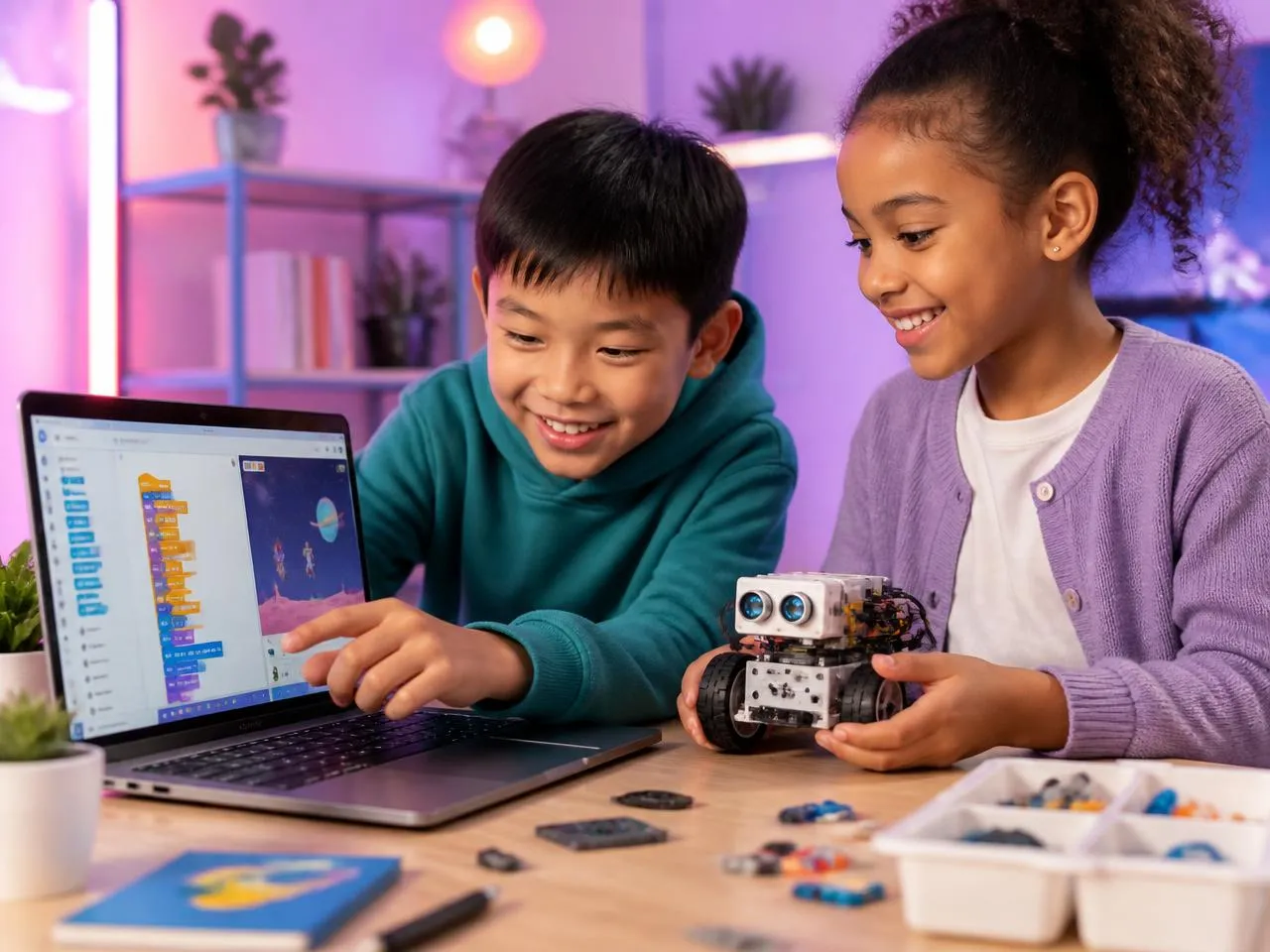
Cadet Track
Introduction to coding & digital citizenship
Curriculum Details
Foundational electronics with LEDs, resistors, and circuits
- LED & breadboard basics
- Push buttons & switching
- Series & parallel circuits
- Capacitors & RC circuits
- Resistors & voltage division
- Light sensors (LDR)
- Logic gates & diodes
- Capstone: Smart Electronics Project
Introduction to micro:bit programming with MakeCode
- LED animations & patterns
- Button-based inputs
- Motion & shake gestures
- Loops & repetition
- Text & scrolling messages
- Light & temperature sensors
- Sound & music control
- Capstone: Interactive micro:bit Project
Learning Outcomes
Build and debug simple circuits
Understand electronic components
Program micro:bit LED animations
Use buttons and sensors as inputs
Create interactive projects
Projects You'll Build
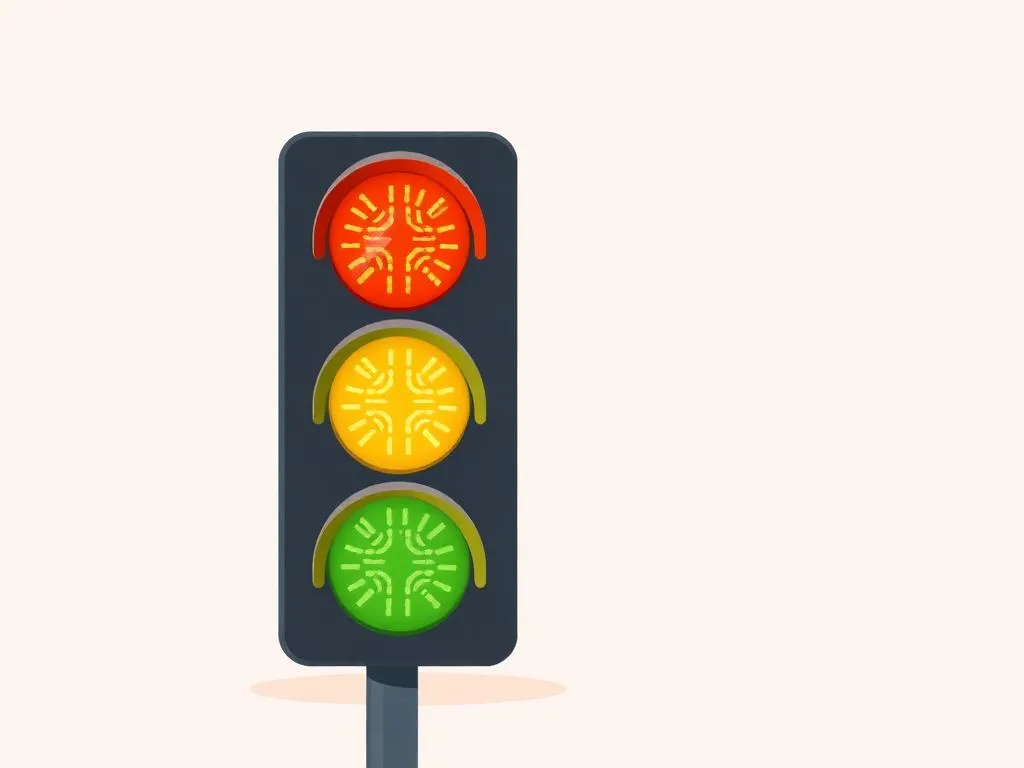
LED Traffic Light
Build a working traffic light circuit
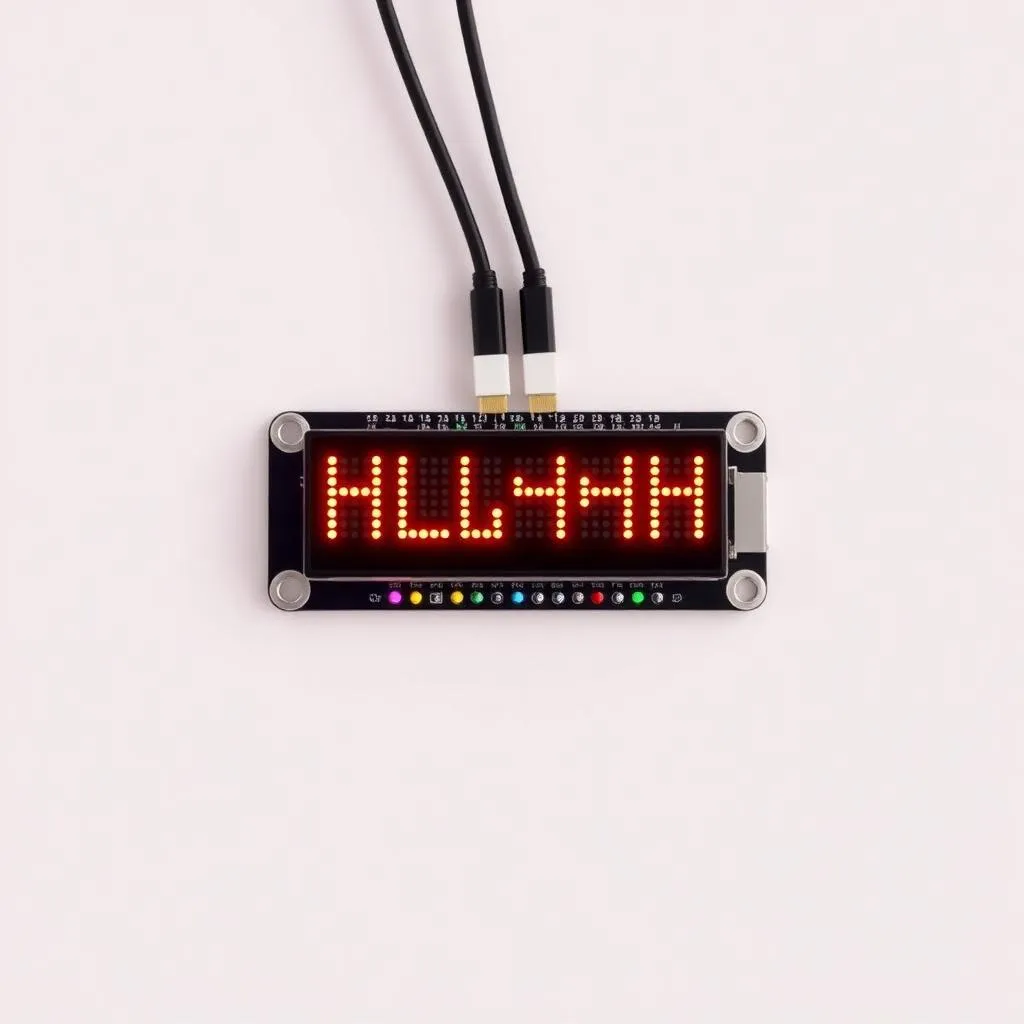
Name Badge Display
Scrolling LED name badge
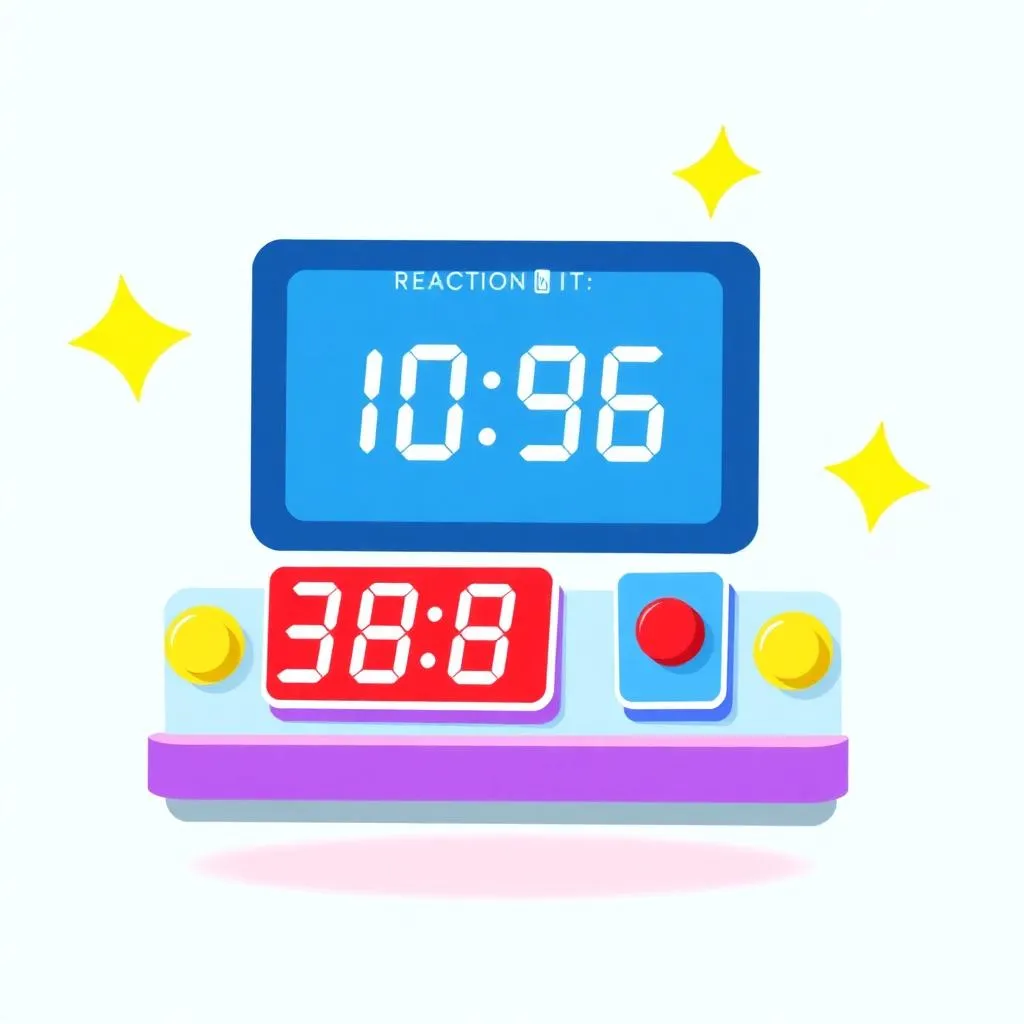
Reaction Game
Test your reflexes with micro:bit
Capstone Project
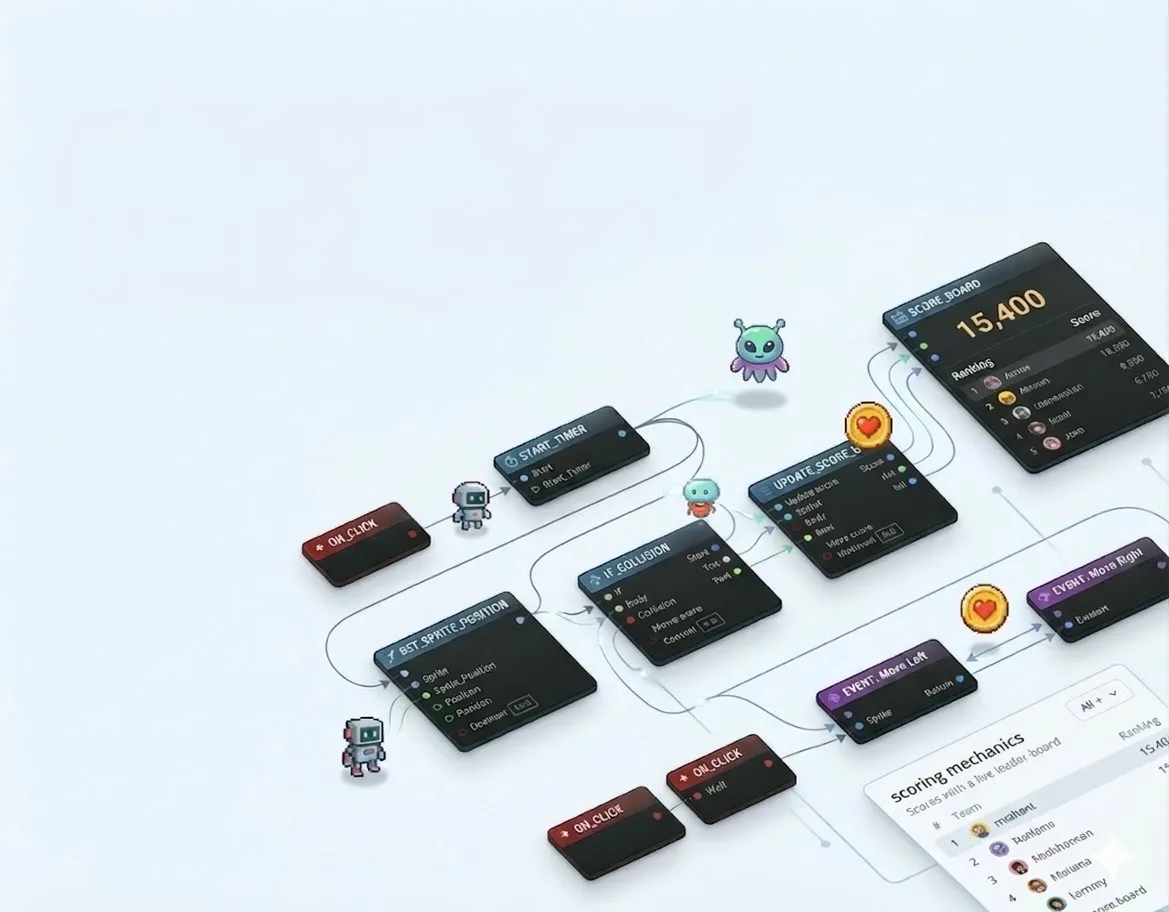
Interactive Sprite Game
Build a complete game with sprites, events, and scoring mechanics
Assessment & Certification
Project-Based
Evaluation through creative projects, not tests or exams
Parent Updates
Regular progress reports and milestone celebrations
Captain Track
Complete game design & AI exposure
Curriculum Details
Foundational electronics with LEDs, resistors, and circuits
- LED & breadboard basics
- Push buttons & switching
- Series & parallel circuits
- Capacitors & RC circuits
- Light sensors (LDR)
- Logic gates & diodes
Introduction to micro:bit programming
- LED animations & patterns
- Button-based inputs & gestures
- Loops & repetition
- Sensors & sound control
Create interactive games with micro:bit
- LED game mechanics
- Button-controlled games
- Reaction time games
- Accelerometer-based games
- Scoring systems with variables
- Multi-round gameplay
- Sound effects & music
- Capstone: Complete micro:bit Game
Scratch programming with AI integration
- Scratch interface and blocks
- Game logic and variables
- Broadcasts and messaging
- Introduction to AI concepts
- Speech recognition integration
Learning Outcomes
Master electronics and micro:bit programming
Design interactive games with scoring
Use accelerometer for game controls
Create games with sound effects
Apply computational thinking to game design
Projects You'll Build
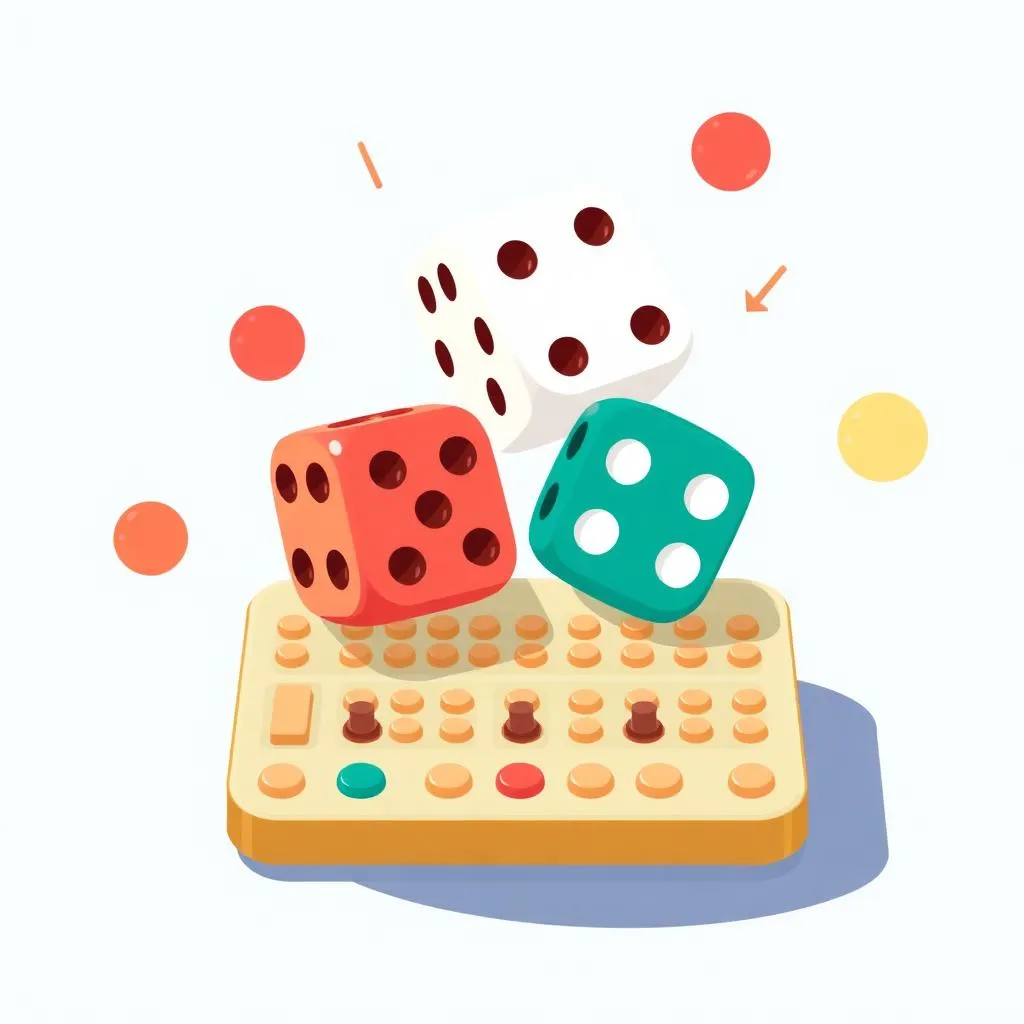
Dice Roller Game
Random dice with animations
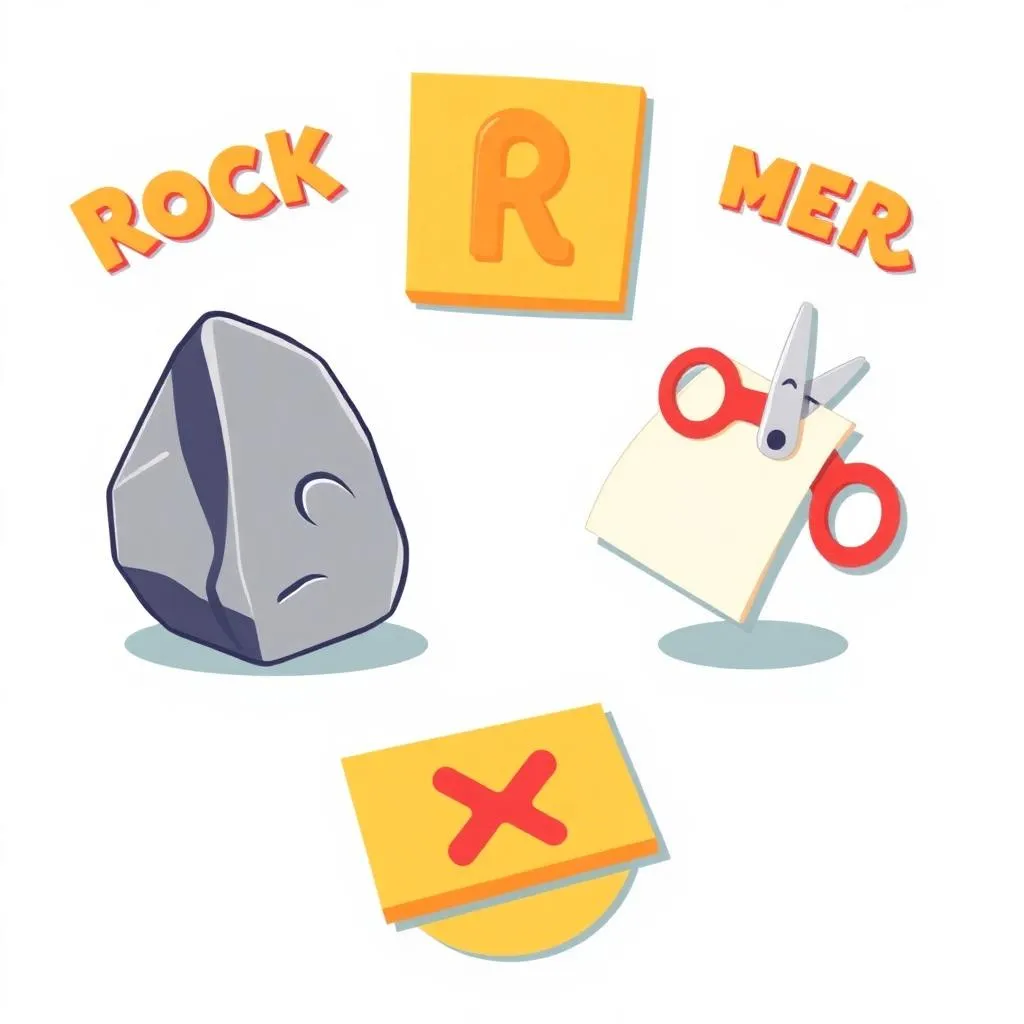
Rock Paper Scissors
Classic game with shake gestures
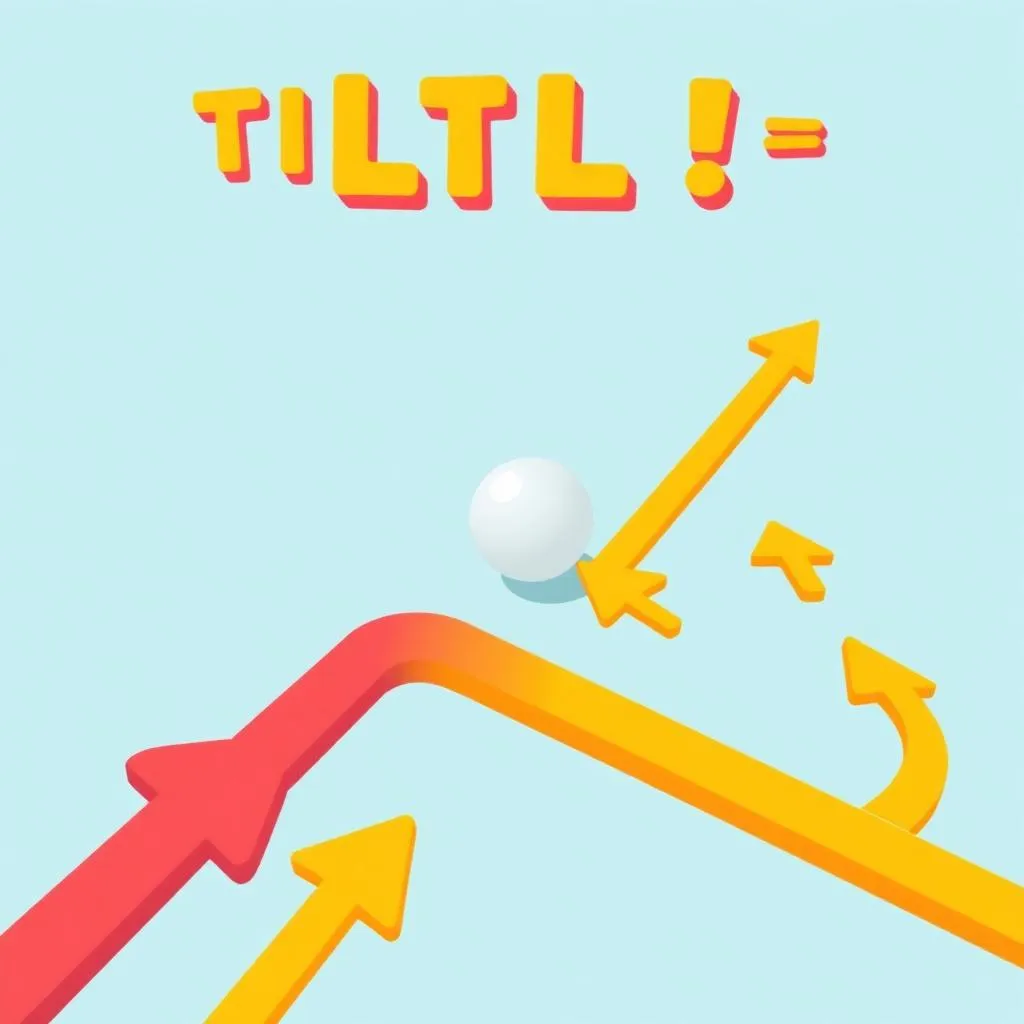
Tilt Maze Game
Navigate using accelerometer
Capstone Project
Micro:bit Game Showcase
A complete game combining LED display, sensors, sound, and scoring
Assessment & Certification
Project-Based
Evaluation through creative projects, not tests or exams
Parent Updates
Regular progress reports and milestone celebrations.
Colonel Track
Complete Grade 2-3 Developer Pathway
Curriculum Details
Complete Captain curriculum covering electronics and games
- Fun with Electronics (12 sessions)
- Micro:bit for Beginners (12 sessions)
- Micro:bit Games (12 sessions)
Real-world projects with advanced sensors and communication
- Music & soundscapes
- Emotion display systems
- Wearable step counters
- Radio communication between devices
- Temperature monitoring stations
- Light-activated alarms
- Data logging & visualization
- IoT project concepts
Introduction to AI and ML concepts with CreateAI
- Introduction to Machine Learning
- CreateAI platform basics
- Training gesture recognition models
- Pose detection integration
- Object recognition basics
- Smart automation projects
Advanced sensors and autonomous robot concepts
- Servo motor control
- Distance & proximity sensors
- Line following basics
- Autonomous robot project
Learning Outcomes
Complete mastery of micro:bit platform
Build IoT and wearable projects
Apply AI & ML to physical computing
Design autonomous robots
Create real-world applications
Projects You'll Build
Wearable Step Counter
Fitness tracker with micro:bit
AI Gesture Controller
ML-powered gesture recognition
Smart Room Monitor
IoT environmental sensor
Line Following Robot
Autonomous navigation
Capstone Project
Junior Robotics Engineer Showcase
A comprehensive portfolio featuring electronics, games, AI projects, and an autonomous robot
Assessment & Certification
Project-Based
Evaluation through real projects, not tests or exams.
Parent Updates
Regular progress reports and milestone celebrations.
General Track
Ultimate Junior Tech Developer Pathway
Curriculum Details
Complete Colonel curriculum covering all fundamentals
- Minecraft Coding (4 sessions)
- Digital Citizenship (6 sessions)
- Sprite Lab Game Design (24 sessions)
- Scratch + AI Fundamentals (24 sessions)
- Advanced AI with Teachable Machine (24 sessions)
- App Lab Development (24 sessions)
Mobile app development with AI integration
- App Inventor interface and components
- Building mobile user interfaces
- Working with device sensors
- Creating AI-powered chatbots
- AI image recognition features
- Publishing and sharing apps
Human-centered design and innovation skills
- Empathy mapping and problem framing
- Ideation and brainstorming techniques
- Prototyping and iteration
- Visual storytelling and branding
- Presenting ideas effectively
3D modeling and engineering basics
- Tinkercad interface and tools
- 3D shapes and modeling basics
- Measurements and assemblies
- Designing for 3D printing
- Engineering challenges and projects
Professional game development with Lua
- Roblox Studio interface and tools
- 3D world building and terrain
- Lua scripting fundamentals
- Game logic and mechanics
- UI design and scoring systems
AI-powered content creation and storytelling
- Introduction to AI text generation
- AI image creation with prompts
- Prompt engineering techniques
- AI-powered storytelling and storybooks
- No-code game creation with AI
Learning Outcomes
Complete mastery across all platforms
Build and publish mobile applications
Create AI-integrated systems
Design and model in 3D
Develop professional games with Lua
Apply generative AI creatively
Projects You'll Build
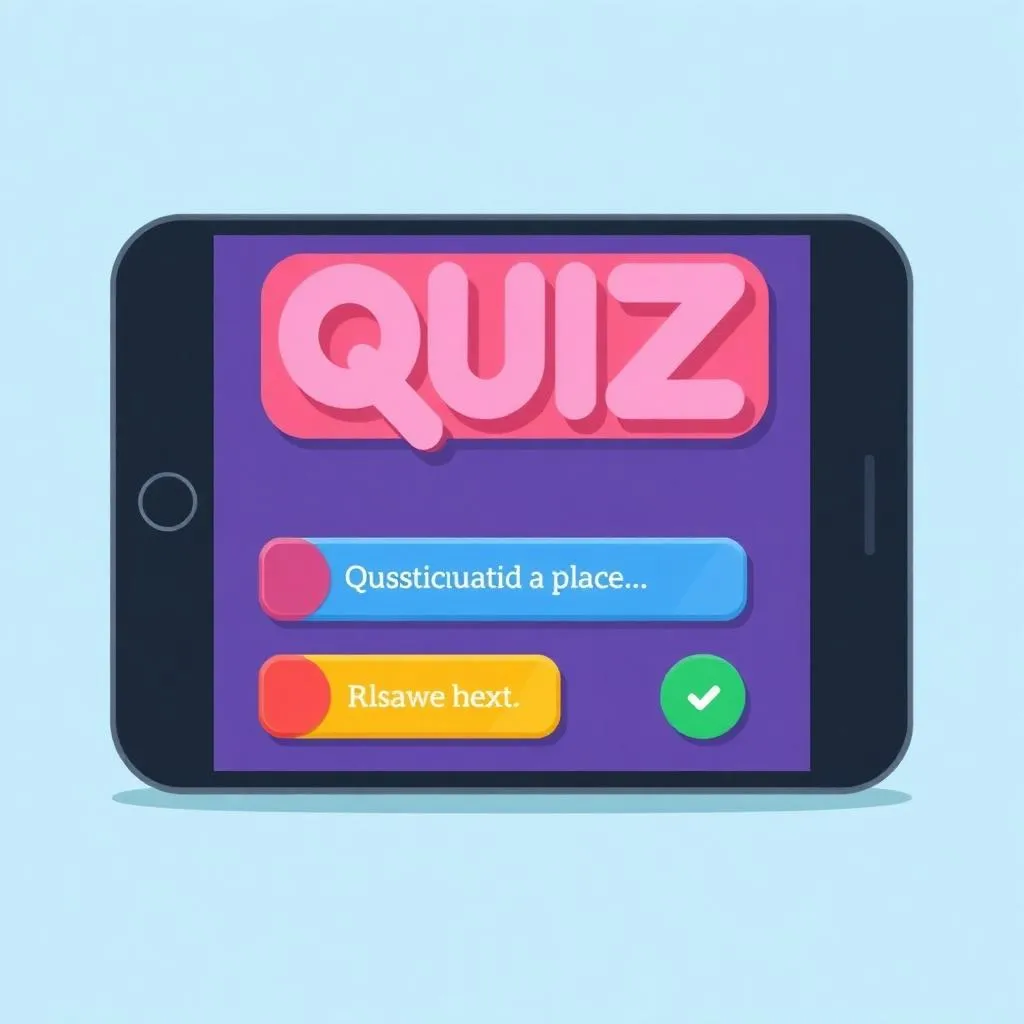
Mobile Quiz App
Interactive mobile quiz game
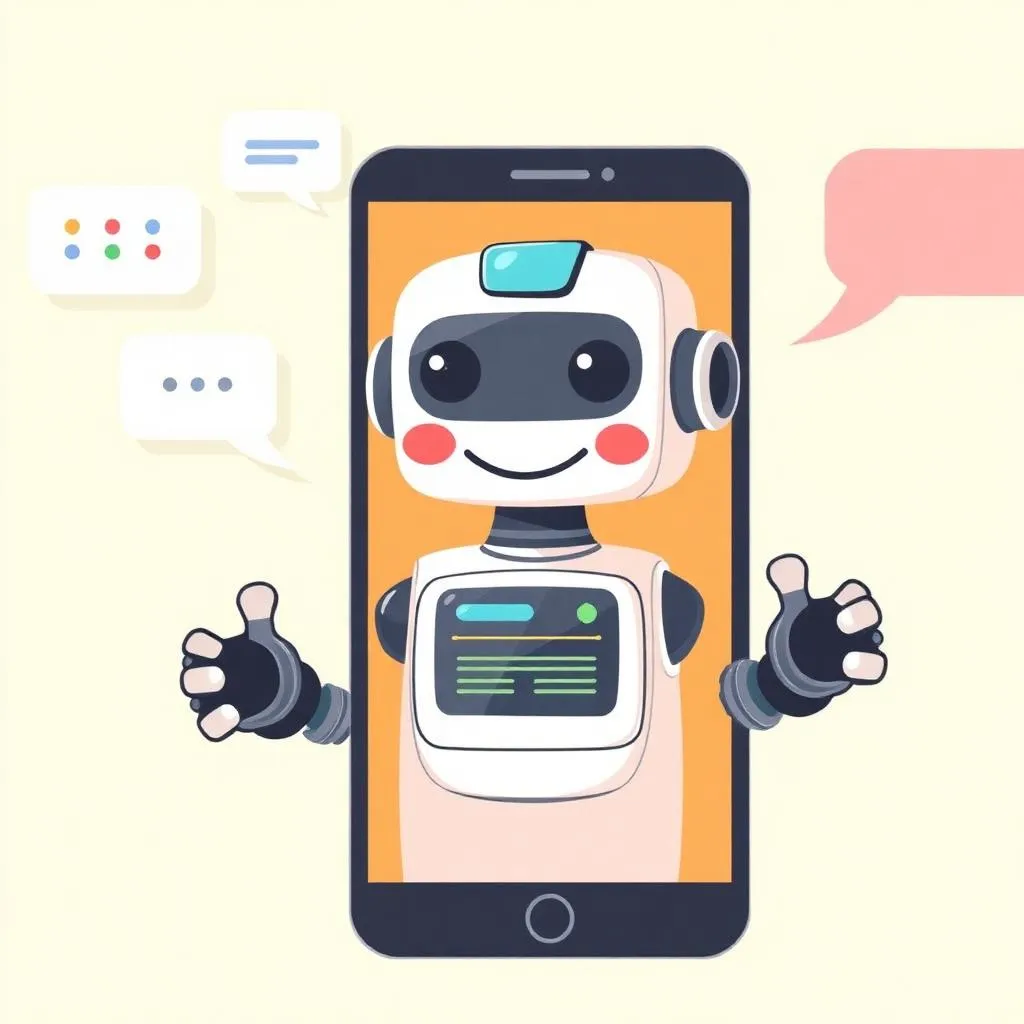
AI Chatbot Assistant
Conversational AI application
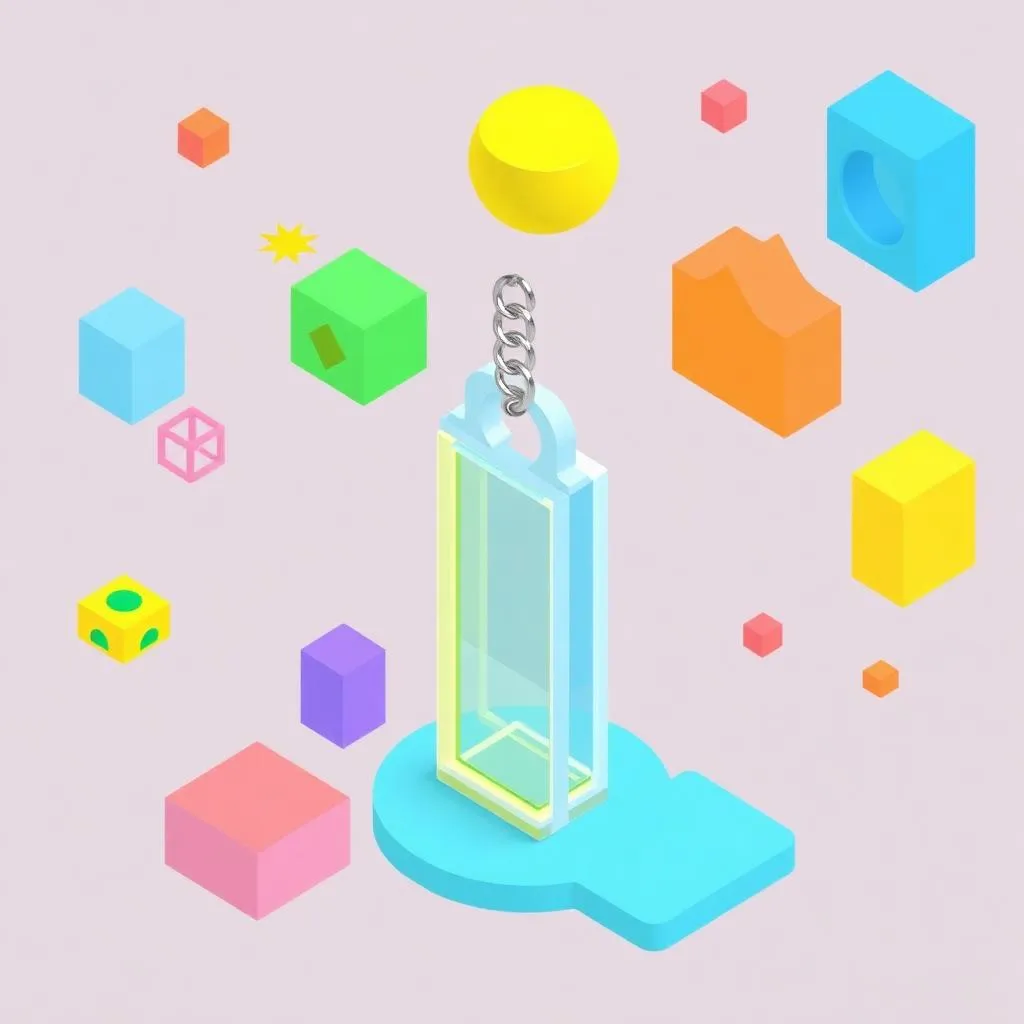
3D Keychain Design
Custom 3D printed creation
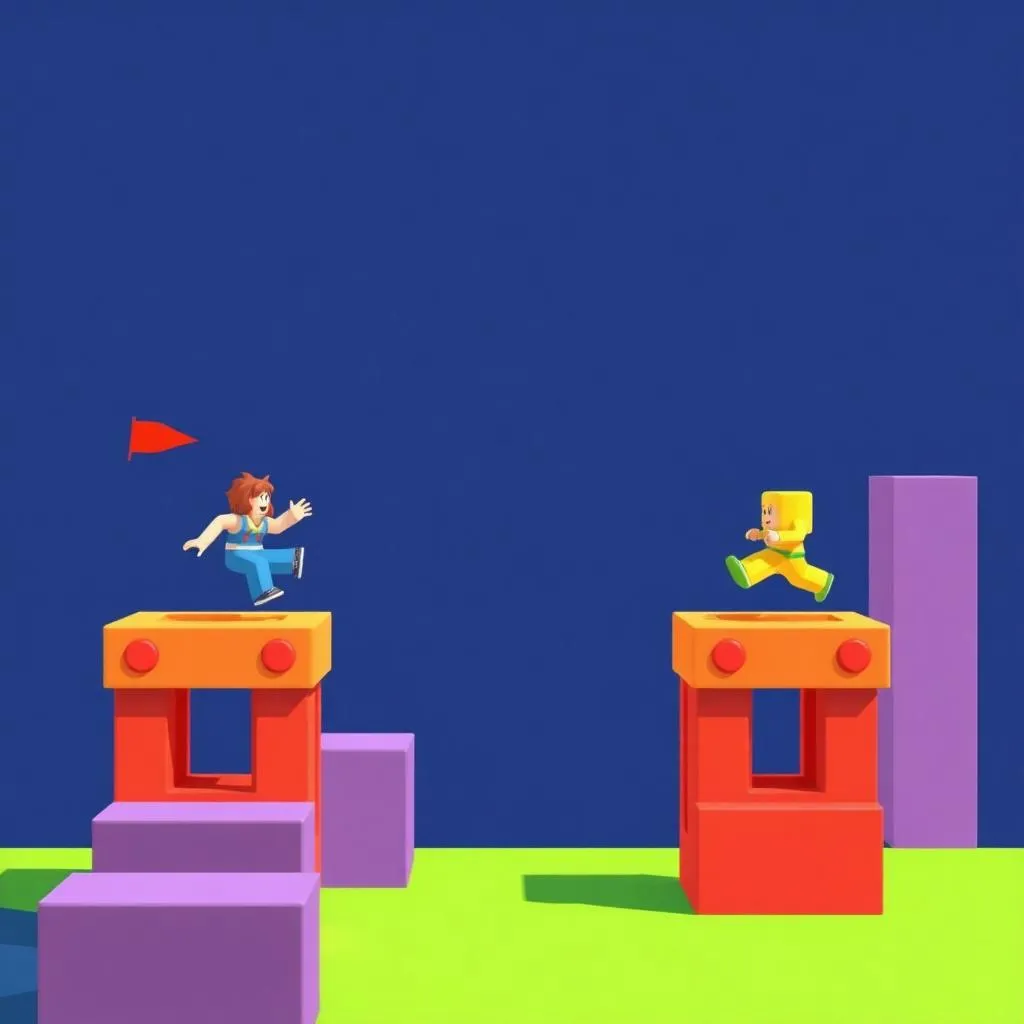
Roblox Obby Game
Obstacle course adventure

AI Storybook
AI-illustrated children's story
Capstone Project
Junior Tech Master Showcase
A comprehensive portfolio featuring mobile apps, 3D designs, Roblox games, and AI-powered creative projects
Assessment & Certification
Project-Based
Evaluation through real projects, not tests or exams.
Parent Updates
Regular progress reports and milestone celebrations.