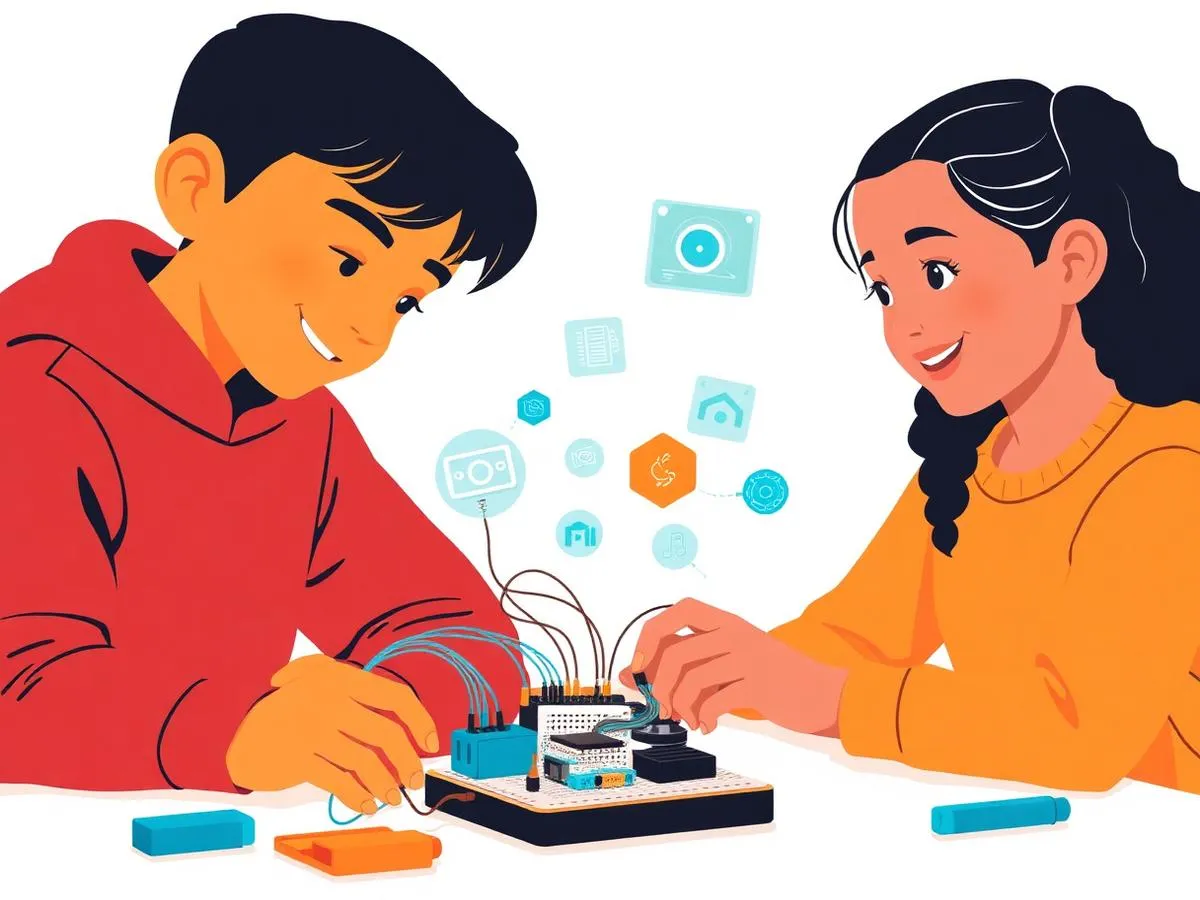

Grade 4-5 Robotics + AI Learning Path
From electronics to AI-powered robotics, micro:bit projects, and smart systems — build the future with hands-on STEM education.
AED 55 /session
What Your Child Will Learn
Our Grade 6-8 program builds real-world software development and engineering skills through hands-on, project-based learning.
Electronics
Circuits & components
PictoBlox Games
Interactive games & sprites
Micro:bit
IoT & physical computing
AI & Smart Systems
Face & object recognition
Prerequisites
No prior experience required for the Cadet track. This combined path requires both a laptop/desktop for coding and a micro:bit kit for robotics components.
What Grade 4-5 Students Create
Explore the real projects your child will build — from games and web apps to AI chatbots and robotics systems!
Grade 4-5
Data Analysis Dashboard
Python data project
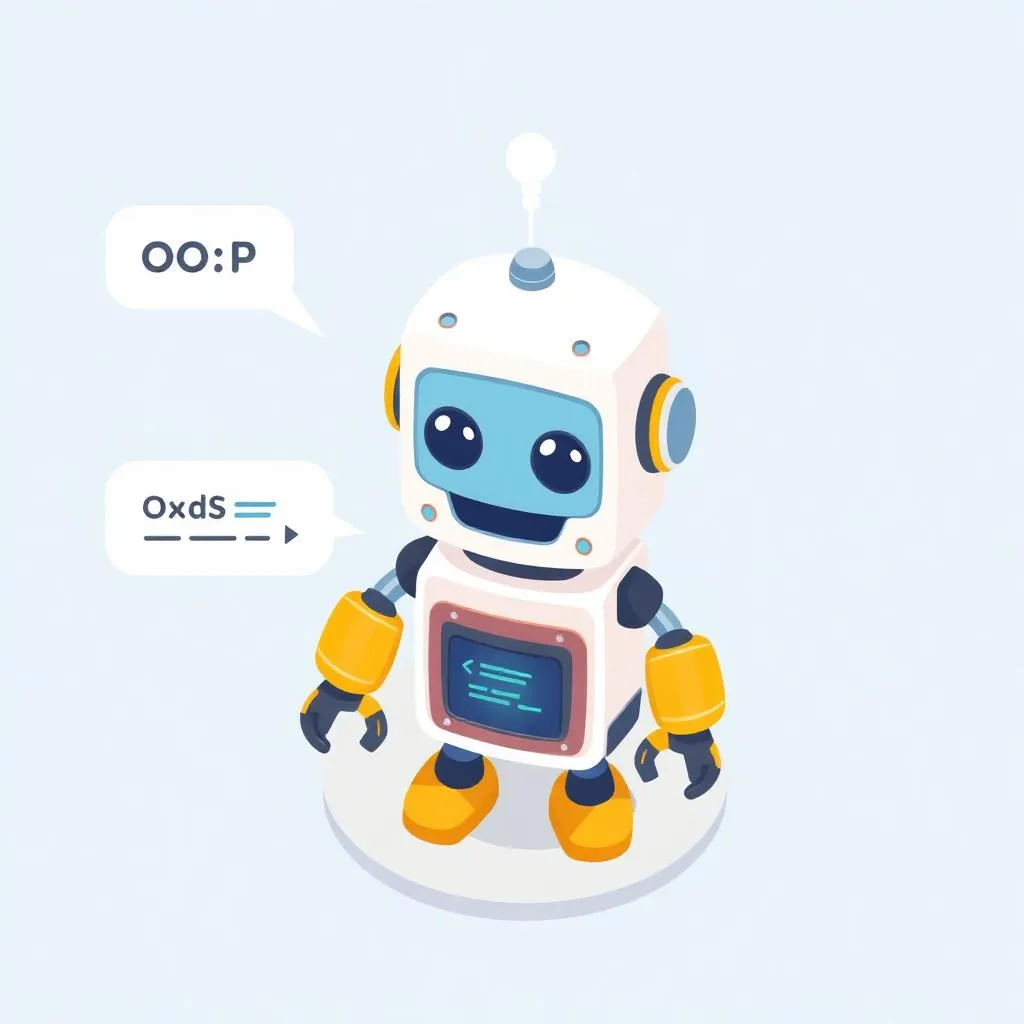
Grade 4-5
OOP Chatbot
Class-based robot assistant
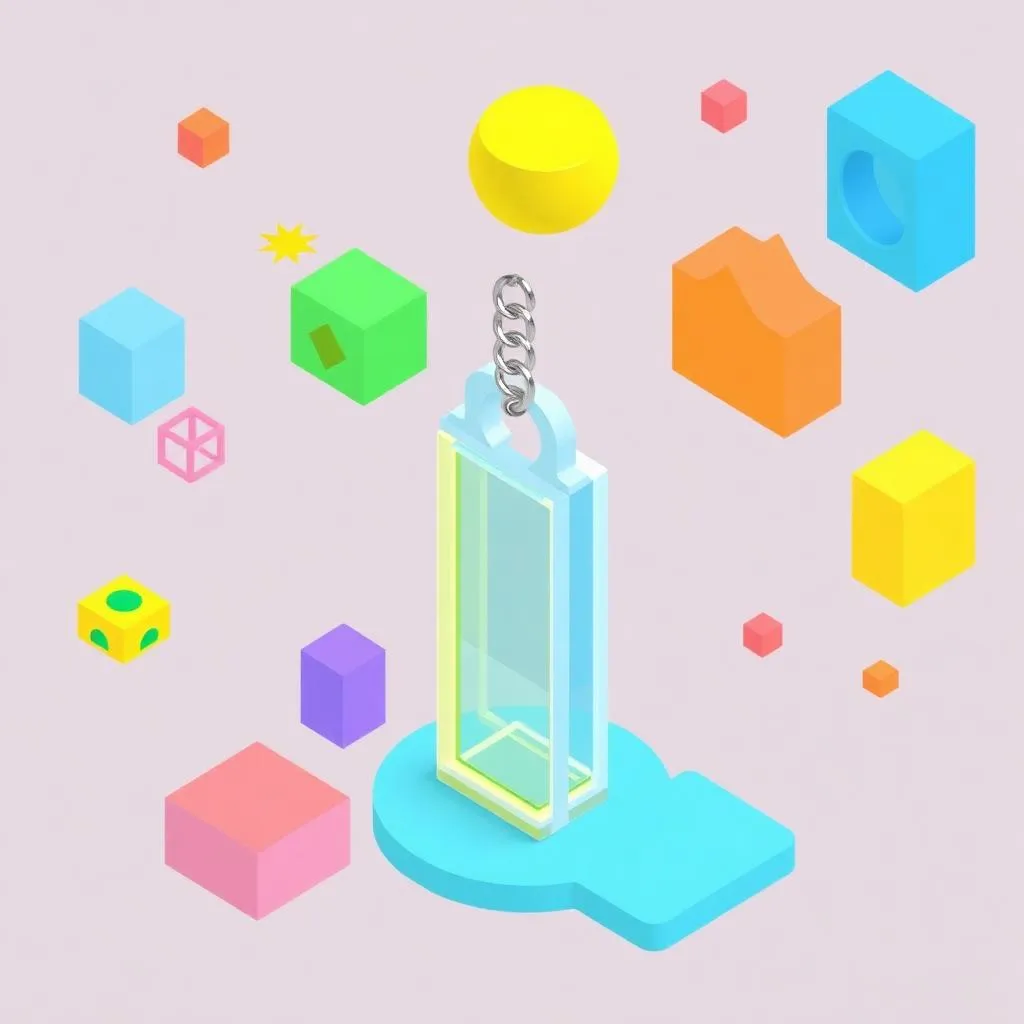
Grade 4-5
3D Keychain Design
Prompt engineering showcase
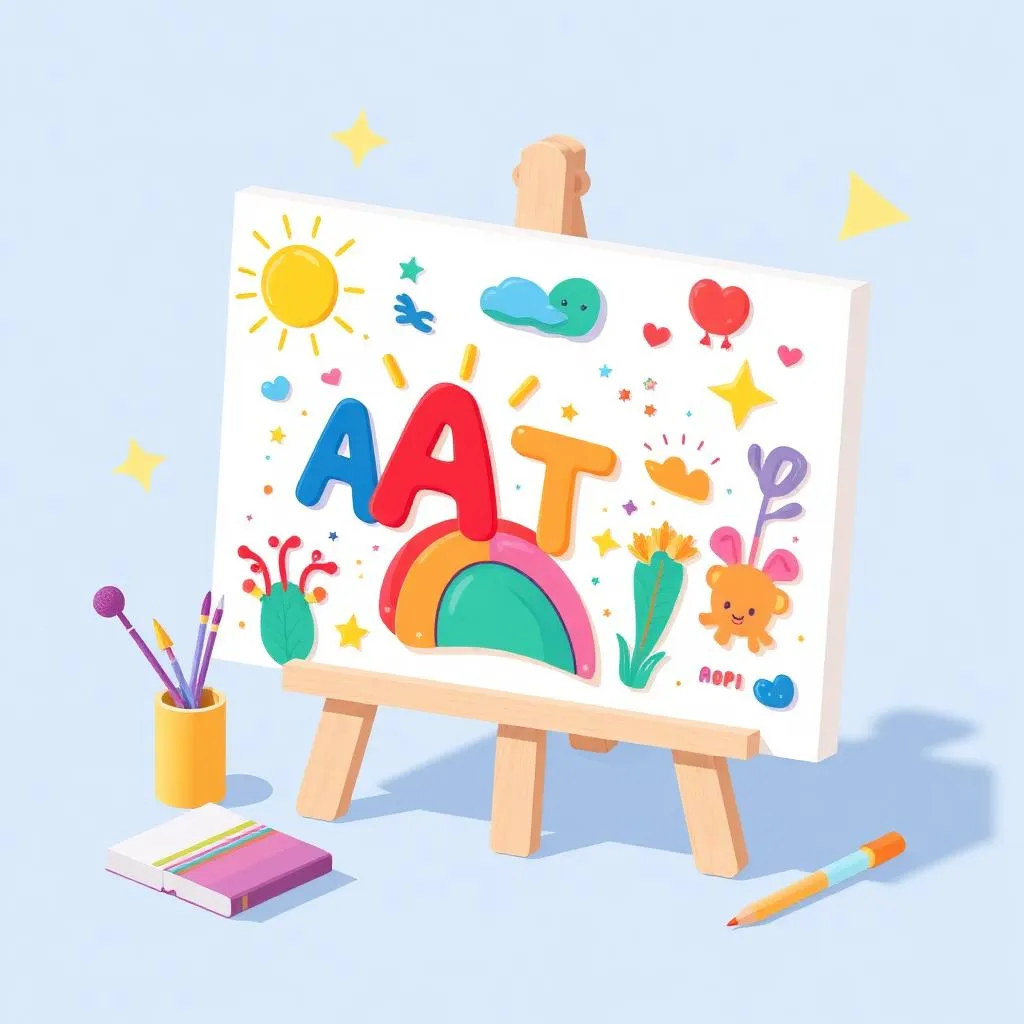
Grade 4-5
AI Art Portfolio
Custom 3D printed creation
Grade 4-5
AI Chatbot
Class-based robot assistant
How the Grade 6-8 Learning Path Works
Foundation
Digital citizenship and AI-powered game development with Scratch.
App Dev
Mobile app development with MIT App Inventor and AI features.
Web Dev
Web development with HTML/CSS and AI-powered applications.
Mastery
Advanced Python, 3D design, and Generative AI creativity.
Each track builds on the previous, allowing students to progress at their own pace.
How Skills Grow Over Time
By the end of this pathway, students naturally progress from:
Throughout the journey, students develop:
- Learn
- Build
- Ship
- Lead
Three Pathways, One Goal
Choose the learning journey that best fits your child’s interests.
Coding + AI
From AI-powered games to Python, web development, and generative AI mastery.
Robotics + AI
Electronics, micro:bit, PictoBlox games, and AI-powered smart systems.
Combined Path
AI-powered coding + micro:bit robotics + Python + smart systems.
Cadet Track
Curriculum Details
Introduction to circuits and electronic components
- Ohm's Law & current flow basics
- Capacitors & circuit building
- Push buttons & switches
- LDR sensors & light detection
- Logic gates & diodes
- Circuit troubleshooting
Getting started with micro:bit programming
- LED matrix animations
- Light & temperature sensors
- Button inputs & sound
- Motion gestures & accelerometer
- Interactive text display
- Mini project: Interactive device
Learning Outcomes
Build and troubleshoot circuits
Program LED patterns and displays
Use sensors for input
Create interactive micro:bit projects
Projects You'll Build
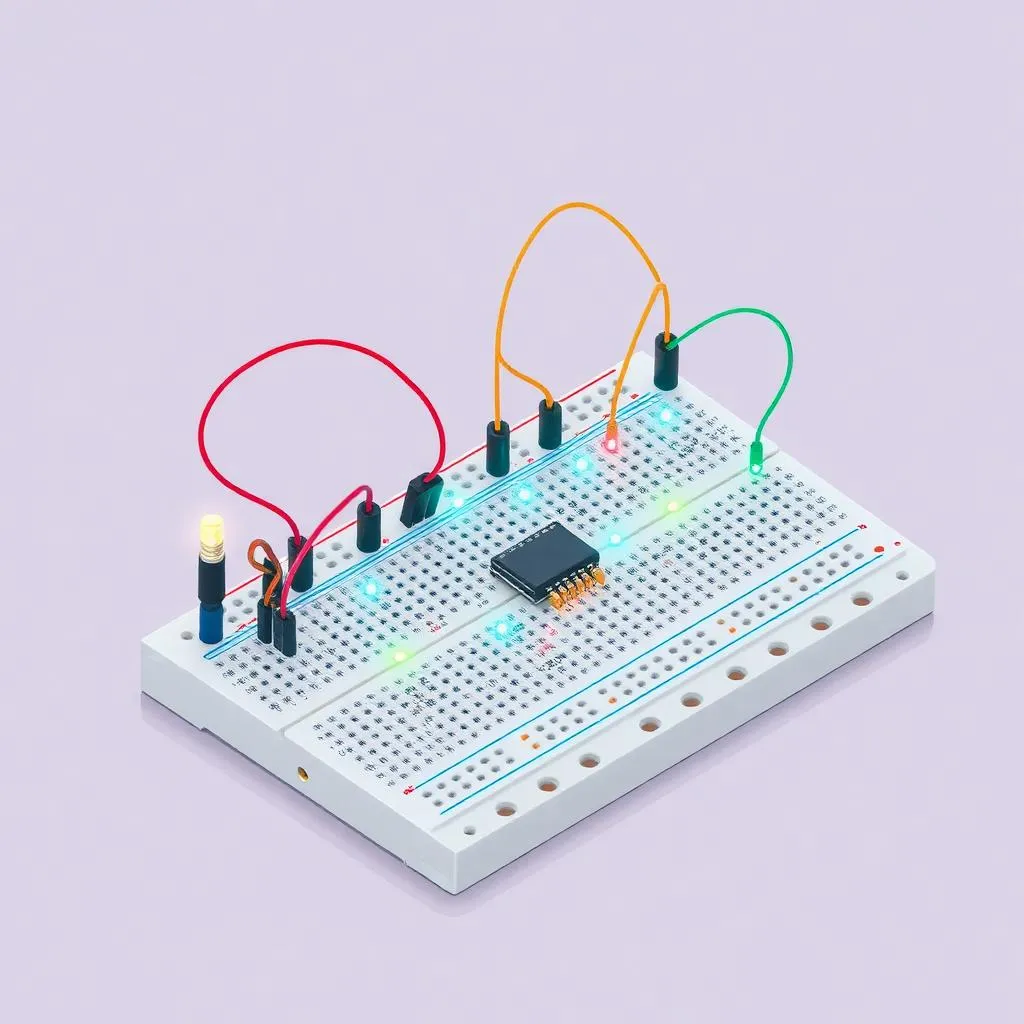
LED Circuit Board
Custom LED display
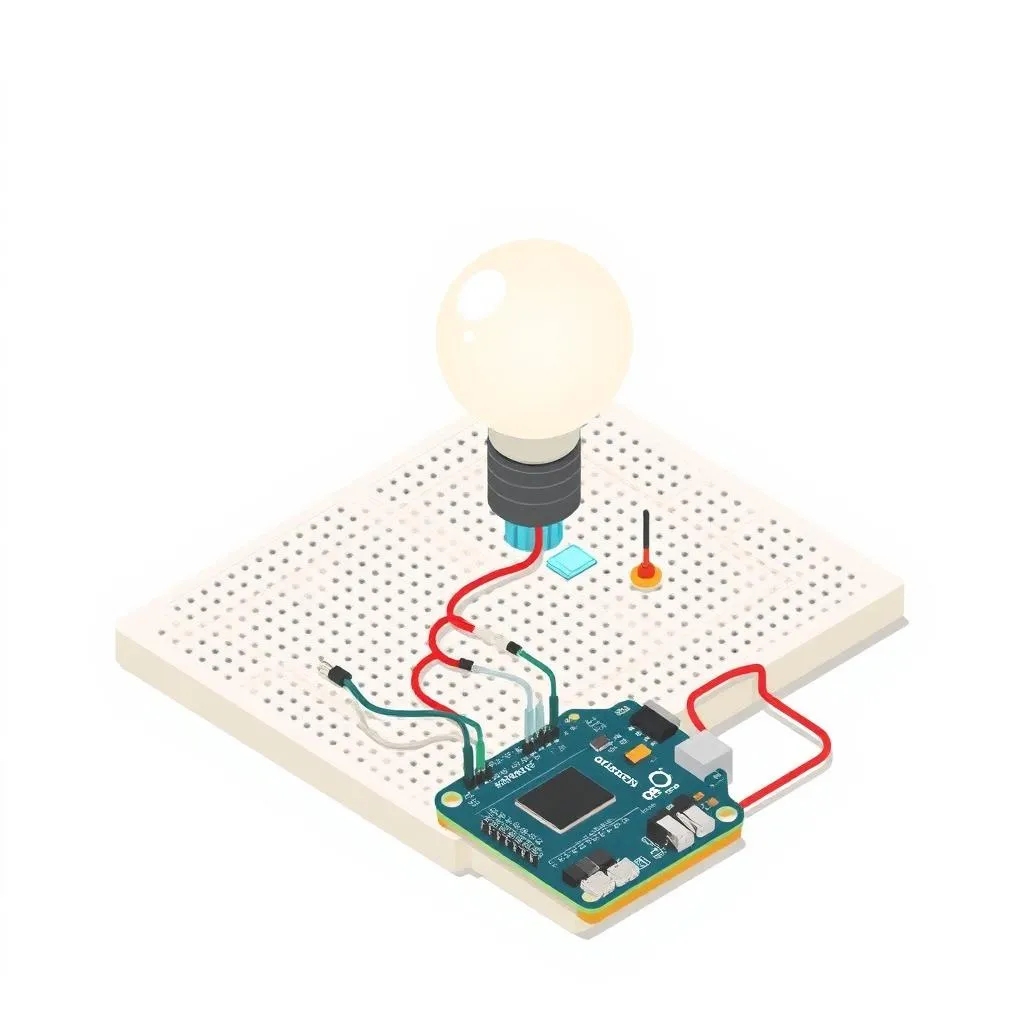
Light Sensor
Automatic light detector
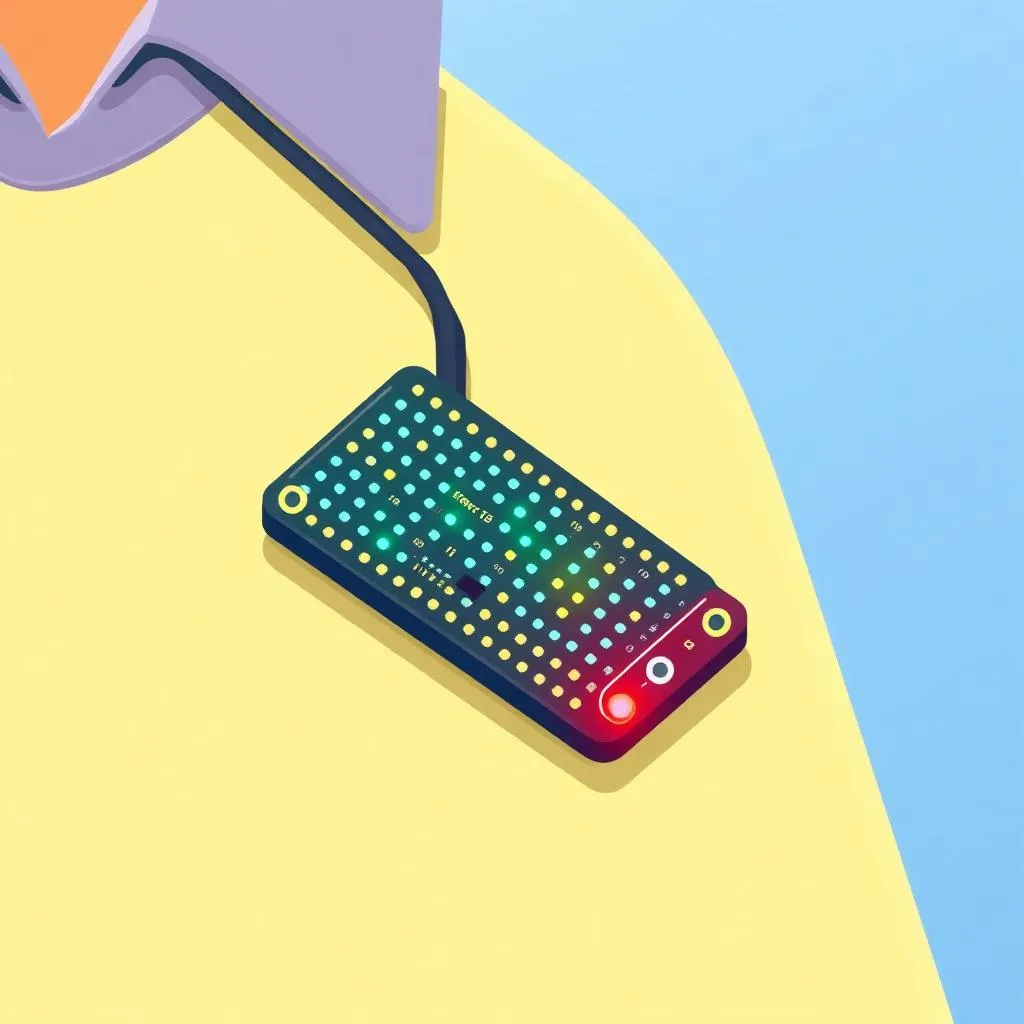
Interactive Badge
Wearable micro:bit
Capstone Project
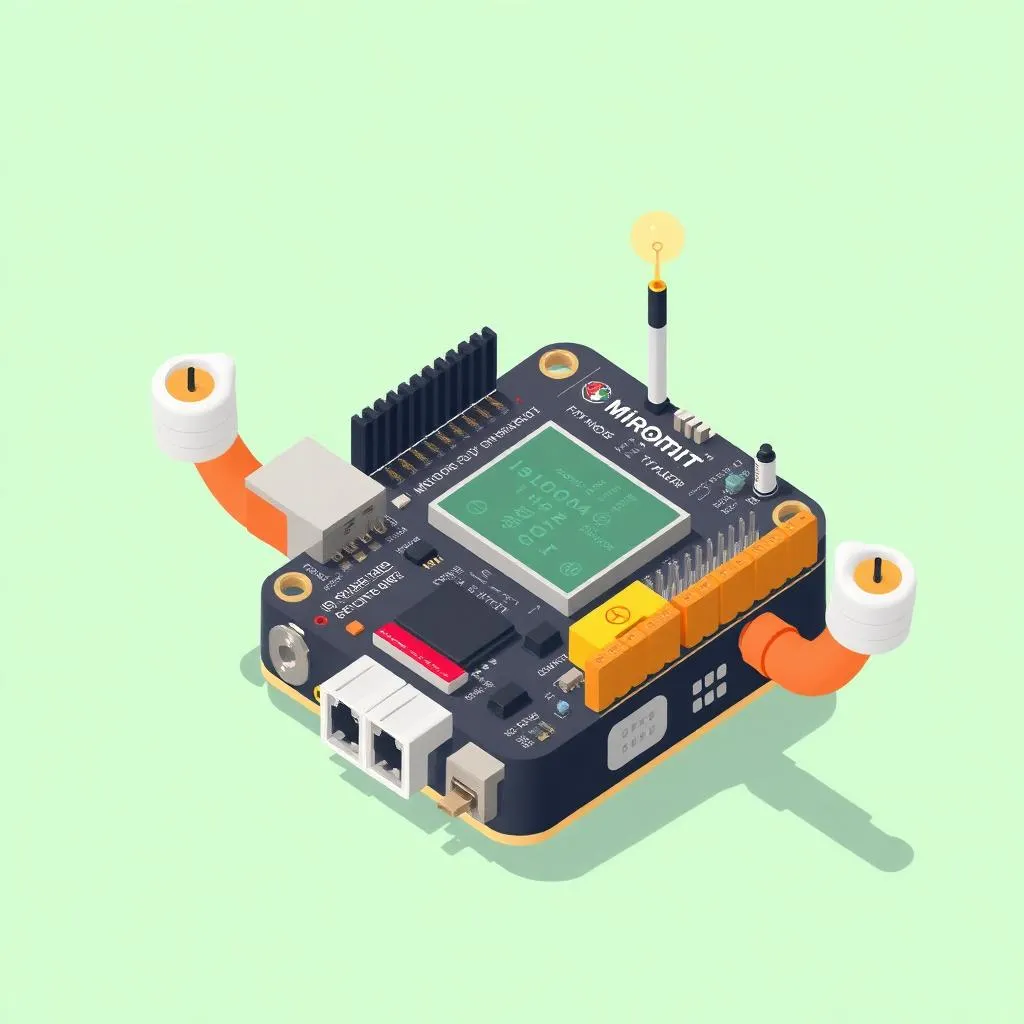
Smart Interactive Device
A micro:bit project with sensors, buttons, and LED displays
Assessment & Certification
Project-Based
Evaluation through creative projects, not tests or exams
Parent Updates
Regular progress reports and milestone celebrations
Captain Track
Curriculum Details
Complete Cadet curriculum covering electronics & micro:bit basics
- Fun with Electronics (9 sessions)
- Micro:bit Beginner (8 sessions)
Real-world applications and advanced projects
- Data logging & visualization
- Virtual pets & interactive games
- Math quizzes & calculators
- IoT projects & communication
- Wearable technology
- Capstone: Smart system project
Learning Outcomes
Master data logging and visualization
Build virtual pets and games
Create math applications
Develop IoT-connected projects
Projects You'll Build
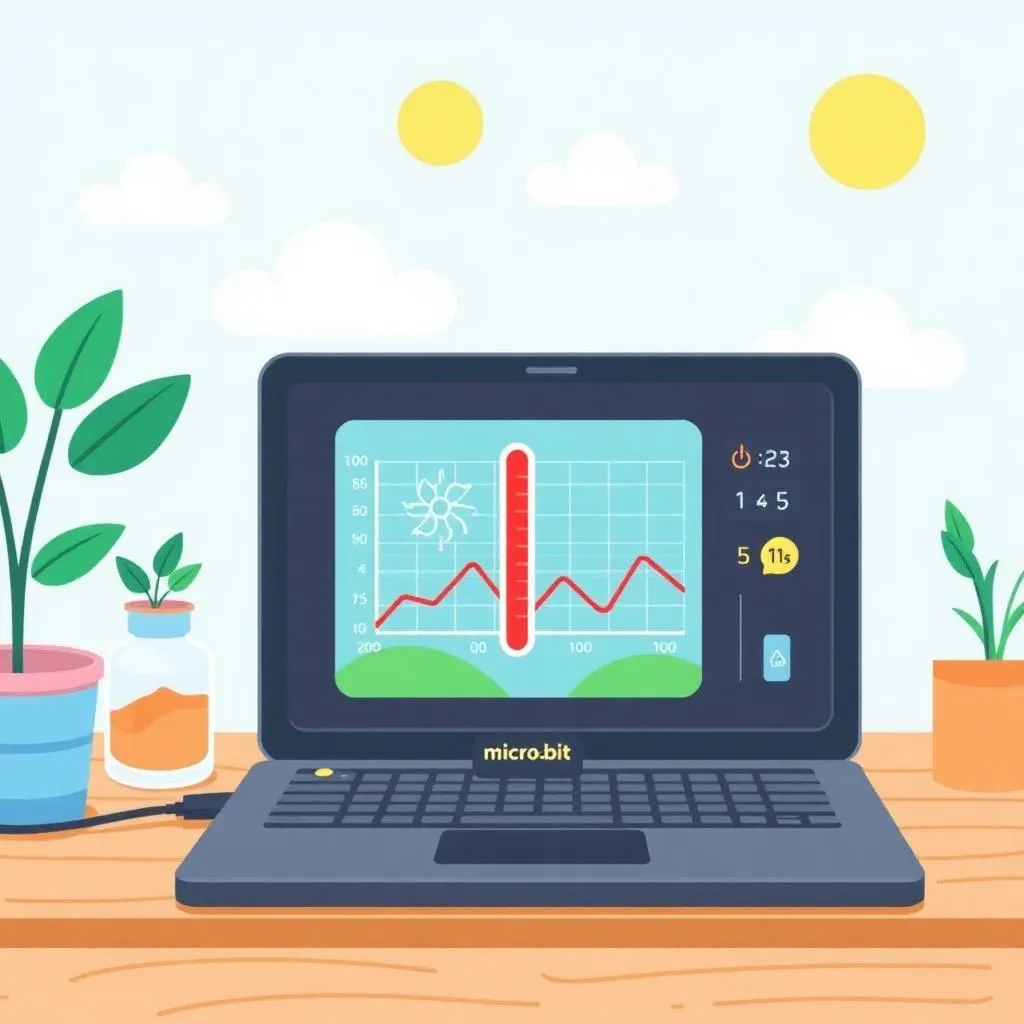
Data Logger
Environmental monitoring

Virtual Pet
Interactive pet game
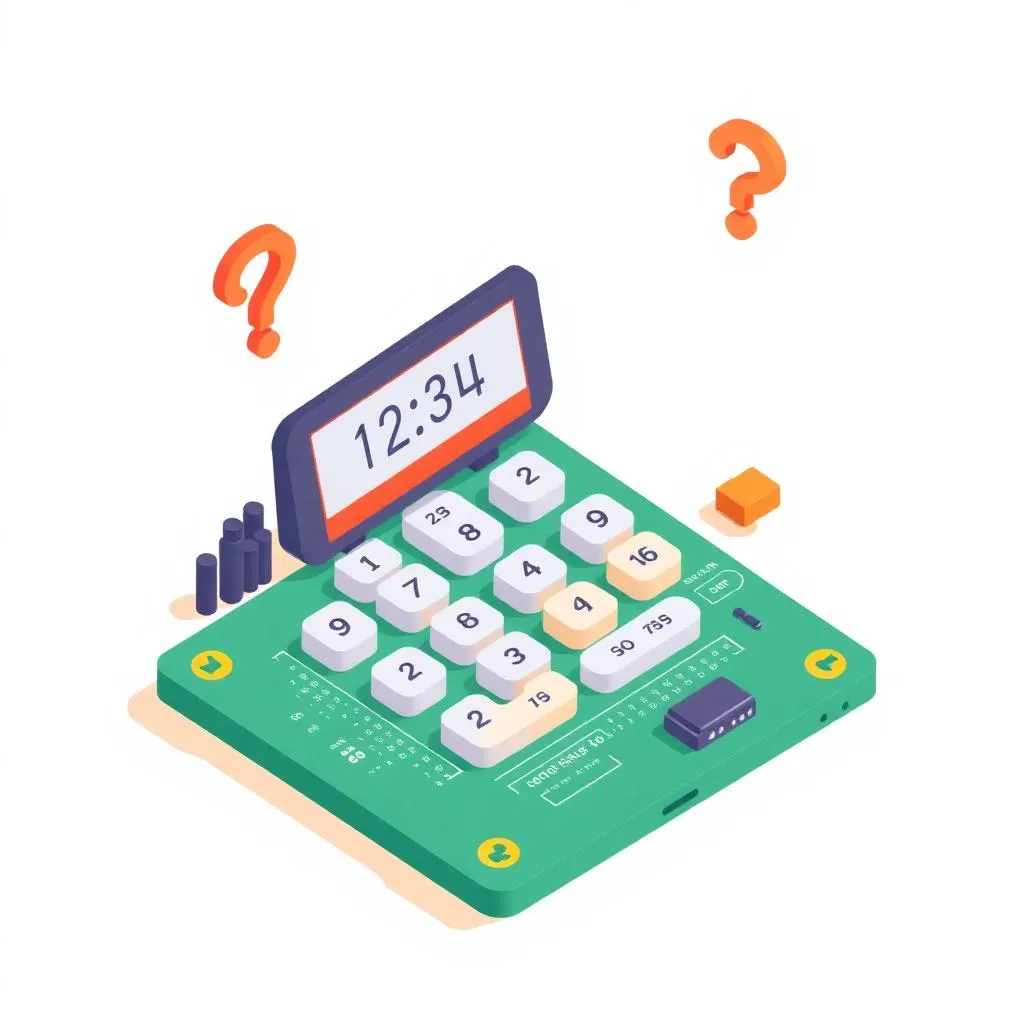
Math Quiz
Interactive calculator
Capstone Project
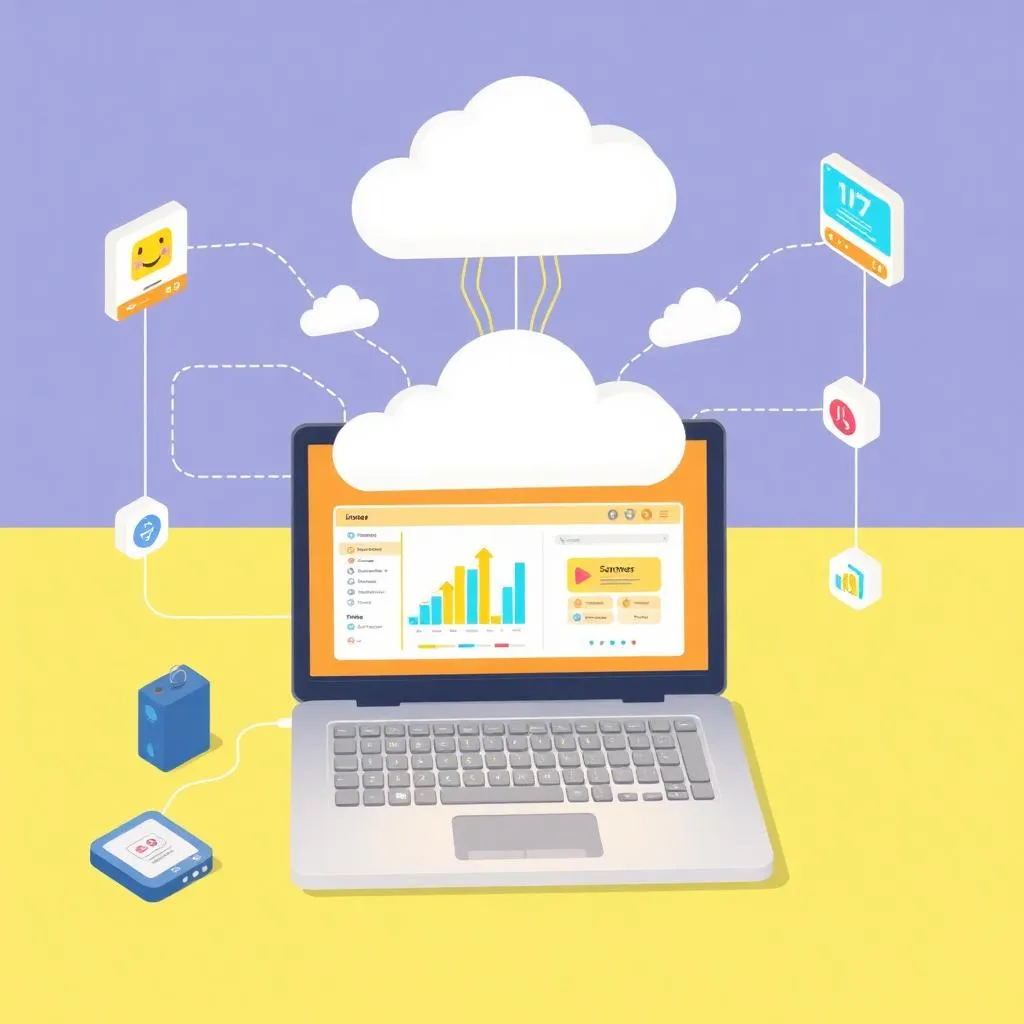
Smart System Capstone
A comprehensive IoT project with data logging, sensors, and user interaction
Assessment & Certification
Project-Based
Evaluation through creative projects, not tests or exams
Parent Updates
Regular progress reports and milestone celebrations.
Colonel Track
Curriculum Details
Complete Captain curriculum
- Fun with Electronics (9 sessions)
- Micro:bit Beginner (8 sessions)
- Micro:bit Applications (24 sessions)
AI training and smart automation
- AI training with CreateAI
- Machine learning model creation
- Teachable Machine integration
- Servo motor control
- Smart robot automation
- AI-powered capstone
Game development with PictoBlox
- Racing & quiz games
- Sprite control & animation
- Sound effects & randomness
- Score systems & levels
- micro:bit integration
- Interactive game project
Learning Outcomes
Train AI models with CreateAI
Build machine learning applications
Develop PictoBlox games
Create smart robot projects
Projects You'll Build
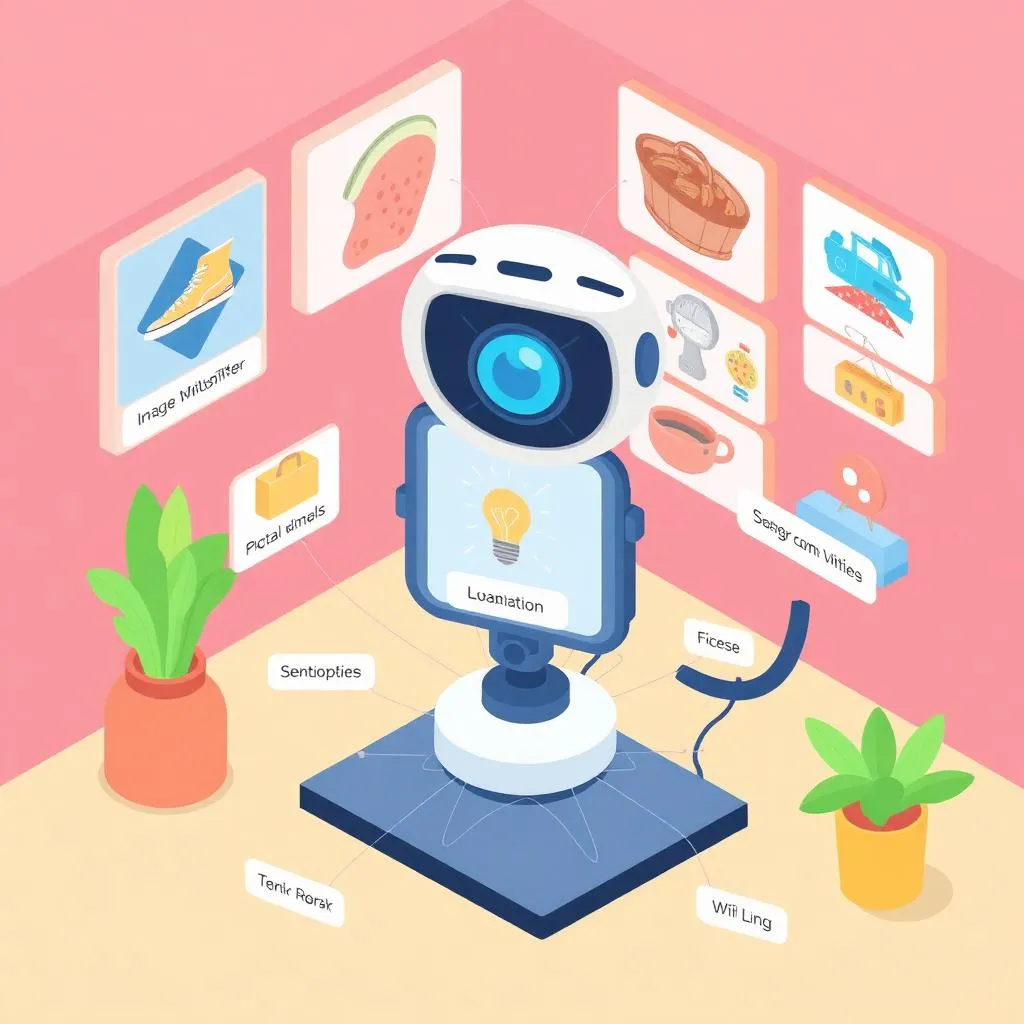
AI Classifier
Image recognition model
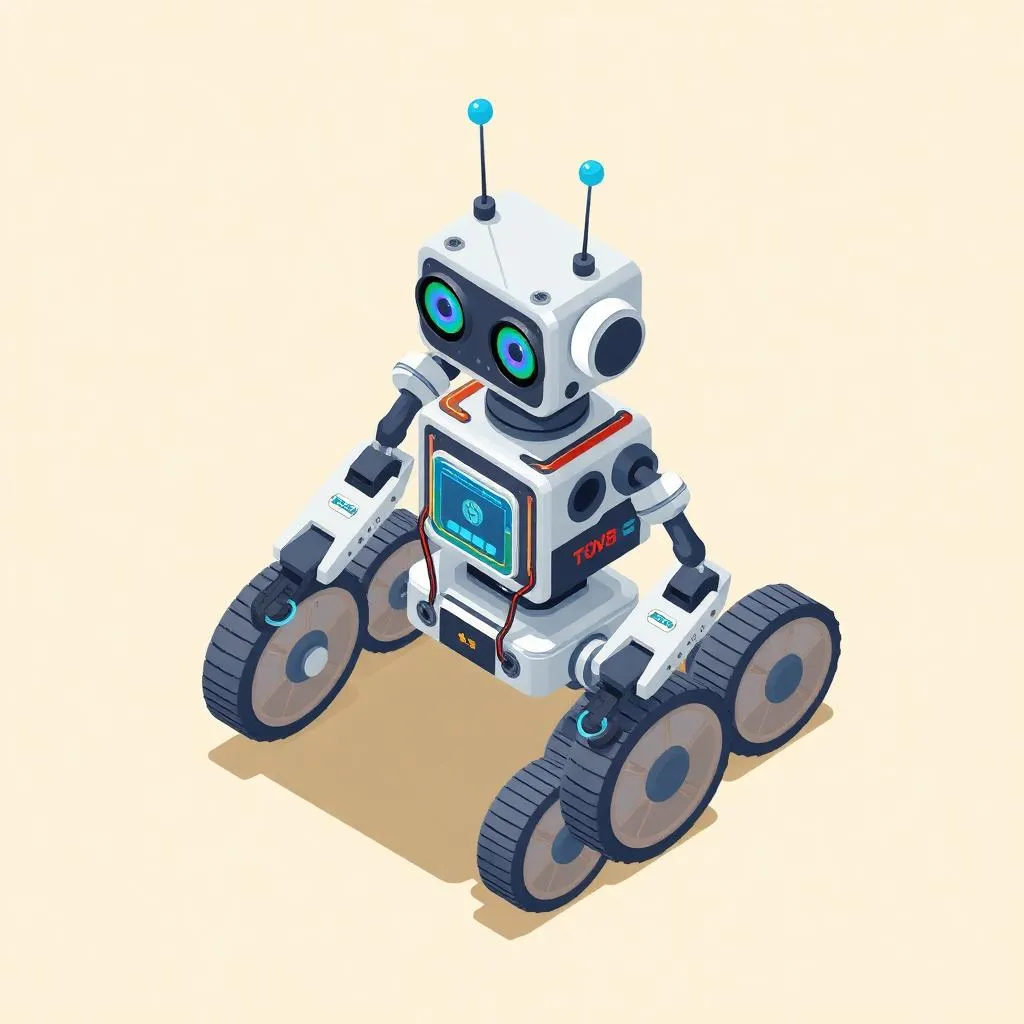
Smart Robot
AI-controlled robot
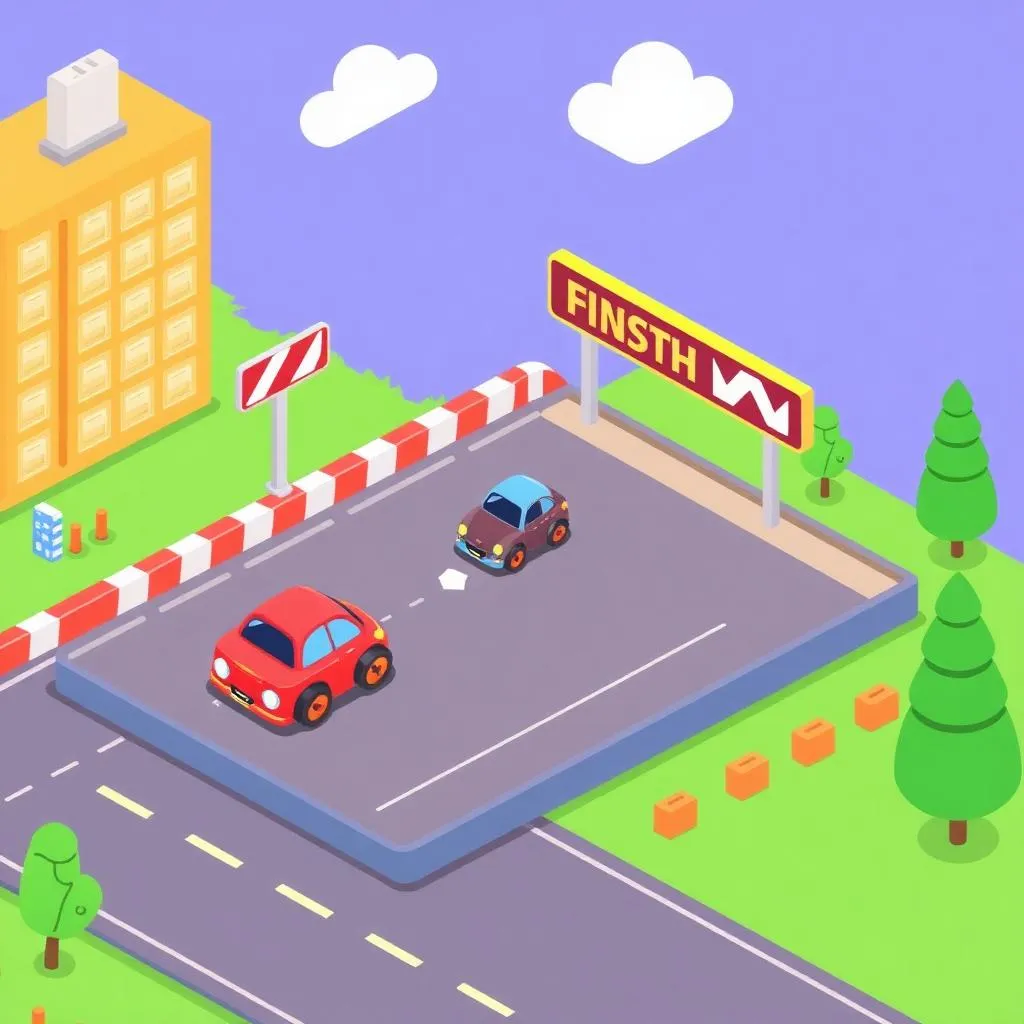
Racing Game
PictoBlox game
Capstone Project
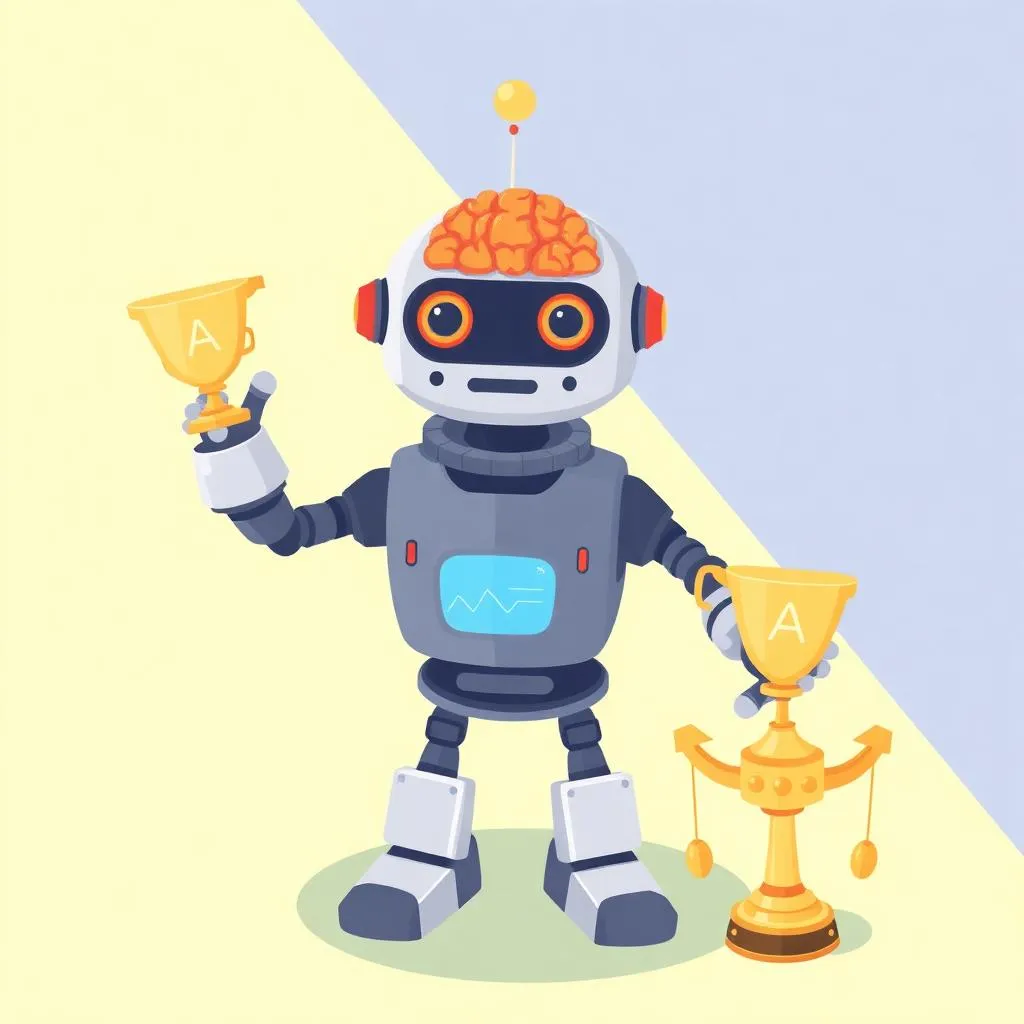
AI Robotics Showcase
An AI-powered robot with machine learning, smart automation, and game integration
Assessment & Certification
Project-Based
Evaluation through real projects, not tests or exams.
Parent Updates
Regular progress reports and milestone celebrations.
General Track
Curriculum Details
Complete Colonel curriculum
- Fun with Electronics (9 sessions)
- Micro:bit Beginner (8 sessions)
- Micro:bit Applications (24 sessions)
- AI & Smart Robots (10 sessions)
- Fun with PictoBlox (12 sessions)
Advanced AI features and smart systems
- Face recognition technology
- Object detection systems
- Weather apps with AI
- Augmented reality projects
- Advanced AI extensions
- AI capstone showcase
Learning Outcomes
Implement face recognition
Build object detection systems
Create AR experiences
Master advanced AI tools
Projects You'll Build
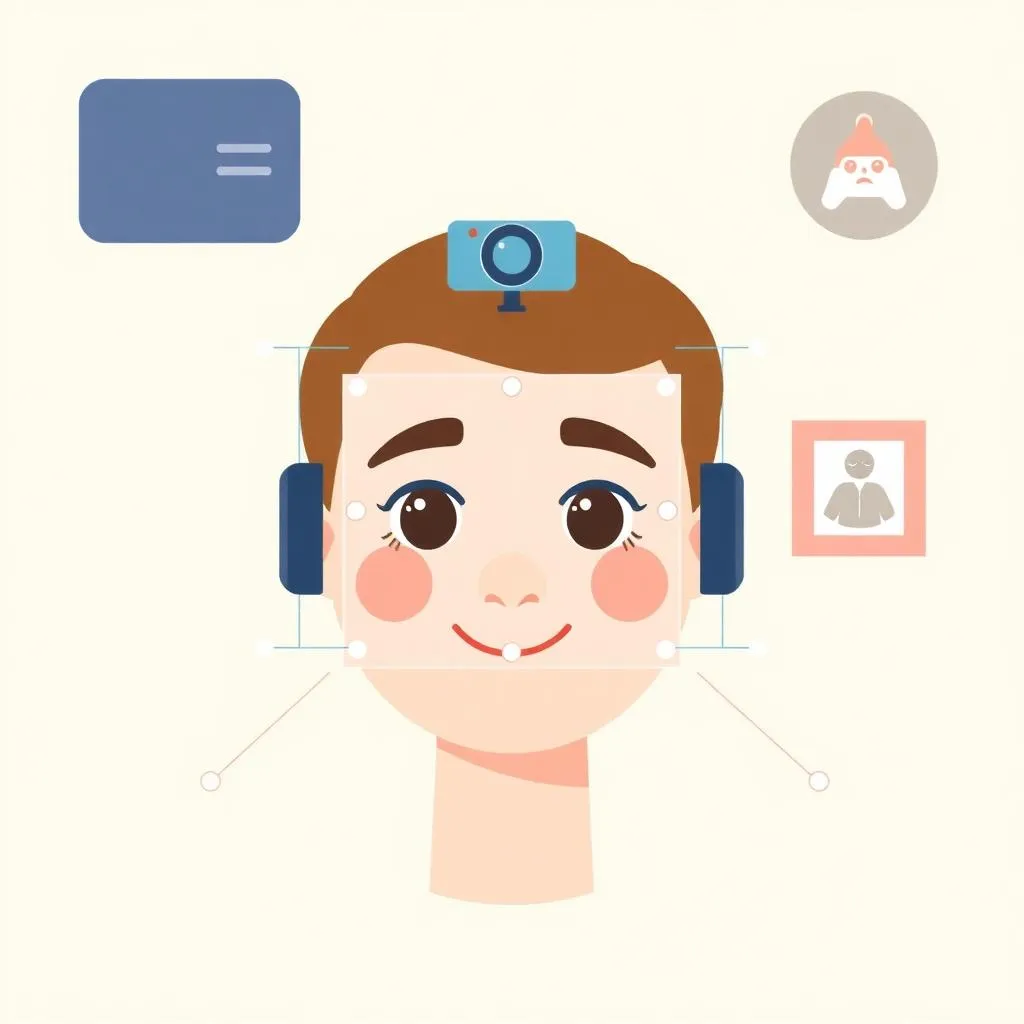
Face Recognition
AI face detector
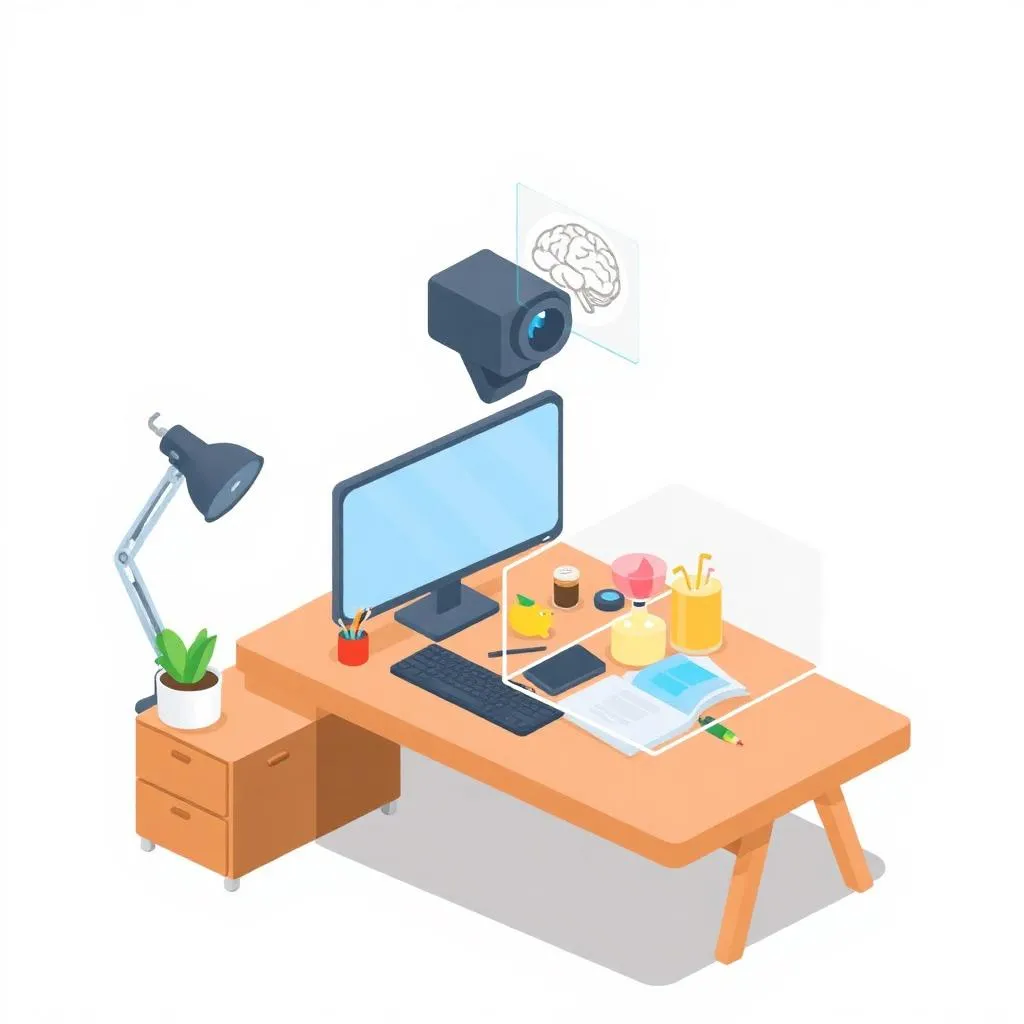
Object Detector
Smart detection system
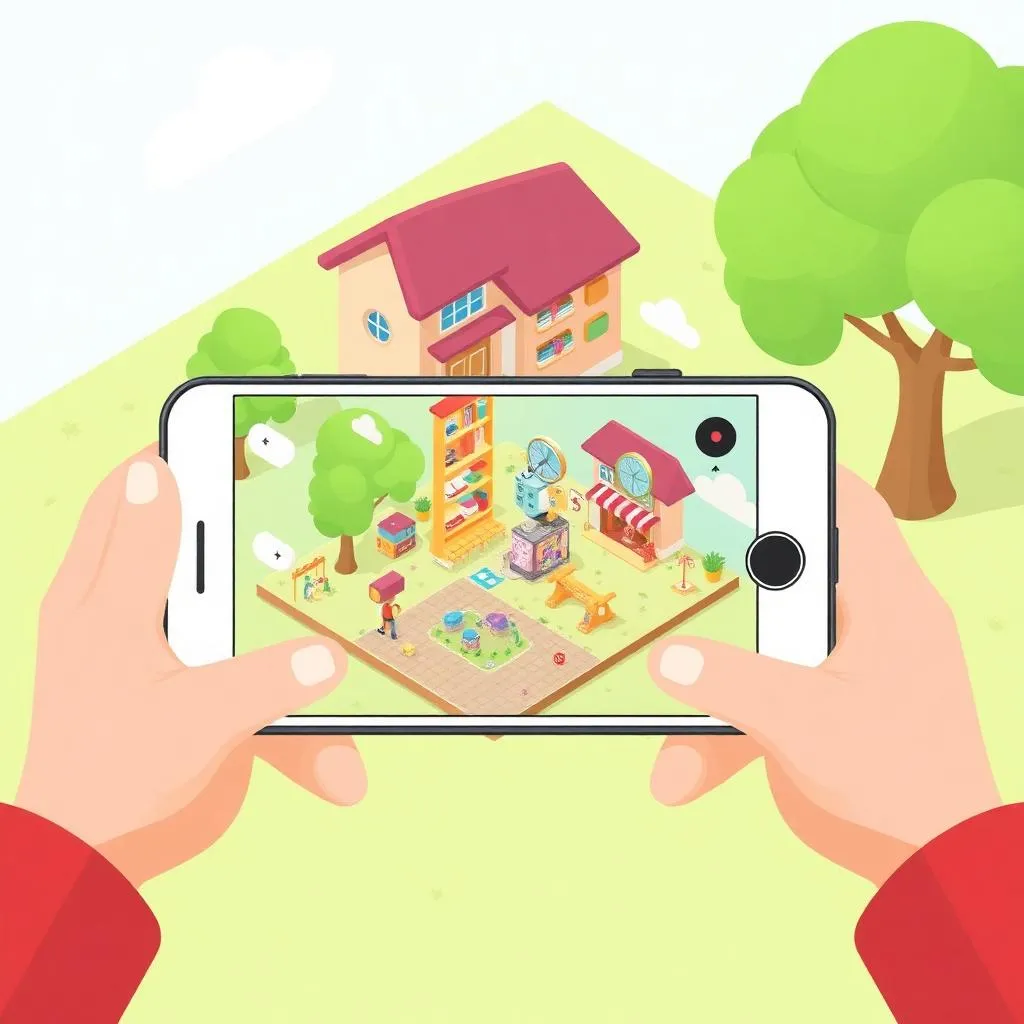
AR Project
Augmented reality app
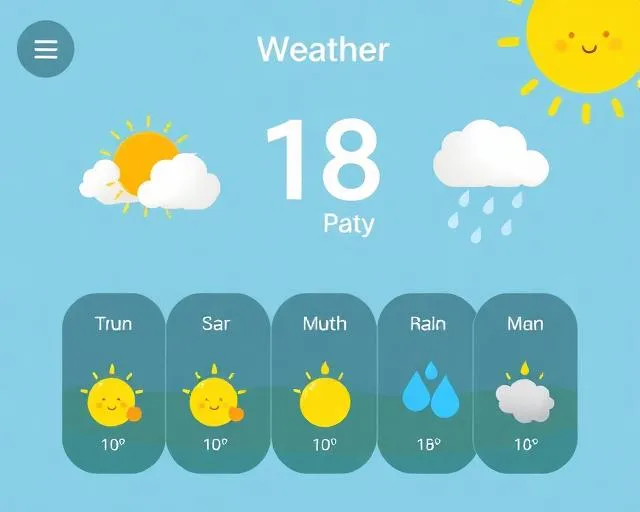
Weather AI App
AI weather assistant
Capstone Project
Junior Robotics Engineer Showcase
A comprehensive portfolio featuring AI systems, robotics, and advanced smart projects
Assessment & Certification
Project-Based
Evaluation through real projects, not tests or exams.
Parent Updates
Regular progress reports and milestone celebrations.
Ready to Start?
Book a free trial class and experience our curriculum firsthand.
Invest in Your Child's Future
3-4 months program • 24 sessions total • 2 sessions
What's Included:
- 24 live, interactive sessions
- 1-on-1 or small group classes
- Dedicated instructor support
- Access to learning materials & tools
- Progress reports for parents
- Python Programmer
5-6 months program • 48 sessions total • 2 sessions
What's Included:
- 48 live, interactive sessions
- 1-on-1 or small group classes
- Dedicated instructor support
- Access to learning materials & tools
- Progress reports for parents
- Python & Game Developer
10-12 months program • 96 sessions total • 2 sessions
What's Included:
- 96 live, interactive sessions
- 1-on-1 or small group classes
- Dedicated instructor support
- Access to learning materials & tools
- Progress reports for parents
- Full-Stack Web Developer
16-18 months program • 144 sessions total • 2 sessions
What's Included:
- 144 live, interactive sessions
- 1-on-1 or small group classes
- Dedicated instructor support
- Access to learning materials & tools
- Progress reports for parents
- Junior Software Developer
What happens in a free trial?
- Live 45-minute class with an instructor
- Sample coding activity
- No payment required
- Skill & interest evaluation
- Personalized learning path recommendation
Ready to start your child's tech journey?
Book a Free TrialQuestions? Call us at +971 50 69 42633
Grade 4-5 Program FAQs
What makes Grade 4-5 different from Grade 2-3?
Grade 4-5 focuses on AI-first development with Scratch AI, advanced mobile apps, web development with HTML/CSS, and professional Python programming. Students work with Teachable Machine, chatbots, and eventually Generative AI tools.
What are the elective modules?
Game Lab (JavaScript-based game development) and Python with EduBlocks are available as elective add-ons. These provide additional skills in JavaScript and block-to-text Python transition for students who want broader exposure.
Does my child need prior coding experience?
No prior experience is required for the Cadet track. If your child has completed our Grade 2-3 program, they can start at Captain level for a smoother progression.
What devices are needed?
A laptop or desktop computer is required. Some AI features need a webcam. We recommend Chrome or Firefox for the best experience with our coding platforms.
How does the AI curriculum work?
Students learn AI hands-on through Teachable Machine (image/sound classifiers), chatbot development, emotion detection, and prompt engineering with generative AI tools.
Ready to Build Real Applications?
Book a free Advanced Python trial class and see your child create real-world projects with expert guidance.
We’ll contact you on WhatsApp to confirm your trial class