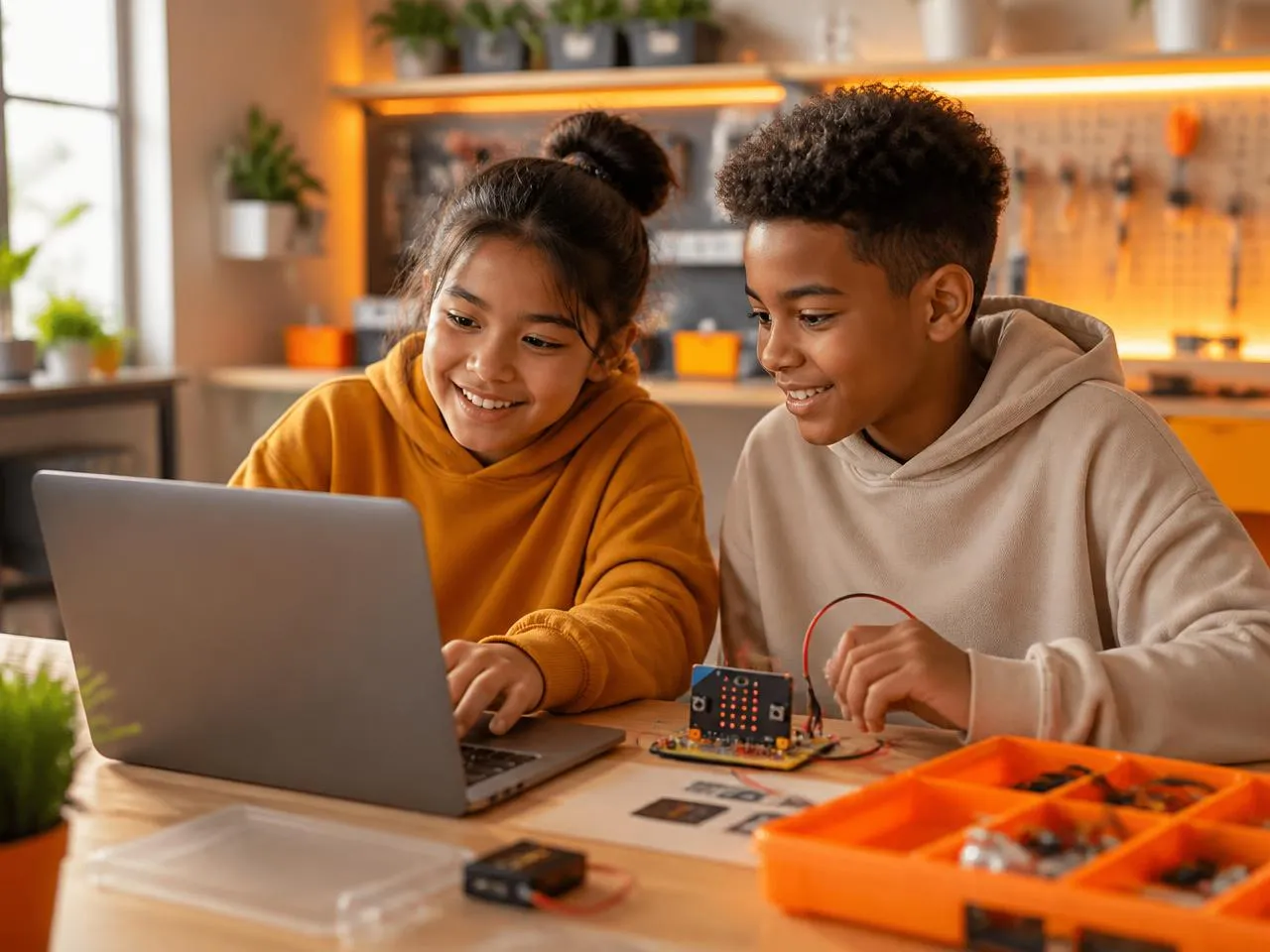
 Grade 4-5
Data Analysis Dashboard
Python data project
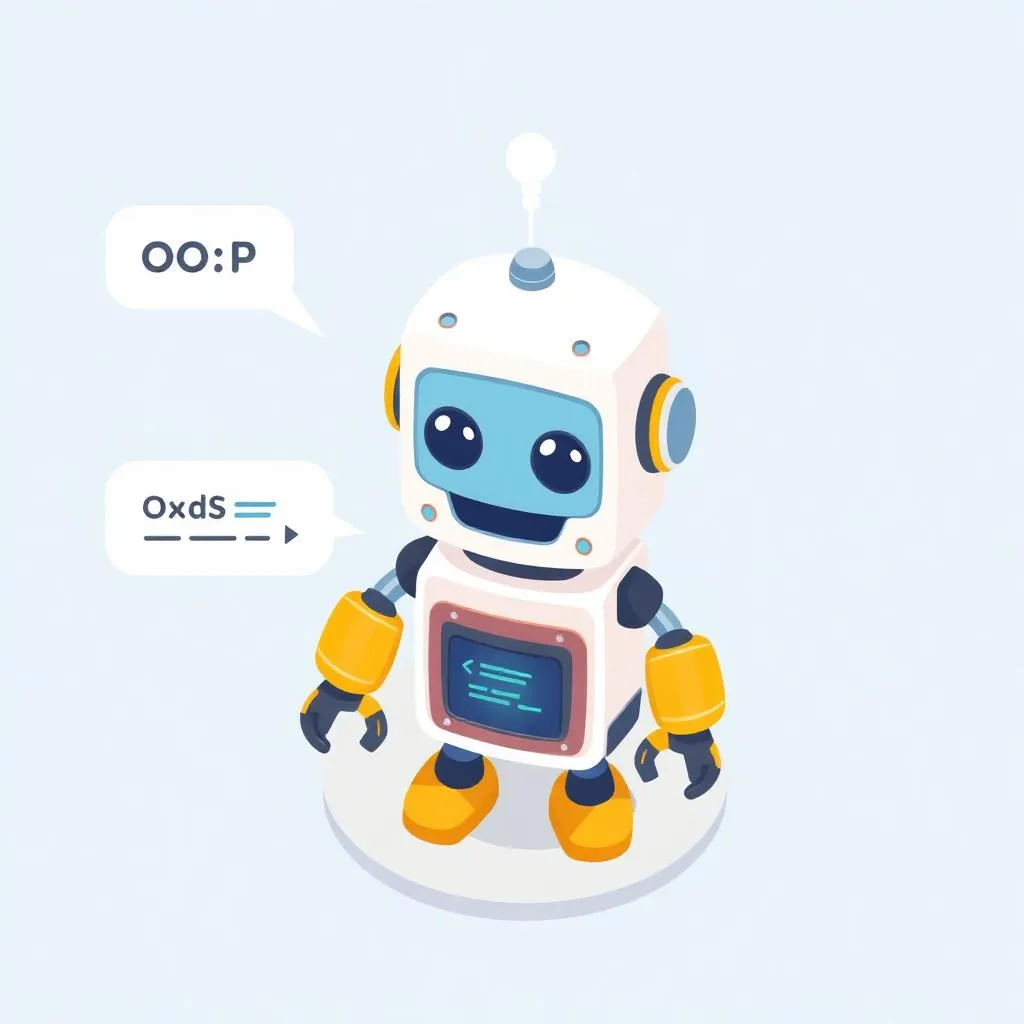 Grade 4-5
OOP Chatbot
Class-based robot assistant
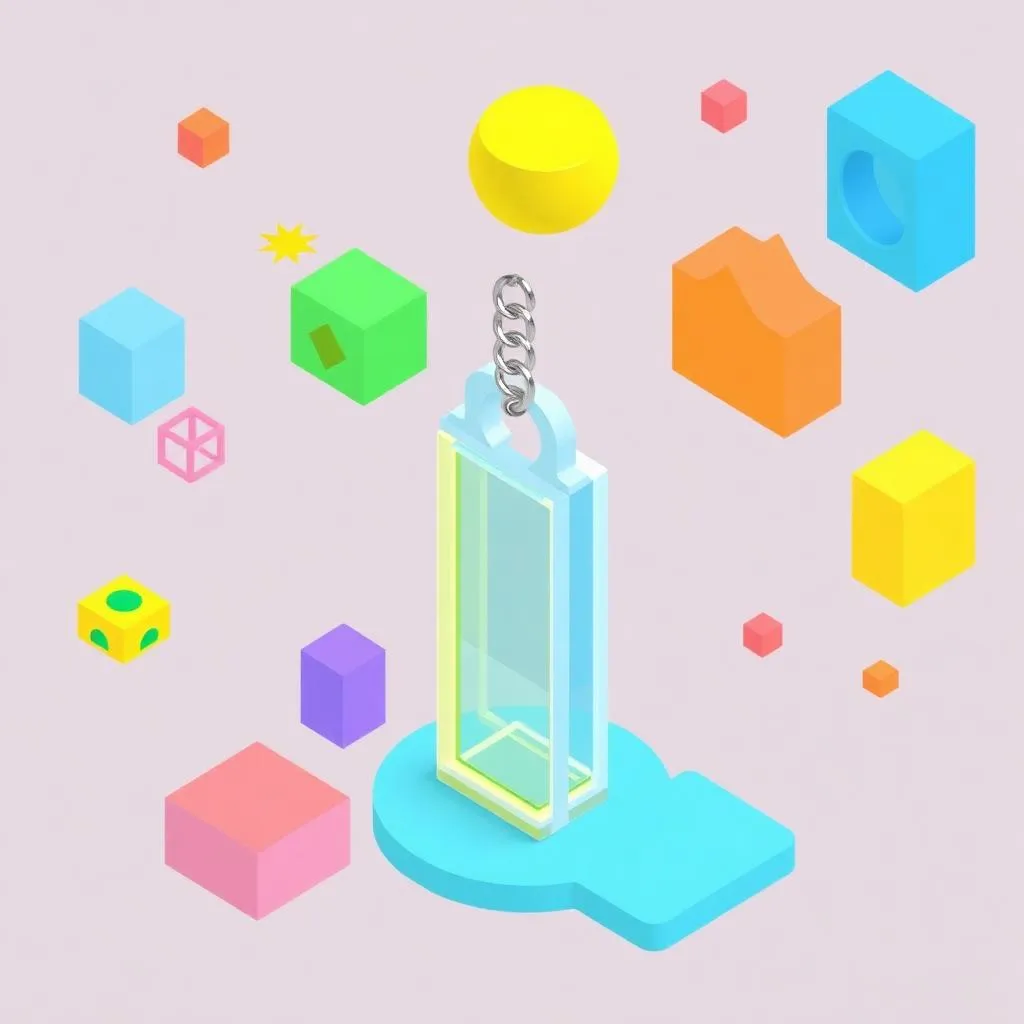 Grade 4-5
3D Keychain Design
Prompt engineering showcase
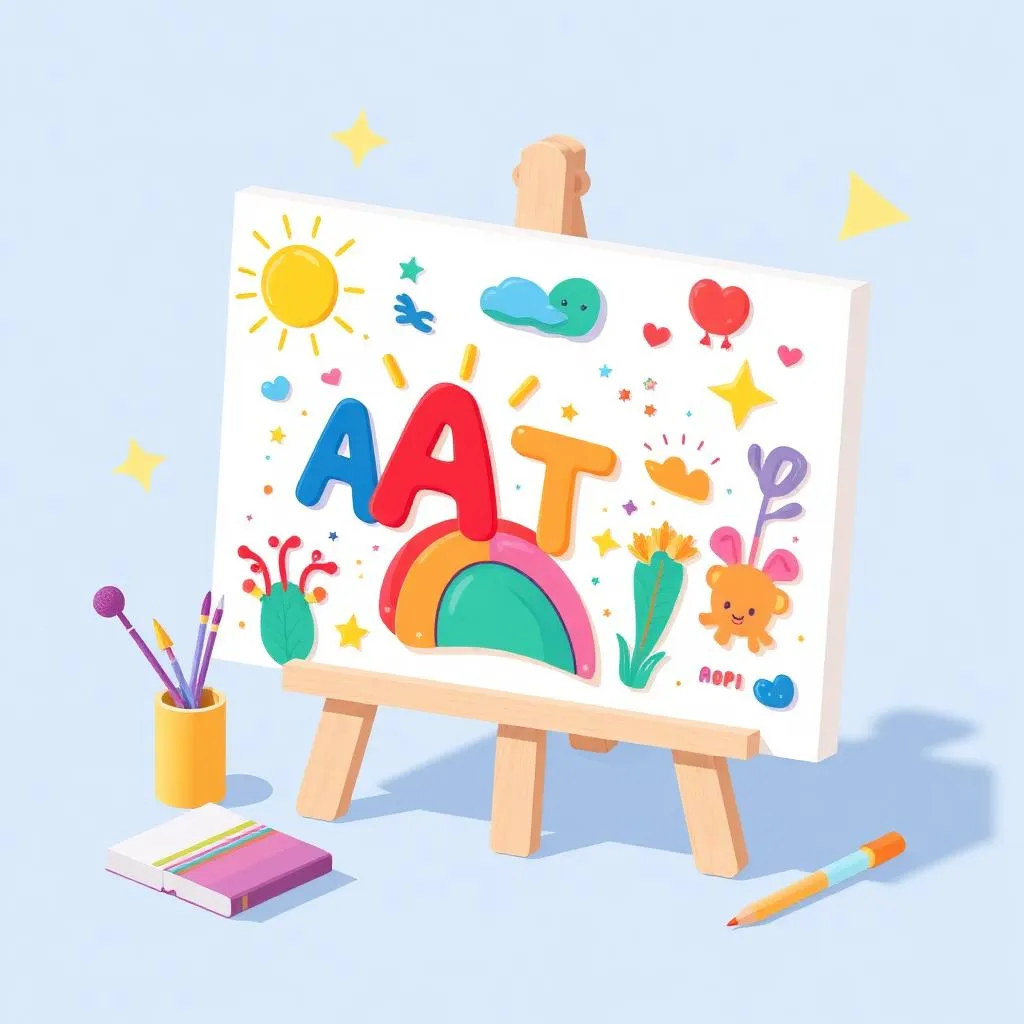 Grade 4-5
AI Art Portfolio
Custom 3D printed creation
 Grade 4-5
AI Chatbot
Class-based robot assistant
Cadet Track
Curriculum Details
AI-powered game development with object recognition and chatbots
- Advanced physics: gravity & momentum
- AI object recognition integration
- Chatbot development & voice commands
- AI TravelBot with image/voice
- Racing games with AI features
- Capstone: AI-Powered Game
Getting started with micro:bit programming
- LED matrix animations
- Light & temperature sensors
- Button inputs & sound
- Motion gestures & accelerometer
- Interactive text display
- Mini project: Interactive device
Learning Outcomes
Create AI-powered games with Scratch
Integrate voice & image recognition
Program micro:bit LED patterns
Use sensors for interactive projects
Projects You'll Build
AI Object Recognition
Train custom image classifier
Voice-Controlled Game
AI voice commands
Interactive Badge
Wearable micro:bit
Capstone Project
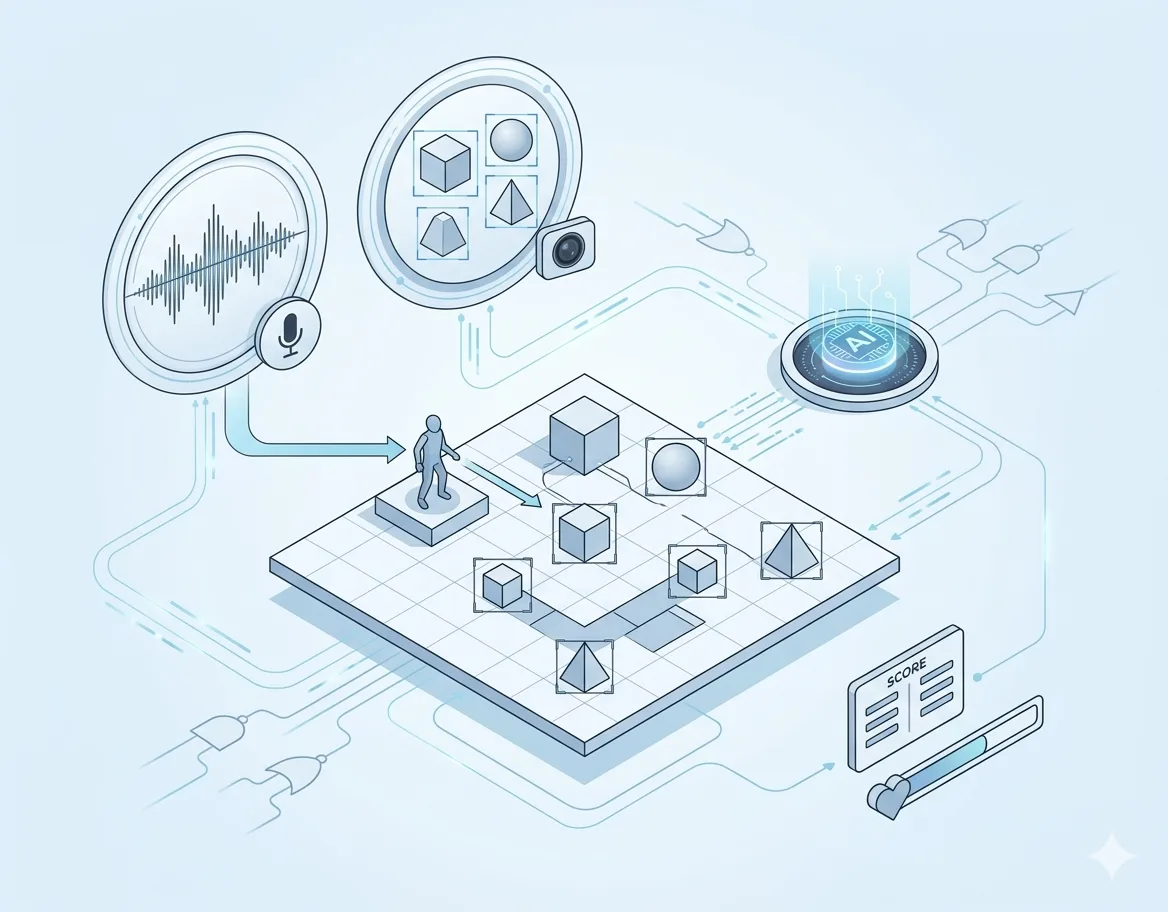
AI-Powered Game Showcase
Build a complete game with AI features like voice control and object recognition
Assessment & Certification
Project-Based
Evaluation through creative projects, not tests or exams
Parent Updates
Regular progress reports and milestone celebrations
Captain Track
Curriculum Details
Complete Cadet curriculum covering Scratch AI & micro:bit basics
- Advanced Scratch & AI (24 sessions)
- Micro:bit Beginner (8 sessions)
Mobile app development with AI integration
- App Inventor interface & blocks
- Canvas, drawing & paint apps
- Device sensors & camera integration
- Firebase database & cloud storage
- AI-powered chatbot apps
- Capstone: Published Mobile App
Real-world applications and advanced projects
- Data logging & visualization
- Virtual pets & interactive games
- Math quizzes & calculators
- IoT projects & communication
- Wearable technology
- Capstone: Smart system project
Learning Outcomes
Master mobile app development
Integrate AI chatbots into apps
Build IoT-connected micro:bit projects
Create data logging systems
Projects You'll Build
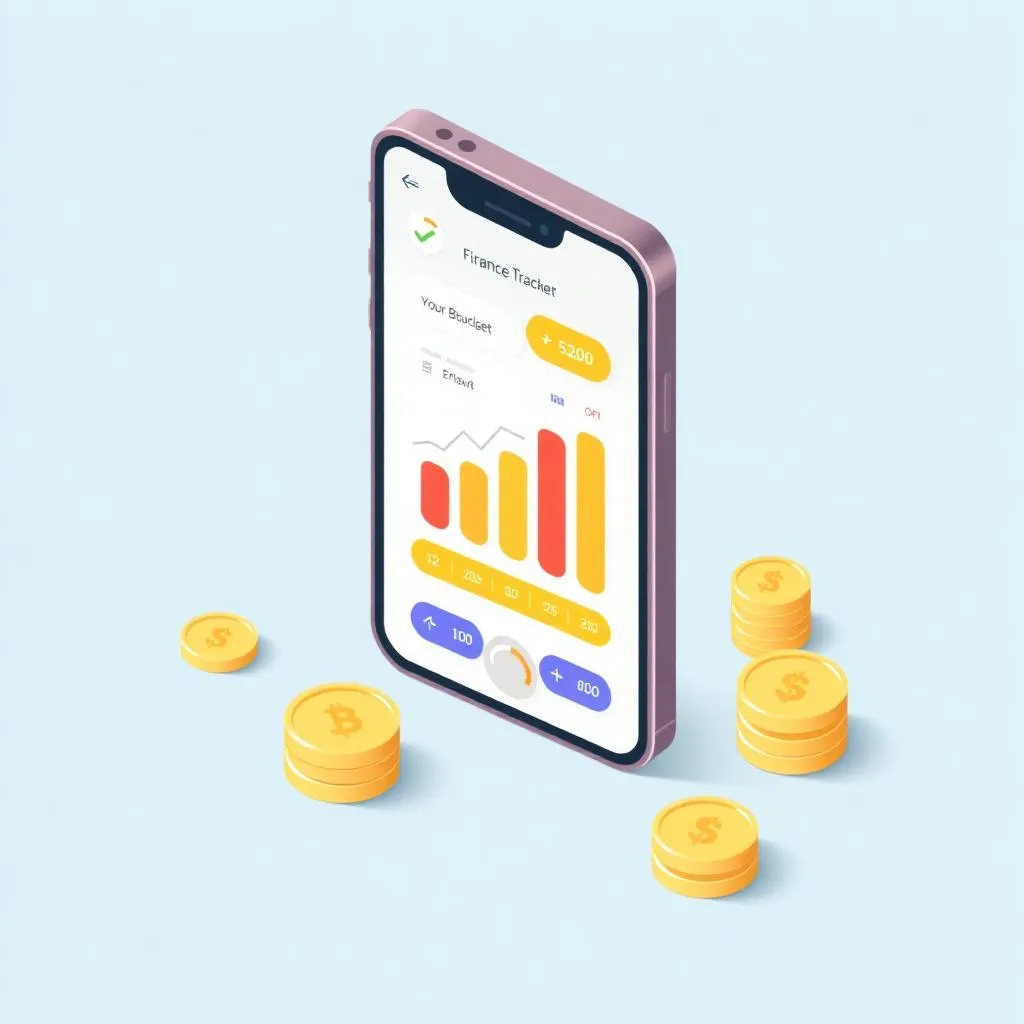
Finance Tracker App
AI-powered budget app
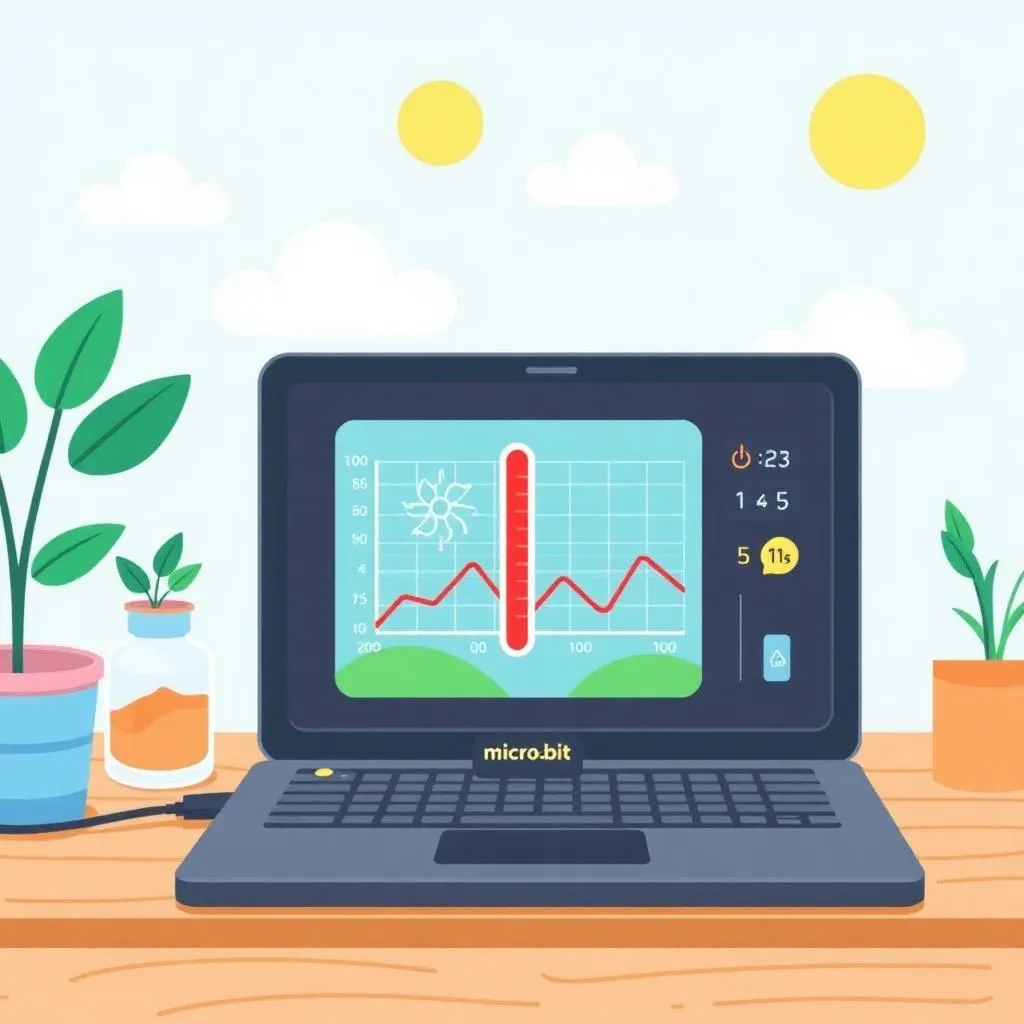
Data Logger
Environmental monitoring

Virtual Pet
Interactive pet game
Capstone Project
STEAM Developer Showcase
A comprehensive project combining mobile apps with IoT micro:bit systems
Assessment & Certification
Project-Based
Evaluation through creative projects, not tests or exams
Parent Updates
Regular progress reports and milestone celebrations.
Colonel Track
Curriculum Details
Complete Captain curriculum
- Advanced Scratch & AI (24 sessions)
- Micro:bit Beginner (8 sessions)
- MIT App Inventor (24 sessions)
- Micro:bit Applications (24 sessions)
Text-based Python with data handling
- Text-based coding environment
- Turtle patterns & user input
- Functions & parameters
- Strings, tuples & lists
- Data analysis projects
- Capstone: Data-Driven Application
AI training and smart automation with micro:bit
- AI training with CreateAI
- Machine learning model creation
- Teachable Machine integration
- Servo motor control
- Smart robot automation
Learning Outcomes
Master text-based Python programming
Apply data structures in projects
Train AI models with CreateAI
Build smart robot applications
Projects You'll Build

Data Analysis Dashboard
Python data project
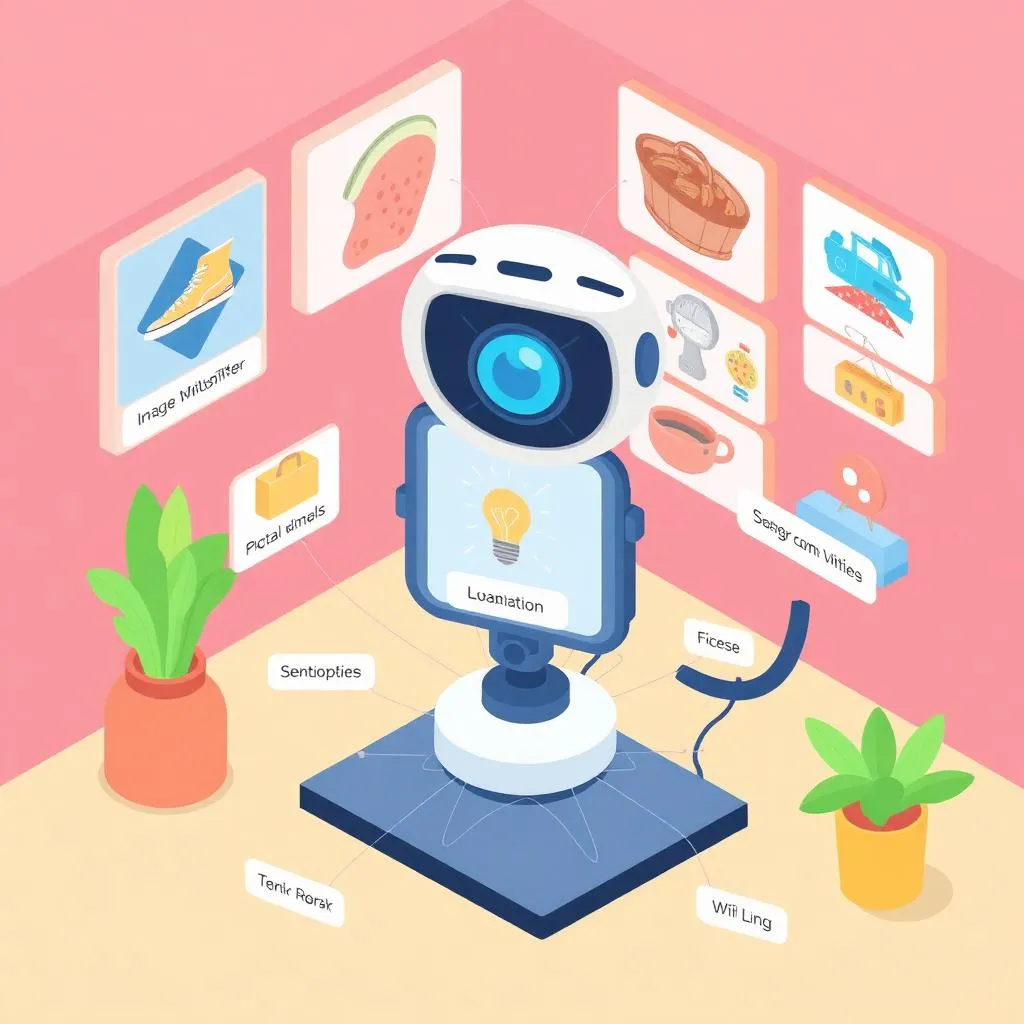
AI Classifier
Image recognition model
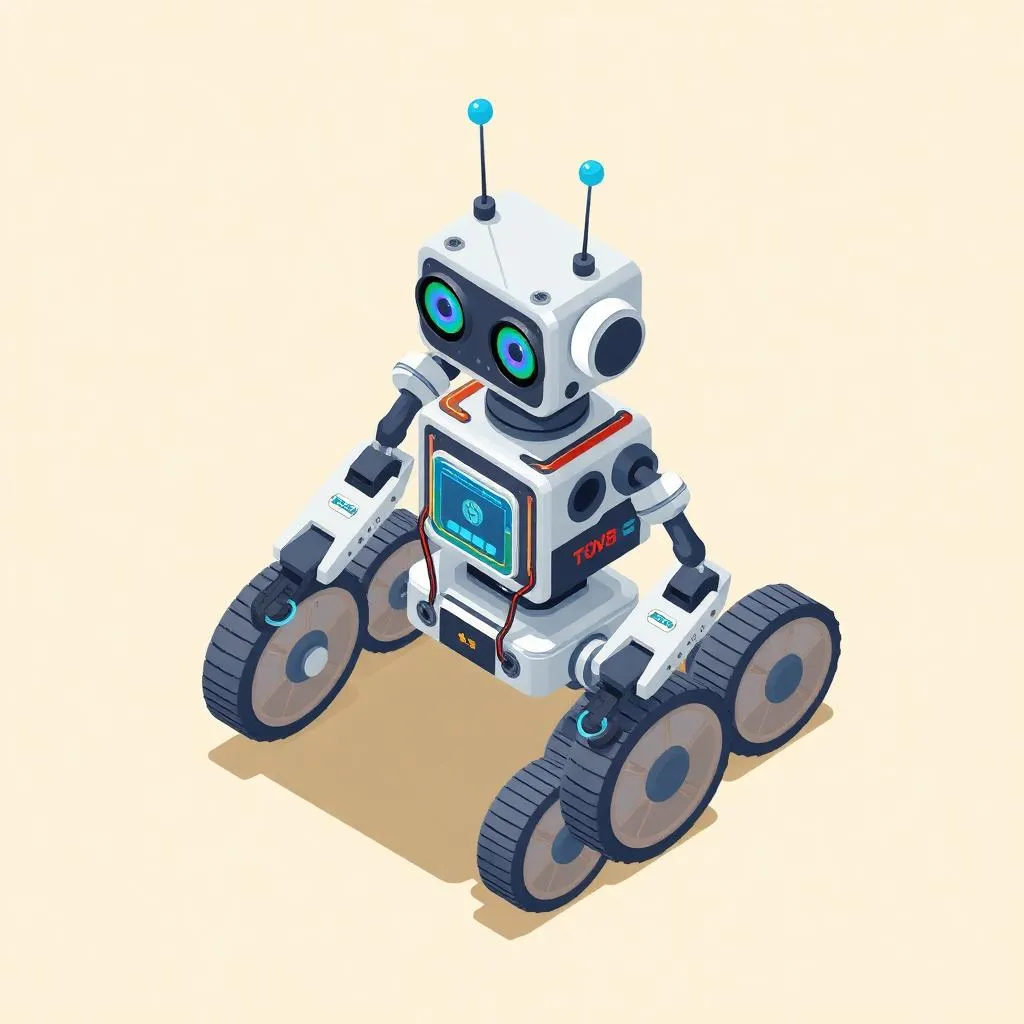
Smart Robot
AI-controlled robot
Capstone Project
STEAM Creator Showcase
A portfolio featuring Python projects and AI-powered robotics
Assessment & Certification
Project-Based
Evaluation through real projects, not tests or exams.
Parent Updates
Regular progress reports and milestone celebrations.
General Track
Curriculum Details
Complete Colonel curriculum
- Advanced Scratch & AI (24 sessions)
- Micro:bit Beginner (8 sessions)
- MIT App Inventor (24 sessions)
- Micro:bit Applications (24 sessions)
- Python & Data Structures (24 sessions)
- AI & Smart Robots (10 sessions)
Game development with PictoBlox
- Racing & quiz games
- Sprite control & animation
- Sound effects & randomness
- Score systems & levels
- micro:bit integration
AI-powered content creation and ethical AI use
- AI ethics & responsible use
- Prompt engineering techniques
- AI text & image generation
- AI music & video creation
- AI-powered showcase projects
Advanced AI features and smart systems
- Face recognition technology
- Object detection systems
- Weather apps with AI
- Augmented reality projects
- AI capstone showcase
Learning Outcomes
Create PictoBlox games with micro:bit
Master generative AI tools
Implement face recognition
Build complete STEAM portfolio
Projects You'll Build
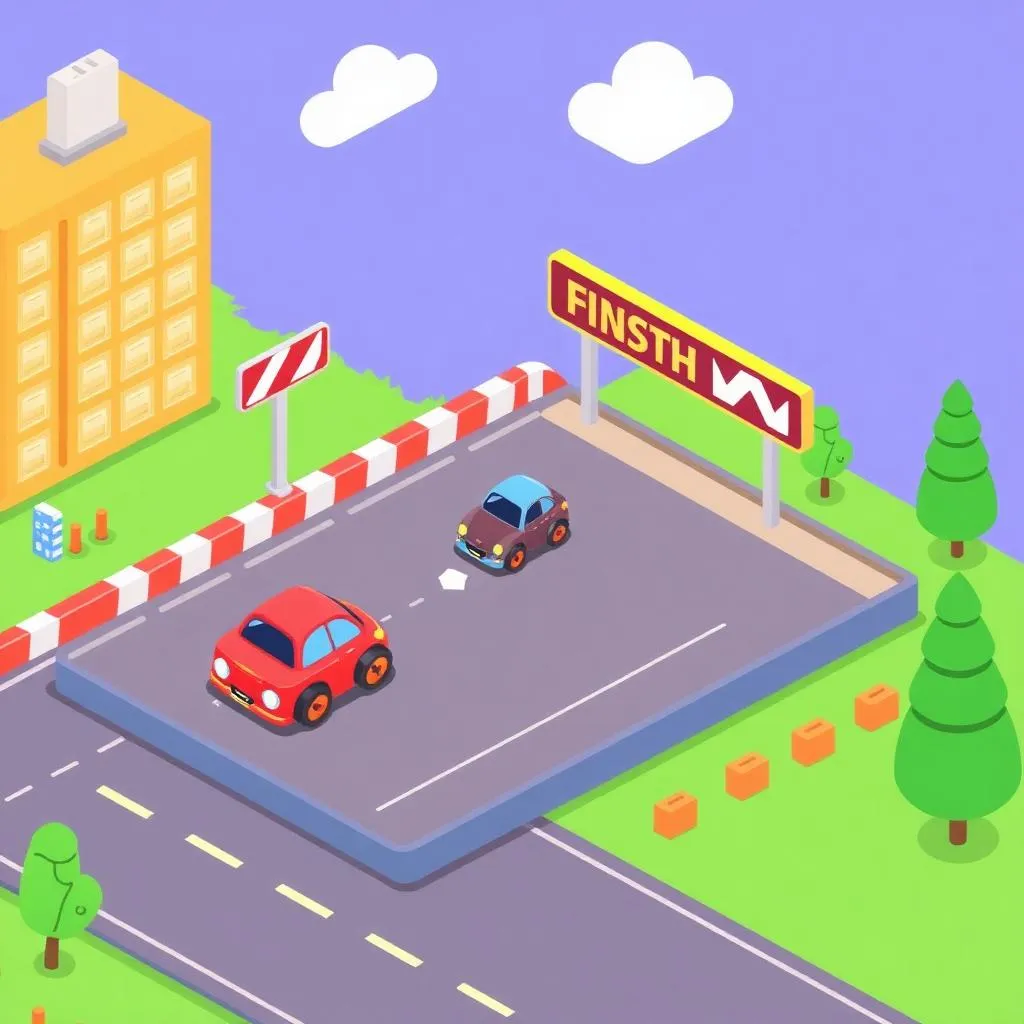
Racing Game
PictoBlox game
OOP Chatbot
Prompt engineering showcase
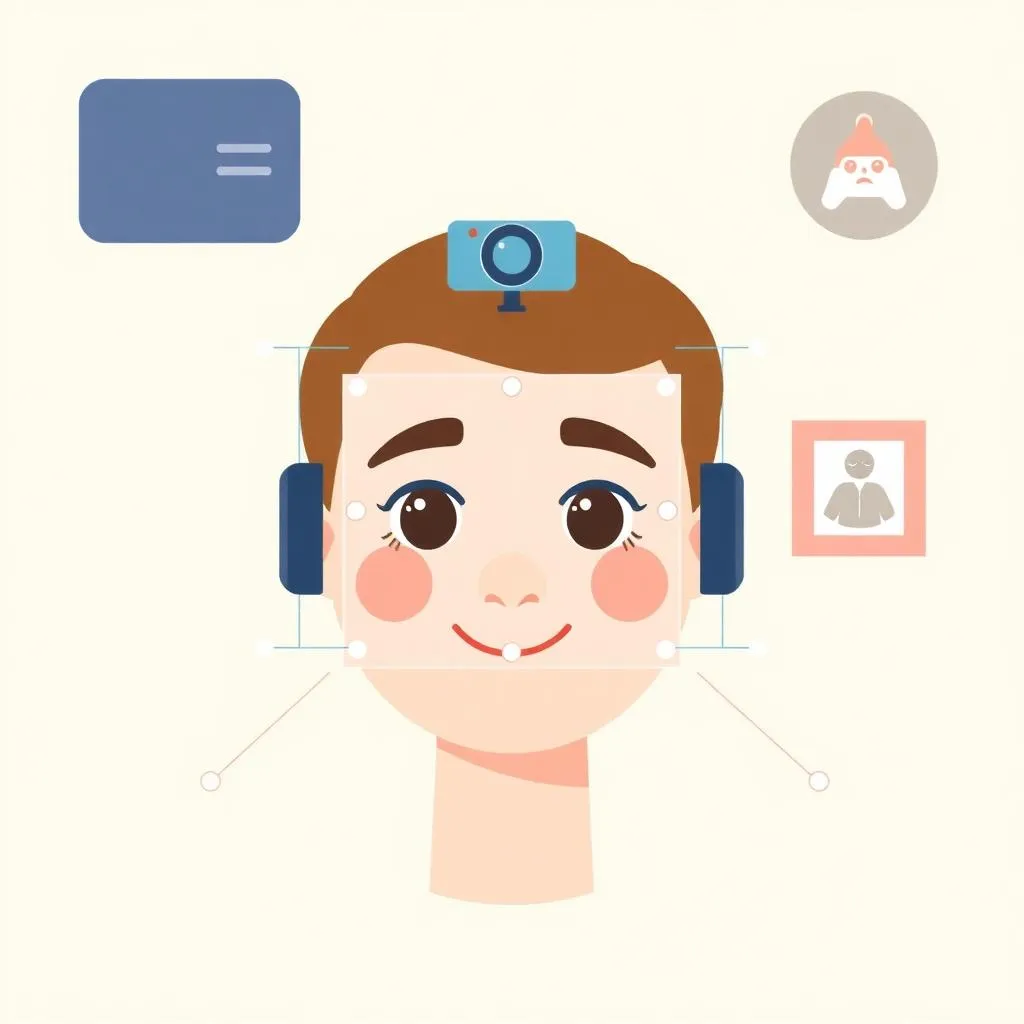
Face Recognition
AI face detector
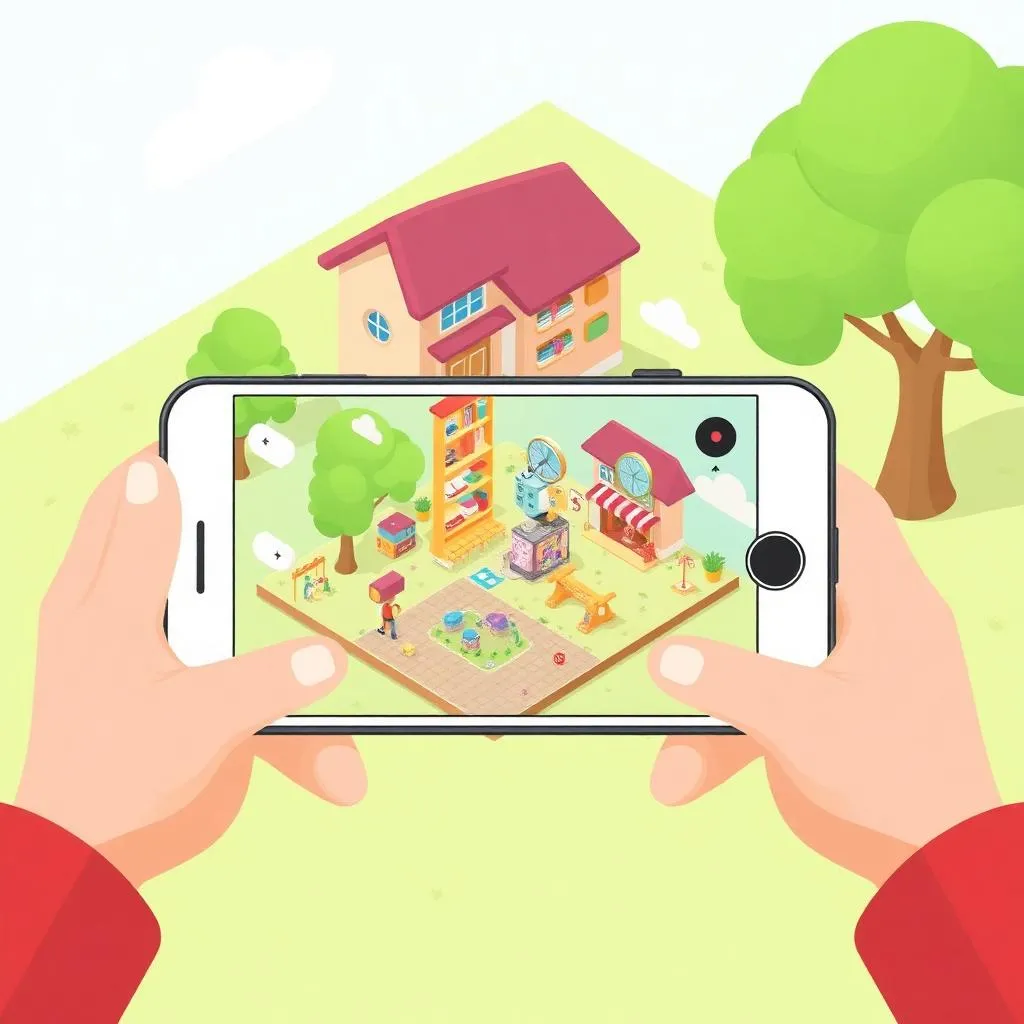
AR Project
Augmented reality app
Capstone Project

Junior Tech Master Showcase
A comprehensive portfolio featuring advanced Python, 3D designs, and AI-powered creative projects
Assessment & Certification
Project-Based
Evaluation through real projects, not tests or exams.
Parent Updates
Regular progress reports and milestone celebrations.