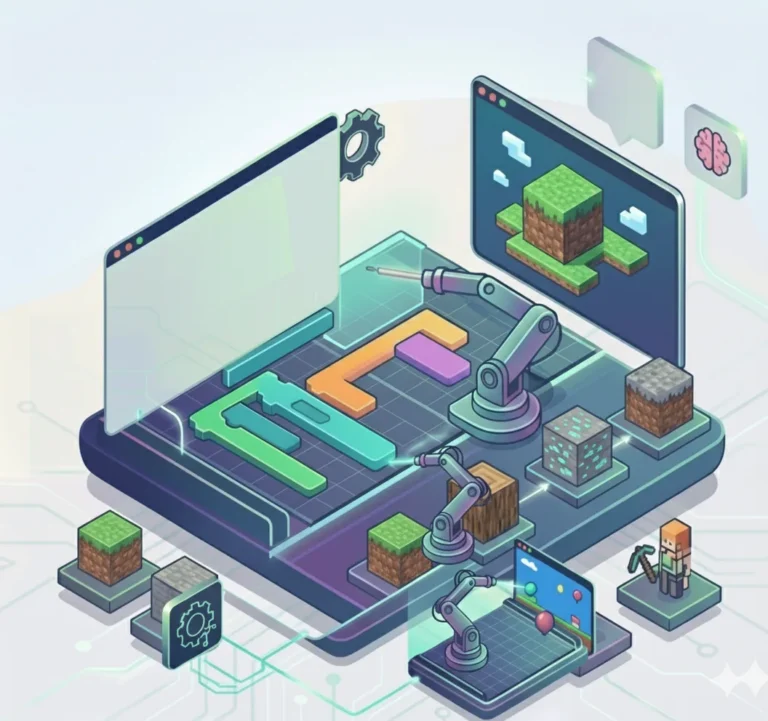
Minecraft Coding
Build Worlds. Learn Code.
Program drones to build incredible structures automatically. From simple bridges to Redstone cannons, your child will master real programming concepts in their favorite game world.
This Course Includes
Parent Rating
Happy Students
Completion Rate
Skill Improvement
35 Sessions Across 4 Levels
From basic drone control to advanced Redstone engineering, your child will master programming concepts while building amazing structures in Minecraft.
Beginner: Drone Control & Scripts
Drone Foundations
Algorithms & Patterns
Projects Your Child Will Build
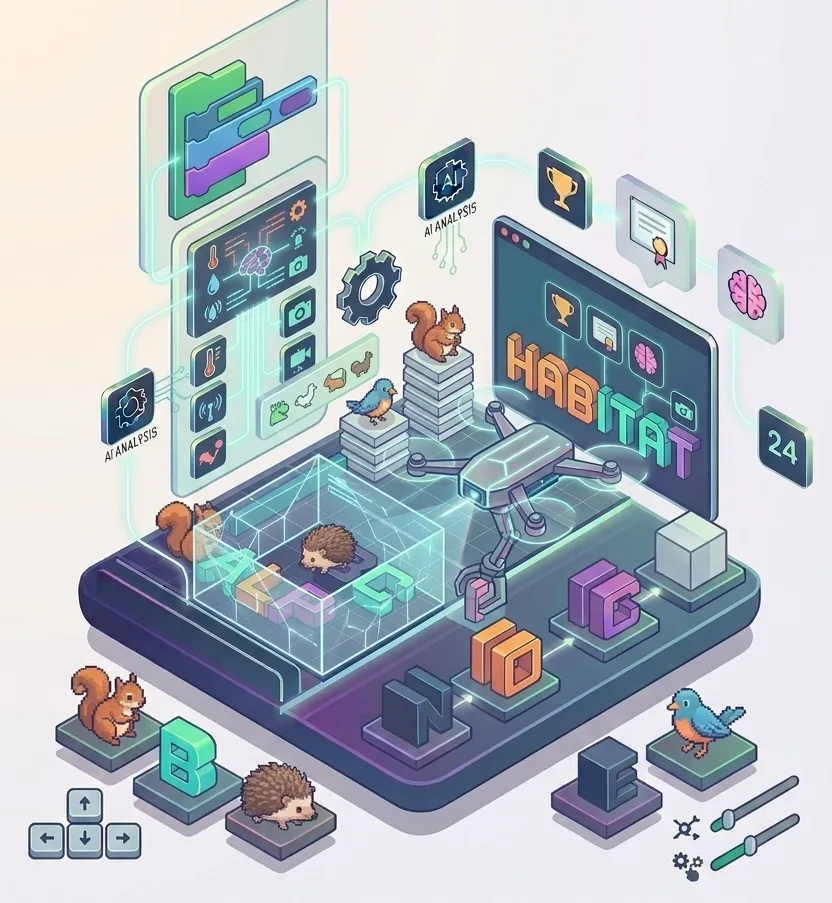
Hedge with Animal
Build an automated hedge enclosure with animals inside
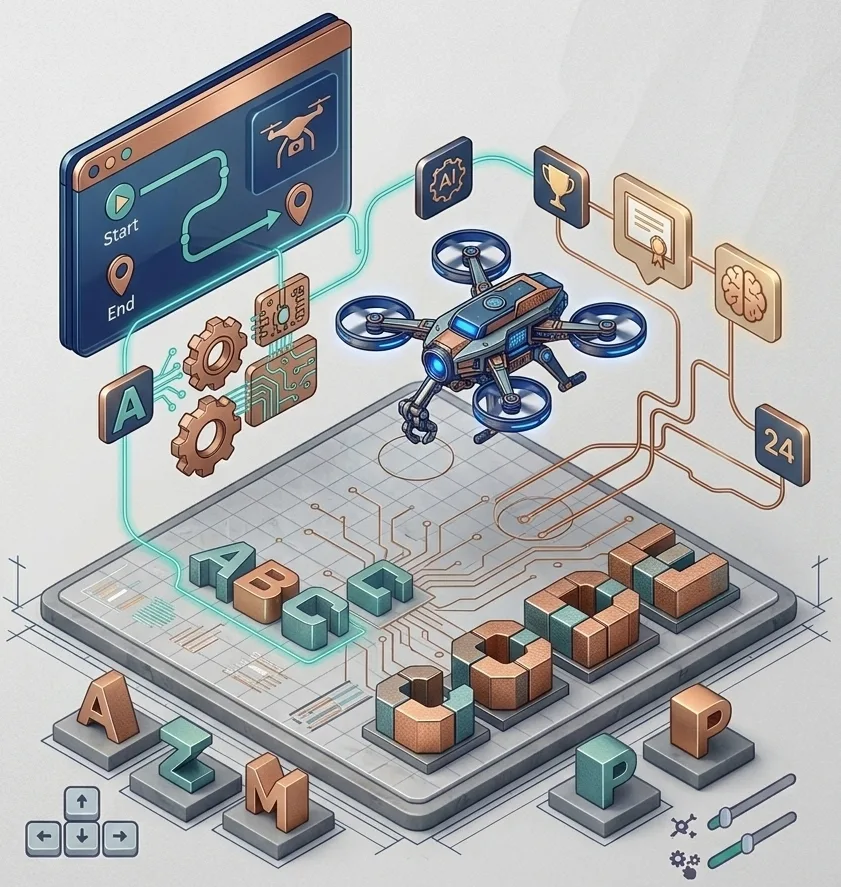
Alphabet Letters
Program the drone to write letters in 3D blocks
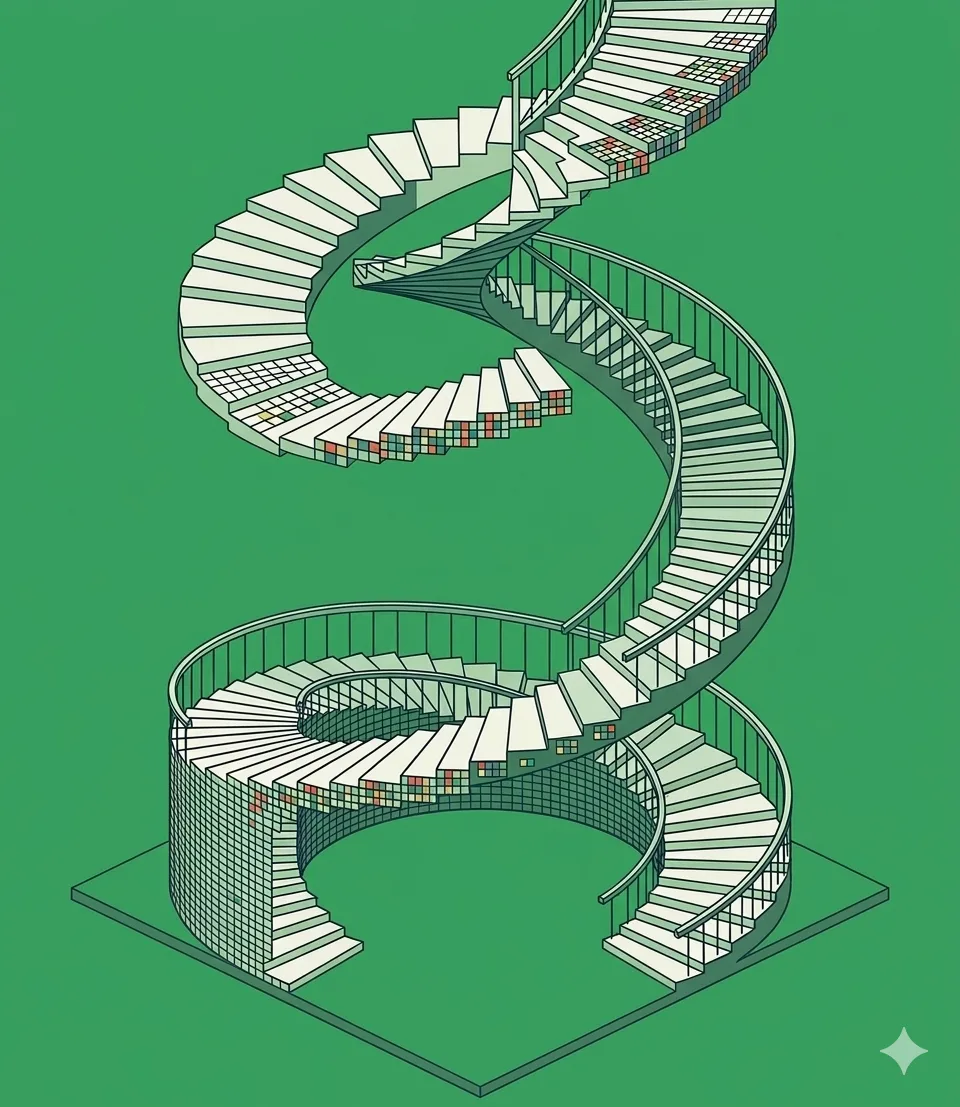
Spiral Staircase
Create mesmerizing spiral staircases with cyclic algorithms
Elementary: Complex Structures
Transportation Systems
Advanced Builds
Projects Your Child Will Build
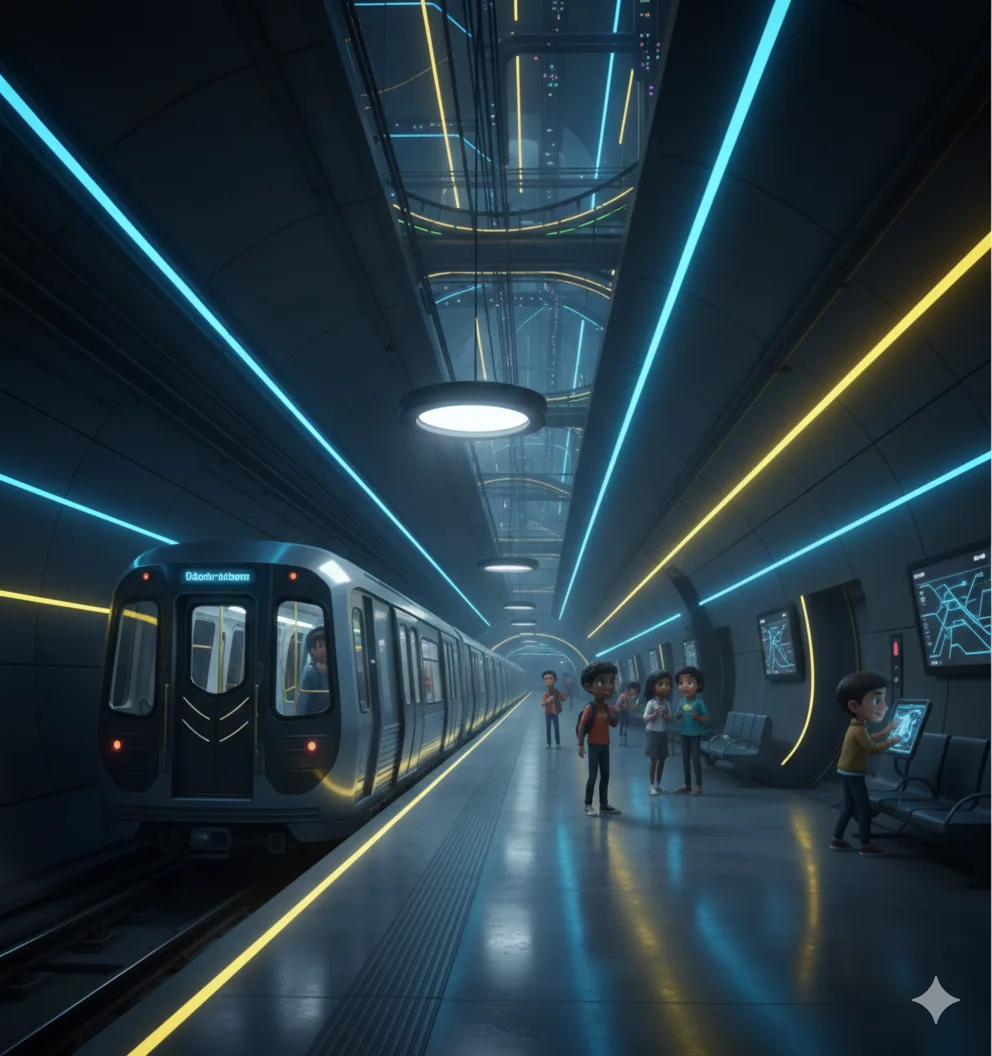
Underground Subway
Design a complete subway system with lighting and stations

Roller Coaster
Build a thrilling roller coaster with loops and drops
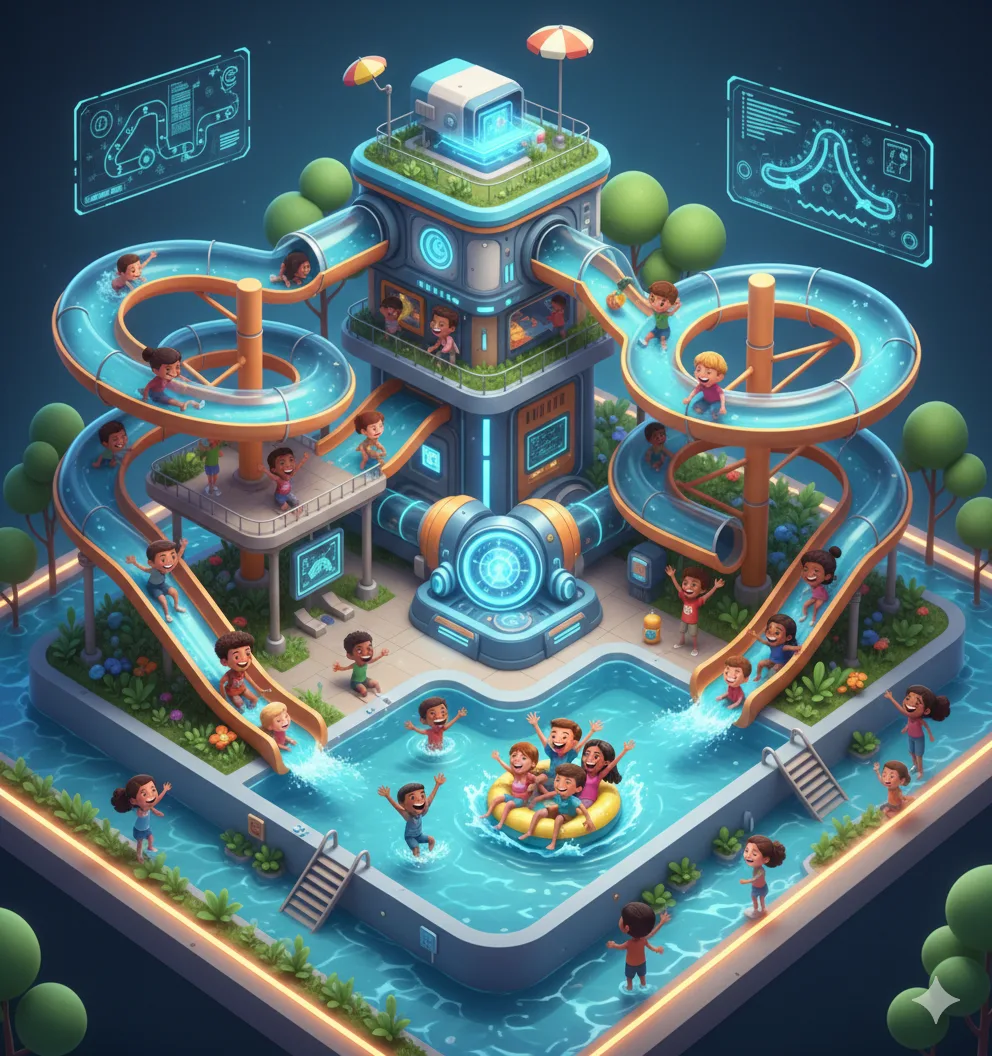
Mini Waterpark
Create a waterpark with slides, pools, and wave machines
Intermediate: Logic & Randomness
Conditional Building
Random Generation
Projects Your Child Will Build
Golem Guardian
Program a golem that defends your builds
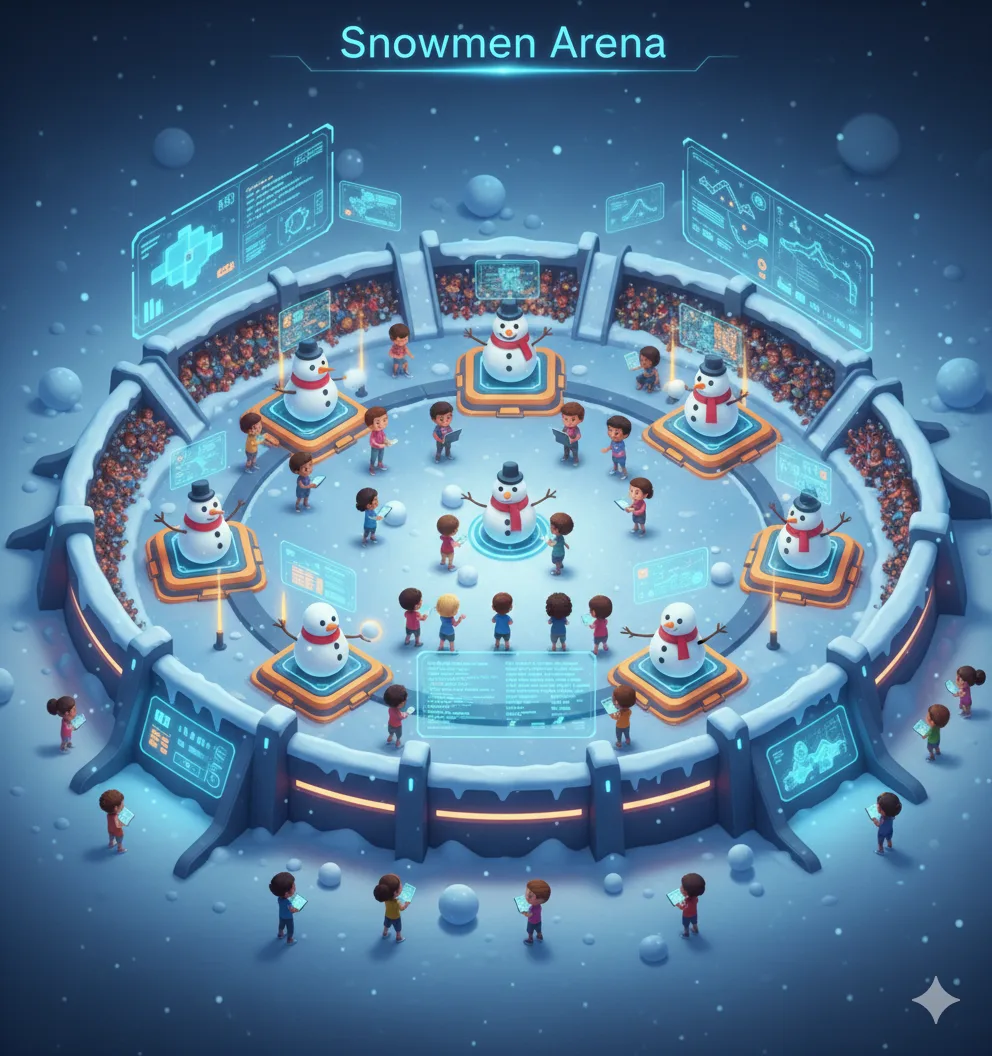
Snowmen Arena
Create an arena with spawning snowmen defenders
Random Maze Generator
Build a maze that's different every time it runs
Advanced: Redstone Engineering
Signal Systems
Advanced Mechanics
Projects Your Child Will Build
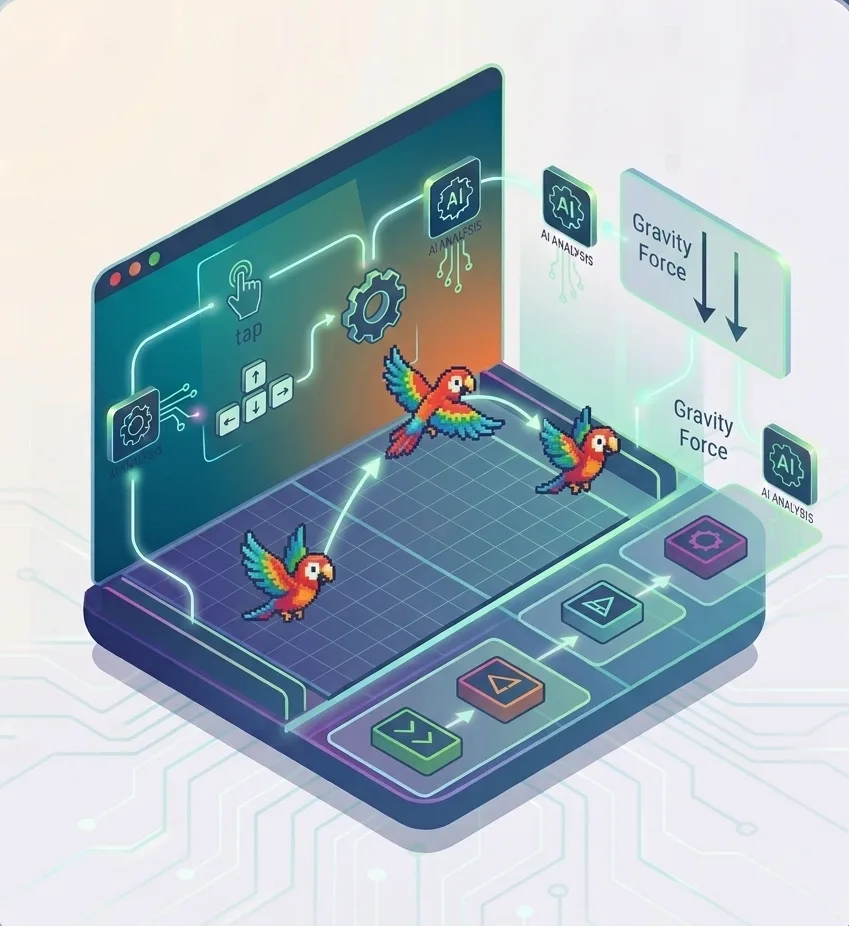
Flappy Parrot
Implement physics-based gameplay with gravity
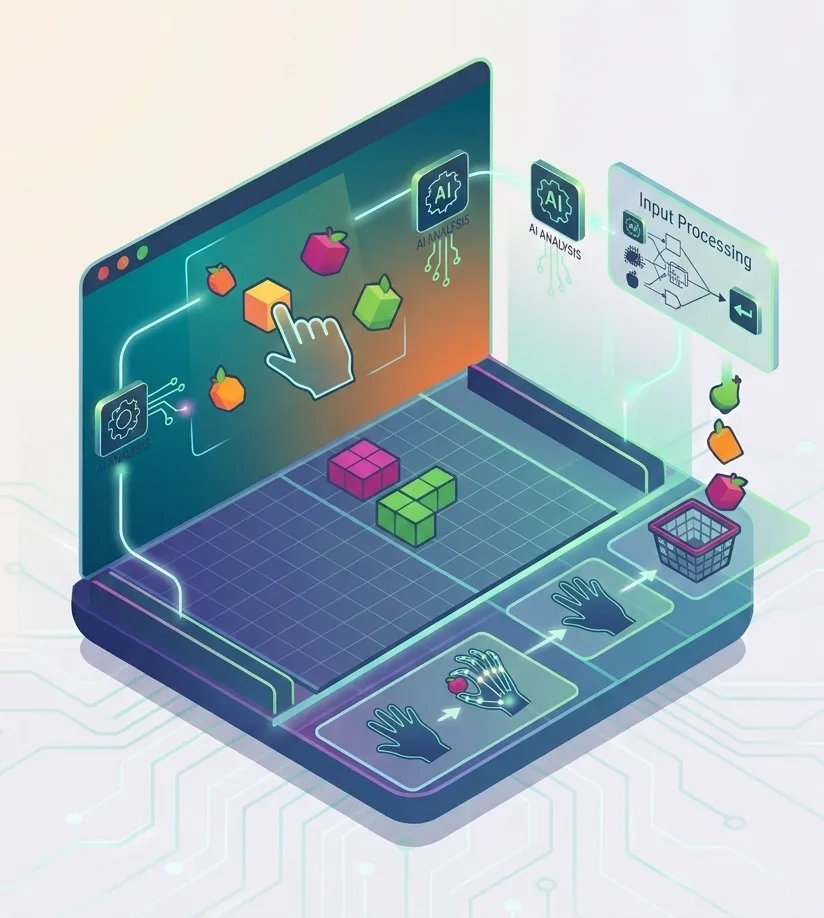
Fruit Catcher AI
Use webcam input to control game elements
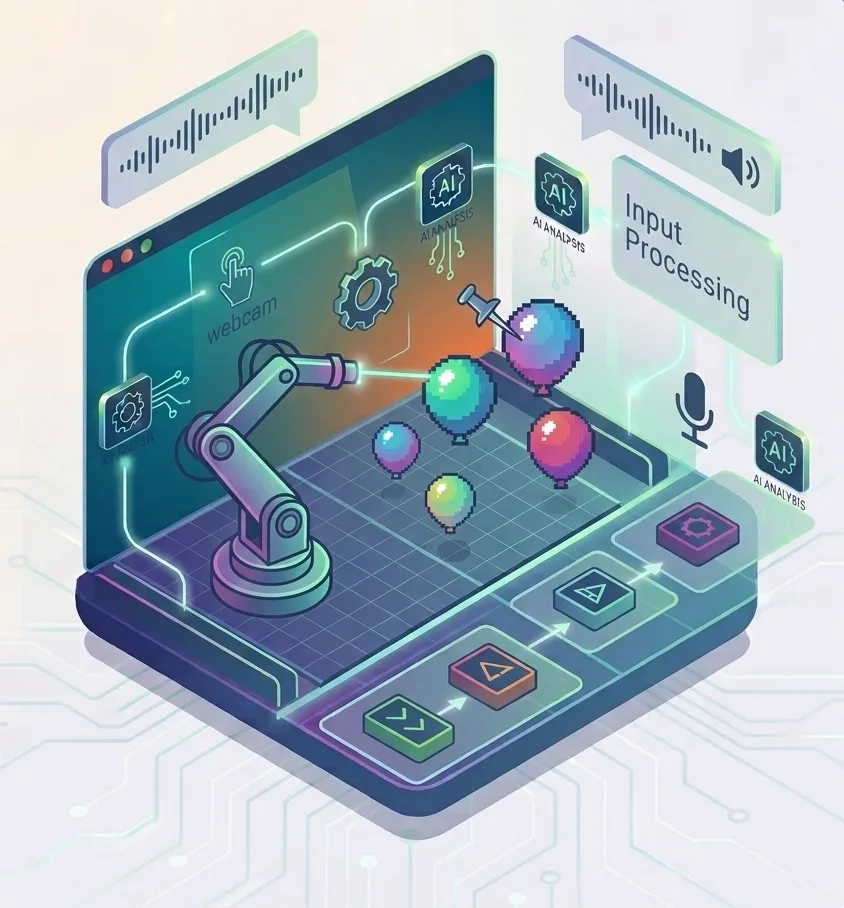
AI Balloon Pop
Combine motion detection with voice feedback
What Your Child Will Master
From booking to building projects — here’s what to expect
Book Free Trial
Schedule a no-obligation trial class at a time that works for your child
Get Matched
We pair your child with an instructor who matches their learning style
Start Learning
Live 45-minute classes via Zoom with real-time feedback and support
Build Projects
Create real projects, earn certificates, and track progress together
Class Duration
Private Sessions
Easy Rescheduling
Simple, Transparent Pricing
One complete program. Everything included. No hidden fees.
Ages 8-14 • All 4 Levels Included
AED 2,450
35 sessions × AED 70/session
- 35 live 1-on-1 sessions
- 4 skill levels (Beginner to Advanced)
- 12+ complete builds
- Drone programming mastery
- Redstone engineering
- Certificate of completion
What Parents Say
Join hundreds of happy parents who’ve seen their children thrive with iCodejr
“My daughter was shy about technology, but after just a few ScratchJr classes, she's now creating her own animated stories! The instructor was incredibly patient and made learning fun.”
“I was skeptical about online coding for such young children, but iCodejr proved me wrong. The structured curriculum and 1-on-1 attention keeps my son engaged throughout the class.”
“The progress reports are amazing — I can see exactly what my child is learning. She went from knowing nothing about coding to building her own games in just 3 months!”
“Both my twins take ScratchJr classes and they love showing off their projects to each other. The flexible scheduling makes it easy to fit into our busy family life.”
Earn Your ScratchJr Certificate
Celebrate your child’s achievement with an official iCodejr completion certificate a milestone they can proudly share with family and friends.
- Personalized with your child’s name and photo
- Lists all 36 skills and concepts mastered
- Shareable digital certificate for portfolios
- Pathway to Junior Tech Passport certification
- Recognition of coding fundamentals achievement
Want a complete learning journey?
Frequently Asked Questions
Do we need Minecraft Education Edition?
Yes, we use Minecraft Education Edition which provides the coding tools needed for drone programming. We’ll help you set it up before the first class. It’s available on Windows, Mac, iPad, and Chromebook.
Is this just playing Minecraft?
Not at all! While we use the familiar Minecraft world, students learn real programming concepts like variables, loops, conditionals, and algorithms. They write actual code to control drones that build structures automatically.
What's the difference between playing and creating?
Playing Minecraft involves manual block placement. In our course, students write programs that command drones to build entire structures automatically. A single script can build complex structures that would take hours to build by hand!
What age is appropriate for this course?
This course is designed for ages 8-14. Students should be familiar with basic Minecraft gameplay and comfortable using a keyboard. Prior coding experience is helpful but not required.
Can my child share their builds?
Absolutely! Students can export their builds and share them with friends and family. They’ll also build a portfolio of projects that showcases their programming skills.
What skills does drone programming develop?
Drone programming develops computational thinking, spatial reasoning, mathematical concepts, and problem-solving skills. Students learn to break down complex builds into smaller, programmable steps.
How does this prepare for text-based coding?
The programming concepts learned—variables, loops, conditionals, functions—are identical to those in Python, JavaScript, and other languages. Minecraft provides a visual, engaging way to master these fundamentals before transitioning to text-based coding.
What computer specs are needed?
Minecraft Education Edition runs on most modern computers. Minimum: Windows 10, macOS 10.14, or a compatible Chromebook/iPad. 4GB RAM recommended. We’ll verify compatibility during the trial class.