Roblox Game Development
From absolute beginner to published game developer. Master Lua scripting, 3D design, multiplayer systems, and launch your own games on Roblox’s platform of 200M+ players.
35 Sessions
8+ Games
Live 1-on-1
This Course Includes
35 Live 1-on-1 Sessions
Expert Game Developer
50-Minute Classes
Certificate on Completion
8+ Published Games
Lua Mastery
4.9/5
Parent Rating
500+
Happy Students
100%
Completion Rate
95%
Skill Improvement
Course Curriculum
Level 1
Beginner: Foundations & Obby Games
Sessions 1-11
Master Roblox Studio basics, create your first 3D environments, and build a fully playable Obby (obstacle course) game. Learn foundational Lua scripting.
Sessions 1-5
Studio Foundations
Object creation & manipulation
BrickColor & materials
Terrain building
Publishing to Roblox
Sessions 6-11
Lua Scripting Intro
Variables & data types
For loops & while loops
Functions
Fire & destruction effects
Projects Your Child Will Build
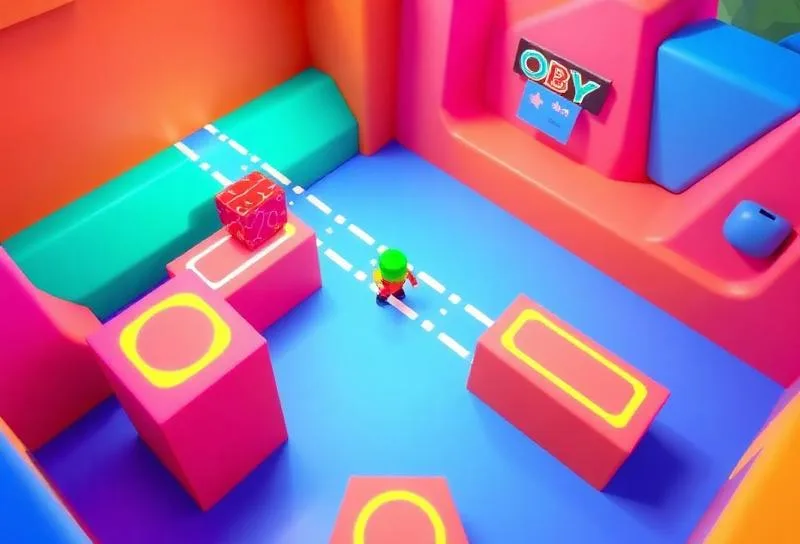
Playable Obby Game
Build a challenging obstacle course with checkpoints and win conditions
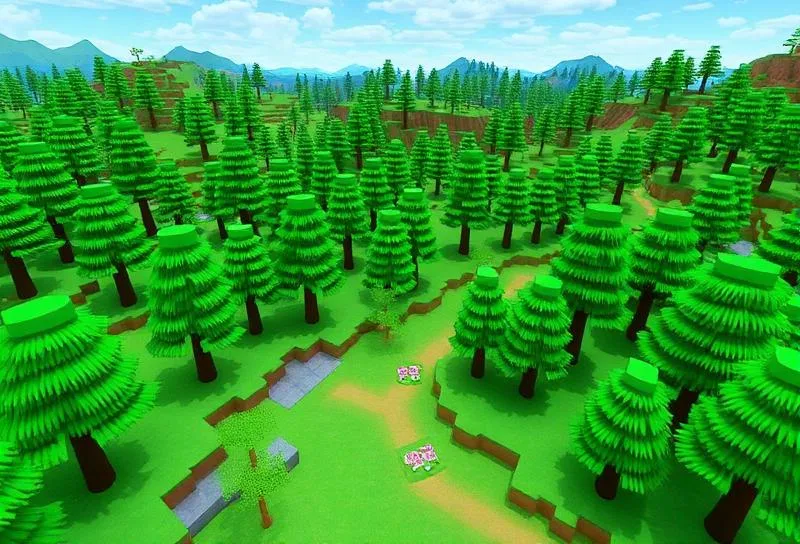
Forest World
Design a 3D environment with custom terrain and scenery
Level 2
Elementary: Events & Game Logic
Sessions 12-19
Deepen programming skills with events, timers, and scoring systems. Build interactive games with real game mechanics.
Sessions 12-15
Events & Interactions
Touched events
Player interactions
Part destruction on contact
Timer implementation
Sessions 16-19
Game Mechanics
Score & leaderboards
Arrays & data storage
Vanishing bridges
Challenge mechanics
Projects Your Child Will Build

Timed Challenge Game
Create a race-against-the-clock game with obstacles

Vanishing Bridge Game
Build platforms that disappear, testing player timing
Level 3
Intermediate: Data & Monetization
Sessions 20-27
Master advanced data structures, modular code, and learn to create in-game shops and monetization systems.
Sessions 20-23
Advanced Data Structures
Dictionaries
Inventory systems
Module scripts
Code organization
Sessions 24-27
Game Economy
In-game currency
Shop systems
Product purchases
Game passes basics
Projects Your Child Will Build

Adventure Quest Game
Build a story-driven game with inventory and progression

In-Game Shop
Create a functional shop with virtual currency
Level 4
Advanced: Multiplayer & Publishing
Sessions 28-35
Build multiplayer experiences, design professional GUIs, and publish a polished game ready for the Roblox community.
Sessions 28-31
Multiplayer Systems
Remote events
Player synchronization
Teams & rounds
Match logic
Sessions 32-35
Polish & Launch
GUI design
Sound & effects
Game optimization
Publishing & promotion
Projects Your Child Will Build
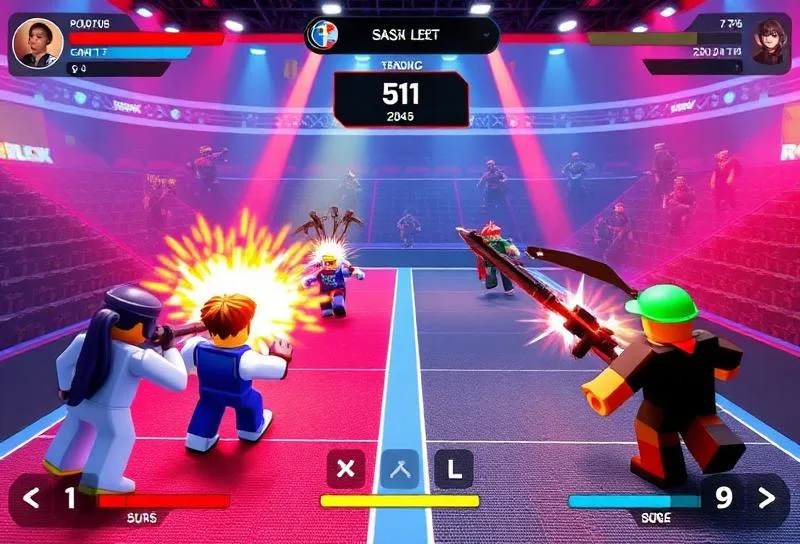
Multiplayer Arena
Create a team-based competitive game with rounds
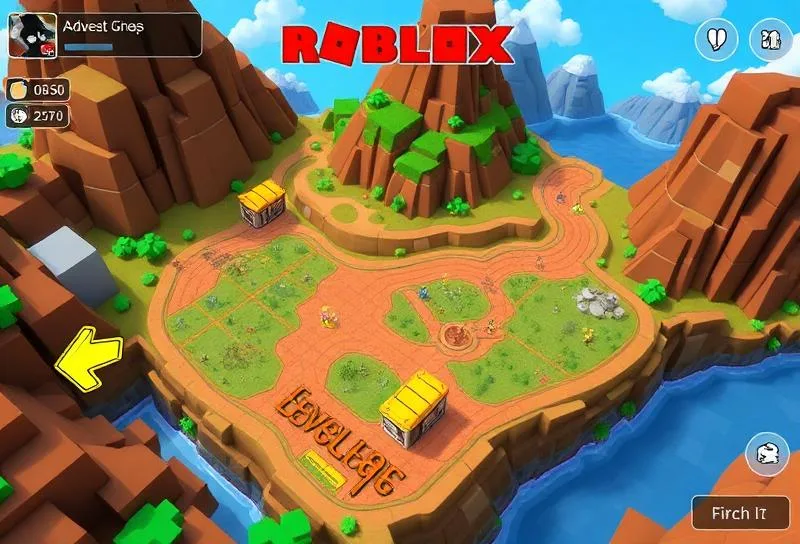
Published Portfolio Game
Polish and launch your own game on Roblox
How Classes Work
From booking to building projects — here’s what to expect
1
Book Free Trial
Schedule a no-obligation trial class at a time that works for your child
2
Get Matched
We pair your child with an instructor who matches their learning style
3
Start Learning
Live 45-minute classes via Zoom with real-time feedback and support
4
Build Projects
Create real projects, earn certificates, and track progress together
45 min
Class Duration
1-on-1
Private Sessions
24/7
Easy Rescheduling
What Your Child Will Learn
From booking to building projects — here’s what to expect
Build 3D games using Roblox Studio
Program in Lua scripting language
Design engaging game mechanics
Create multiplayer experiences
Implement in-game economies
Publish games to the Roblox platform
What Parents Say
Join hundreds of happy parents who’ve seen their children thrive with iCodejr
“My daughter was shy about technology, but after just a few ScratchJr classes, she’s now creating her own animated stories! The instructor was incredibly patient and made learning fun.”
S
Sarah M.
Parent of 6-year-old
“I was skeptical about online coding for such young children, but iCodejr proved me wrong. The structured curriculum and 1-on-1 attention keeps my son engaged throughout the class.”
A
Ahmed K.
Parent of 5-year-old
“The progress reports are amazing — I can see exactly what my child is learning. She went from knowing nothing about coding to building her own games in just 3 months!”
P
Priya R.
Parent of 7-year-old
“Both my twins take ScratchJr classes and they love showing off their projects to each other. The flexible scheduling makes it easy to fit into our busy family life.”
M
Mohammed A.
Parent of twins (age 6)
Earn Your ScratchJr Certificate
Celebrate your child’s achievement with an official iCodejr completion certificate a milestone they can proudly share with family and friends.
Personalized with your child's name and photo
Lists all 36 skills and concepts mastered
Shareable digital certificate for portfolios
Pathway to Junior Tech Passport certification
Recognition of coding fundamentals achievement
Want a complete learning journey?
Simple, Transparent Pricing
One complete program. Everything included. No hidden fees.
Complete Roblox Game Development Program
AED 935
/ 11 sessions
AED 85 per session
Duration
6 weeks
Not sure yet? Try a FREE trial class first!
What's Included
Live 1-on-1 Sessions
Expert Instructor
Flexible Scheduling
Completion Certificate
Easy Rescheduling
Progress Reports
Money-back guarantee
Cancel anytime
Secure payment
Continue Your Learning Journey
After completing ScratchJr, your child is ready for the next step in their coding journey
Ages 12-17
• 25 Sessions
Advanced Python for Kids
Master OOP, GUIs, APIs, and automation. Build real-world applications and games.
R
Roblox
Advanced Python
More Courses
Ready to Build Games on Roblox?
Book a free trial class and discover how your child can master the world’s most popular programming language through colorful projects and expert guidance.
Frequently Asked Questions
Yes! Students can publish their games to Roblox where millions of players can discover and play them. We teach safe publishing practices and help students share their creations responsibly.
Lua is one of the most beginner-friendly programming languages. Combined with the visual feedback of Roblox Studio, it’s an excellent first text-based language. Our instructors break down concepts step by step.
Roblox Studio runs on most modern computers. A PC or Mac with at least 8GB RAM and a dedicated graphics card is recommended for the best experience. We’ll help you verify your setup before starting.
Successful Roblox developers can earn Robux through game monetization, which can be converted to real currency through the DevEx program. While most students focus on learning, some have monetized their creations!
Playing Roblox is consuming content others made. Roblox Studio is the professional development tool where your child becomes a creator, learning real programming and game design skills.
Students learn to build games where multiple players can interact in real-time. We cover remote events, player synchronization, and team-based gameplay — skills used in professional game development.
This course is designed for ages 10-18 (Grades 5-12). Younger students start with visual building, while older students dive deeper into Lua programming and advanced systems.
Students build 8+ complete games including Obby courses, timed challenges, adventure games, shops, and multiplayer arenas. Each project teaches new skills and can be shared on Roblox.
Ready to Build Real Applications?
Book a free Advanced Python trial class and see your child create real-world projects with expert guidance.
We’ll contact you on WhatsApp to confirm your trial class